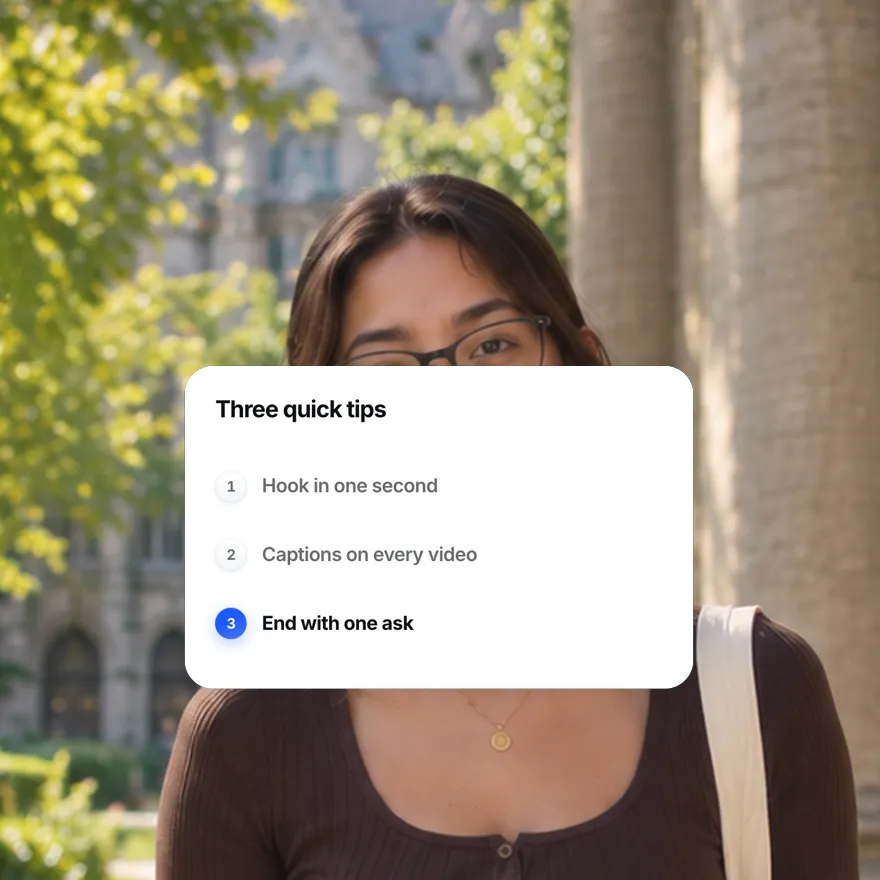
Used by 8,000+ creators
Animated Timeline and List Maker
Milestones that land one by one on a line that draws itself, plus checklists, numbered points and step rings. Four list styles, free 1080p MP4.
Free, no sign-up
By Sumit DeyUpdated
What is the Animated Timeline?
An animated timeline reveals steps one after another instead of showing the whole list at once. This page covers four list styles: a roadmap timeline, a ticking checklist, numbered points and step rings.
How it works
Each style is a card or a row of badges you fill with your own items. When it plays, items arrive one at a time on a steady beat, the current one takes the accent colour, and the rest stay muted.
Made for
- Roadmaps and company milestones
- Step by step tutorials
- Listicles and top tips videos
- Checklists before a purchase or launch
- Course and lesson outlines
Animated Timeline in three steps
Step 01
Choose a timeline, checklist, points or rings
Timelines for dates, checklists for things to do, numbered points for reasons and tips, rings for counting steps over a face.
Step 02
Write your items
Type a short title for each step and an optional detail like a date or a figure, then pick the accent colour.
Step 03
Set the beat and export
Set how fast each item arrives, pick 9:16, 16:9 or 1:1, and download a 1080p MP4 with no sign-up.
Four ways to reveal a list
 Open in the editor
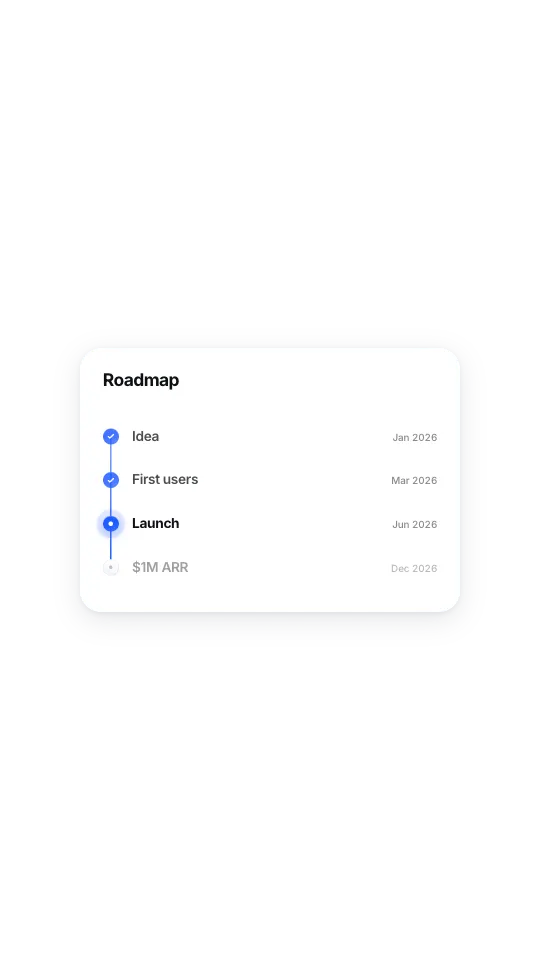
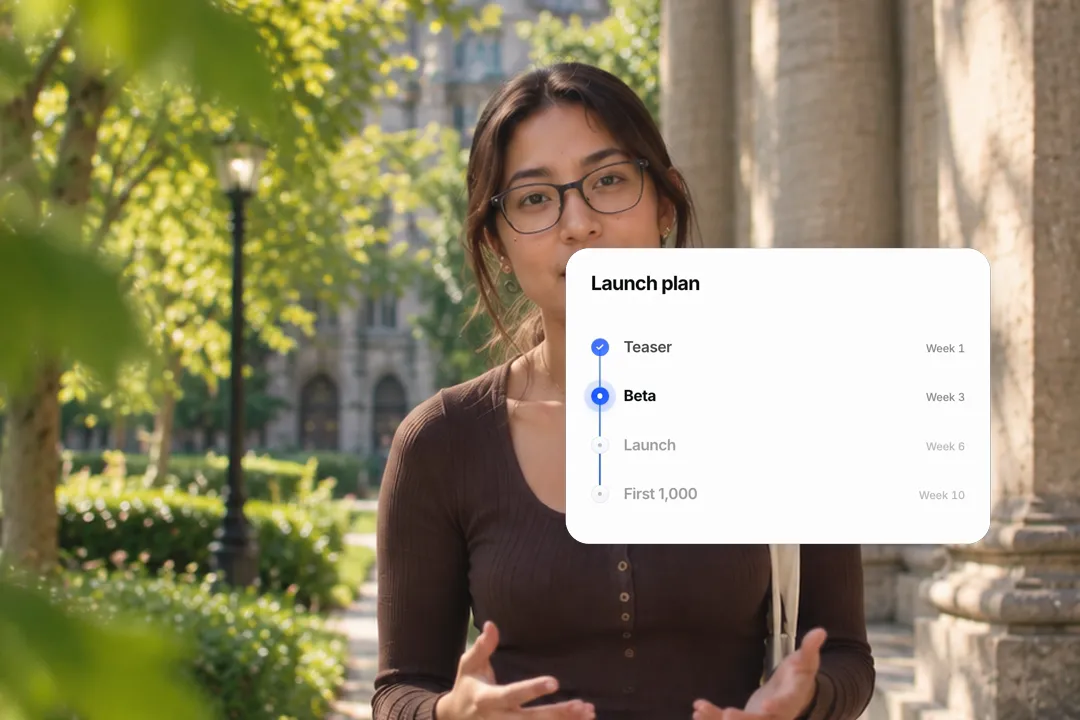
Timeline
Milestones on a vertical line that draws down, each node landing as it is reached.
 Open in the editor
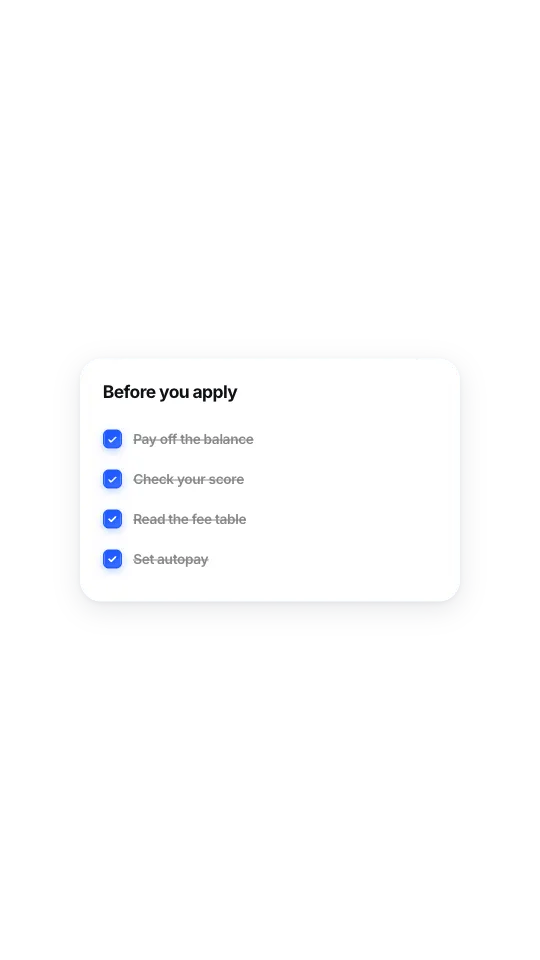
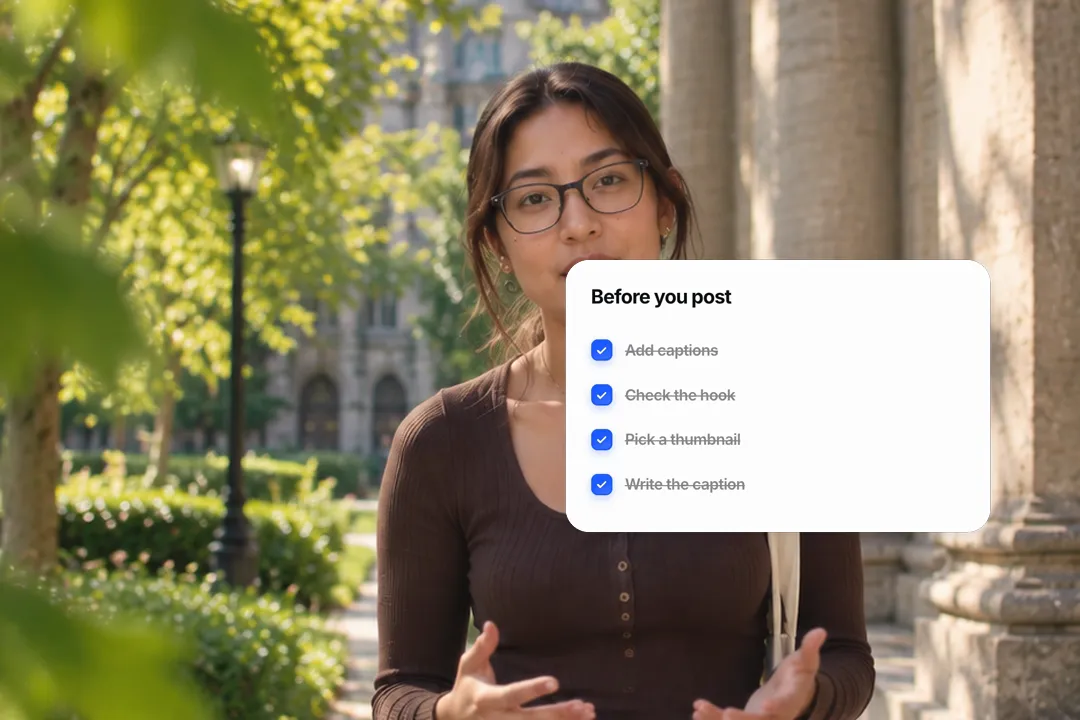
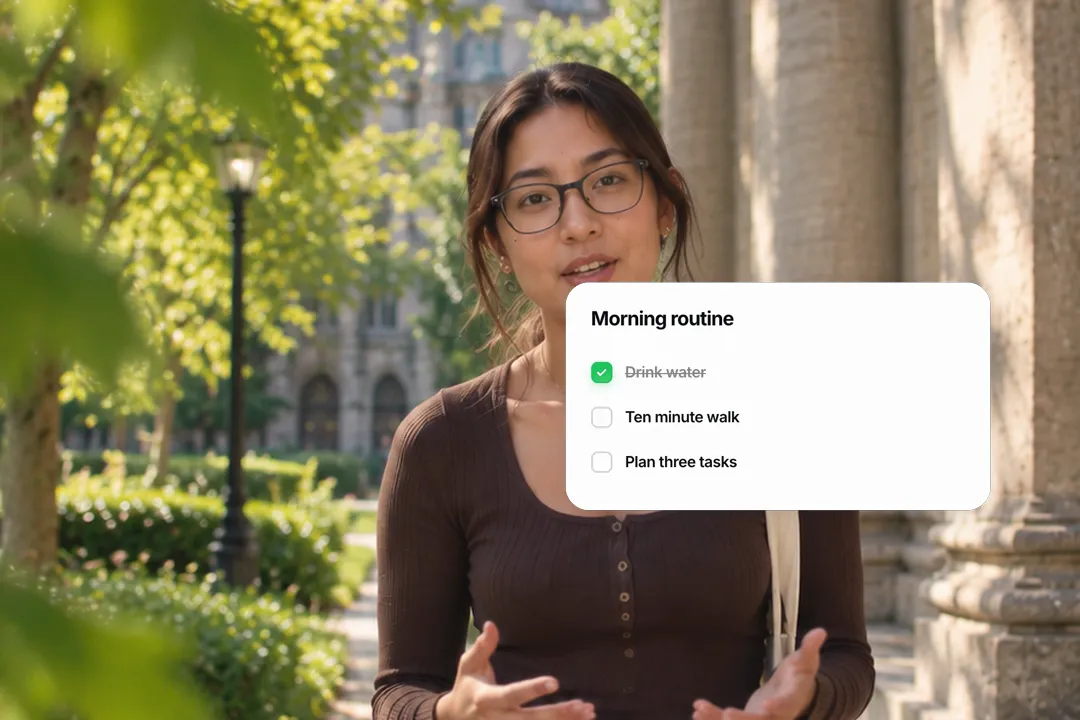
Checklist
Rows that tick on a beat and strike through, for things to do or check before you start.
 Open in the editor
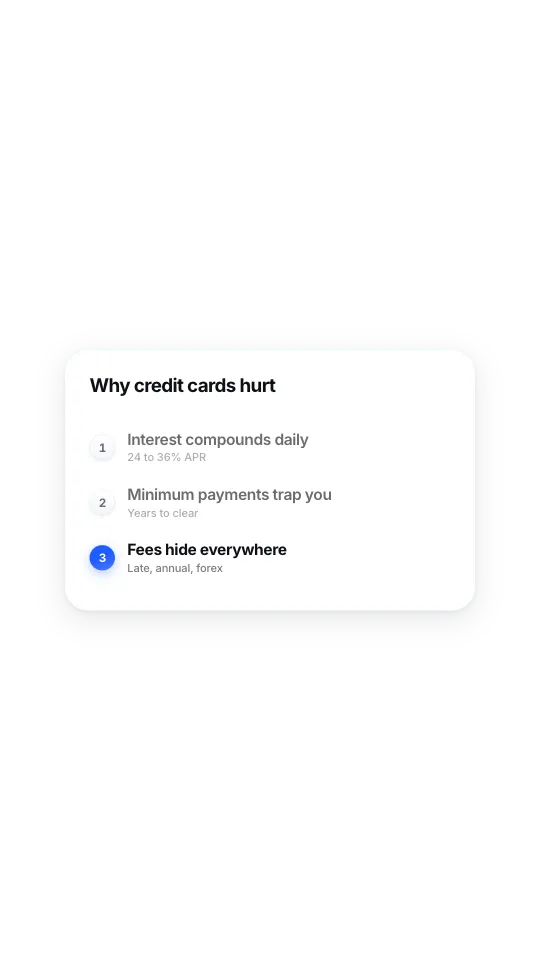
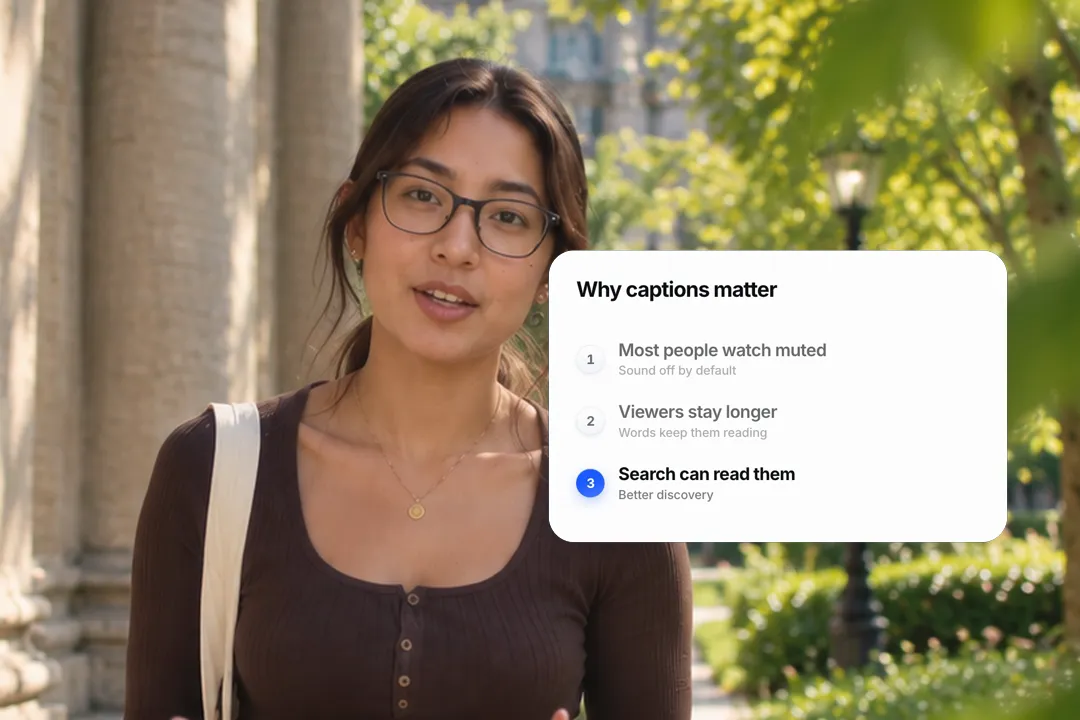
Numbered points
Points reveal one at a time and the latest takes the accent, for reasons, tips and steps.
 Open in the editor
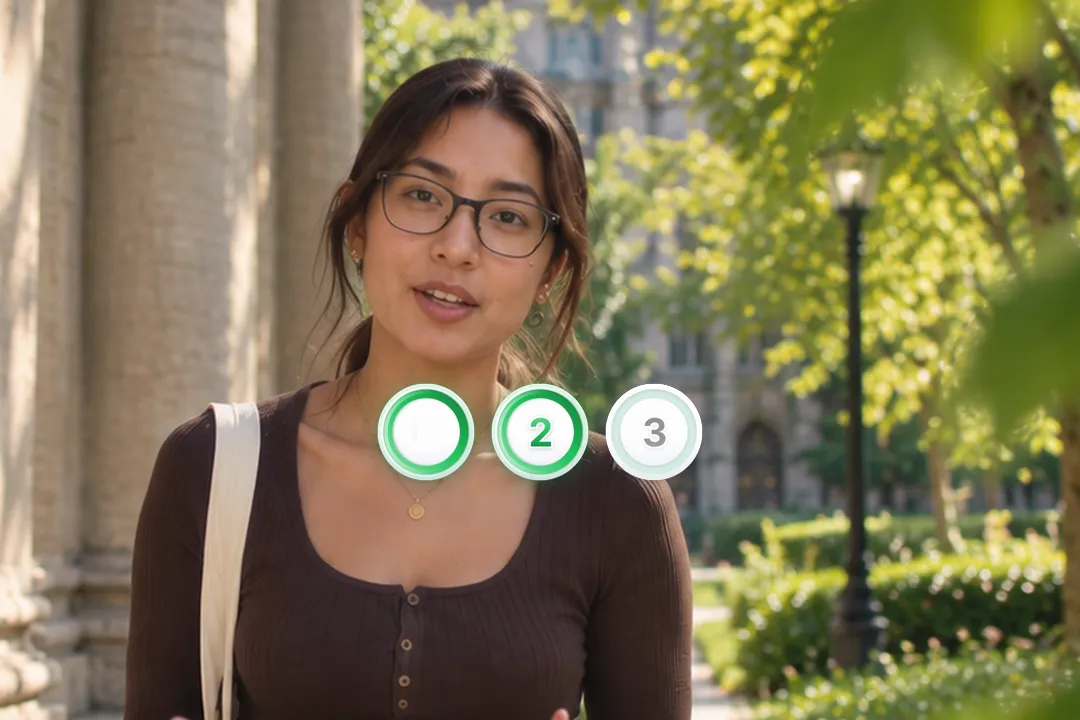
Step rings
Numbered discs whose rings sweep closed one after another, sized to sit over a talking head.
Why a list that builds beats a list that appears
Show a whole list at once and viewers read ahead, then stop listening. Reveal it item by item and they stay with you.
- 1
It sets the pace
Each item arrives when you start talking about it, so the screen never runs ahead of your voice.
- 2
It shows progress
The highlighted step tells viewers how far through the list they are, which keeps them watching to the end.
- 3
It creates small payoffs
Every new item is a tiny reveal. Numbered tips in particular make viewers wait for the next number.
- 4
It is easier to remember
Information delivered one piece at a time sticks better than a block of text, which matters for tutorials people follow.
Timeline, checklist, points or rings: which to use
The four styles look different because they say different things. Pick by what your list is made of.
- 1
A timeline for dates
Roadmaps, histories and project milestones. The line draws down and each node lands as you reach it.
- 2
A checklist for actions
Things to do before a purchase, a trip or a launch. Ticks and strike-throughs feel satisfying to watch.
- 3
Numbered points for reasons
Tips, mistakes and reasons. The number tells viewers how many are left, which keeps them watching.
- 4
Step rings over a face
Three or four numbered discs that sit beside the speaker, for step one, step two, step three moments.
Writing items that read in a second
On screen, list items get about a second each. Short, concrete wording is what makes that enough.
- 1
Three to six words per item
Pay off the balance reads instantly; a full sentence does not. Put detail in the optional second line.
- 2
Start with a verb for actions
Check, set, read, book. Action items starting with a verb read as instructions, which is what a checklist is.
- 3
Four or five items at most
Beyond five, each item gets smaller and the list feels like homework. Split longer lists into two cards.
- 4
Keep items parallel
Start every item the same way, all verbs or all nouns, so the list reads as one set rather than a jumble.
Timing the reveal to your voice
The beat setting decides whether the list feels rushed, natural or dramatic.
- 1
Match the beat to your pace
If you spend three seconds on each tip, set a slower beat so each item lands as you start it.
- 2
Hold the finished list
Let the complete list stay for a moment at the end. Viewers often pause to screenshot it.
- 3
Cut away between long items
For long explanations, export one card per item and cut back to your face in between.
- 4
Sync it to the music
On music-led videos, set the beat so each item lands on a downbeat; the list then feels edited, not pasted on.
Best Platforms for Animated Timeline
- 1
YouTube
Tutorials and explainers are lists at heart. A list that builds as you talk tells viewers where they are in the video.
- 2
Instagram Reels
Tip carousels became tip reels. Numbered points revealed on the beat keep viewers waiting for the next one.
- 3
LinkedIn
Roadmaps and milestones read well on LinkedIn. A timeline that draws itself makes a company story feel like progress.
Animated Timeline, answered
Is the animated timeline maker free?
Yes. All four list styles run in your browser and export a 1080p MP4 with no sign-up and no watermark. Edit the items and export again as often as you like.
How many steps can a timeline have?
Four to five steps read best on a phone, and the card is designed around that. For a longer history, split it into two timelines and show them one after the other.
Can I mark the current step on a roadmap?
Yes. The timeline lets you set which step is current, so past milestones show as done and the current one takes the accent colour. It suits roadmap and progress update videos.
Can the checklist start with some items already ticked?
Yes. You set how many items begin checked, so the animation can tick only the remaining ones, which suits progress updates. Viewers then watch only the newest items tick, which reads as a live progress update.
Can I use dots instead of numbers in the list?
Yes. The numbered points card can use numbers, dots or ticks as markers, depending on whether the order of the items matters to the viewer. Numbers suit ranked tips, dots suit equal reasons.
What are step rings for?
Step rings are numbered discs that sit beside a speaker on camera. Each ring sweeps closed as you reach that step, which suits step one, step two, step three explanations.
More free motion elements
Caption styles, platforms and tools
From the blog
How Video Captions Increase Watch Time by 40% (2026 Data)
The data is clear: videos with captions get more views, higher watch time, and better algorithmic reach. Here is what the research shows, why it works, and how animated captions outperform static ones.
Animated Captions for Faceless Video: Styles That Hold Attention
On a faceless video the captions are not a subtitle track. They are the performance, the emphasis, and the only brand asset that appears in every single frame. Here is how to choose and apply them.
Faceless Reels and TikToks: A Format Guide That Actually Names the Caption Style
Short-form is where faceless content is won or lost, and it is also where the safe zones, the mute default, and the three-second judgement are least forgiving. Here is the format-by-format breakdown.
Create a Free Animated Timeline Motion Element
Free, no sign-up