Used by 8,000+ creators
Animated Quote Card
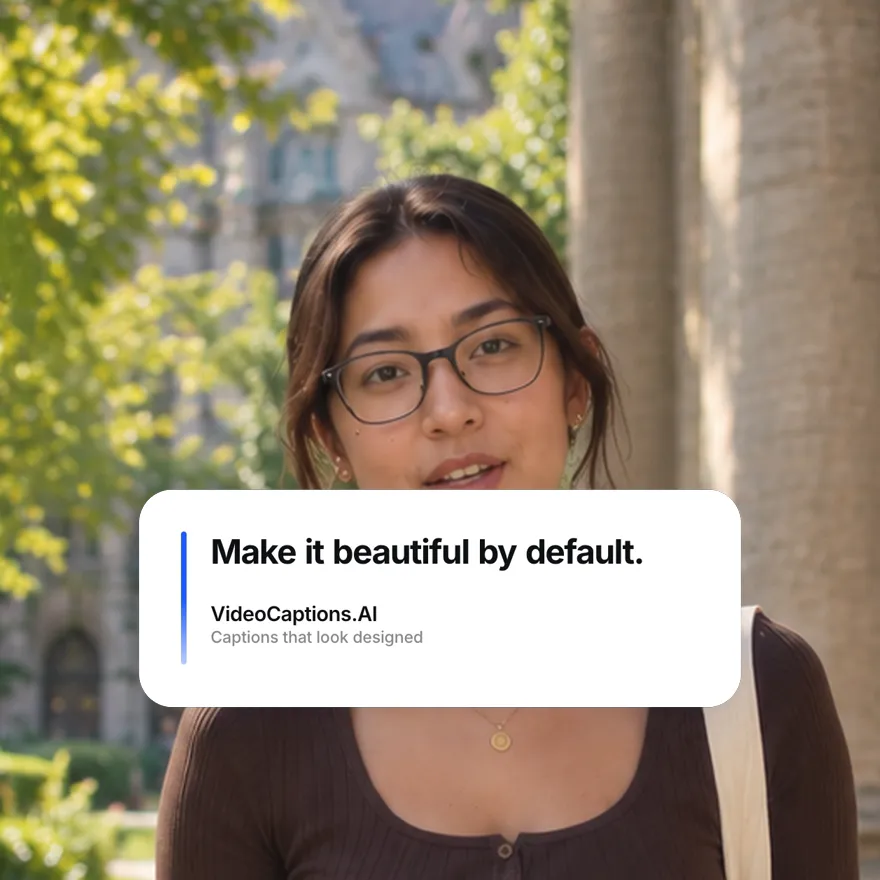
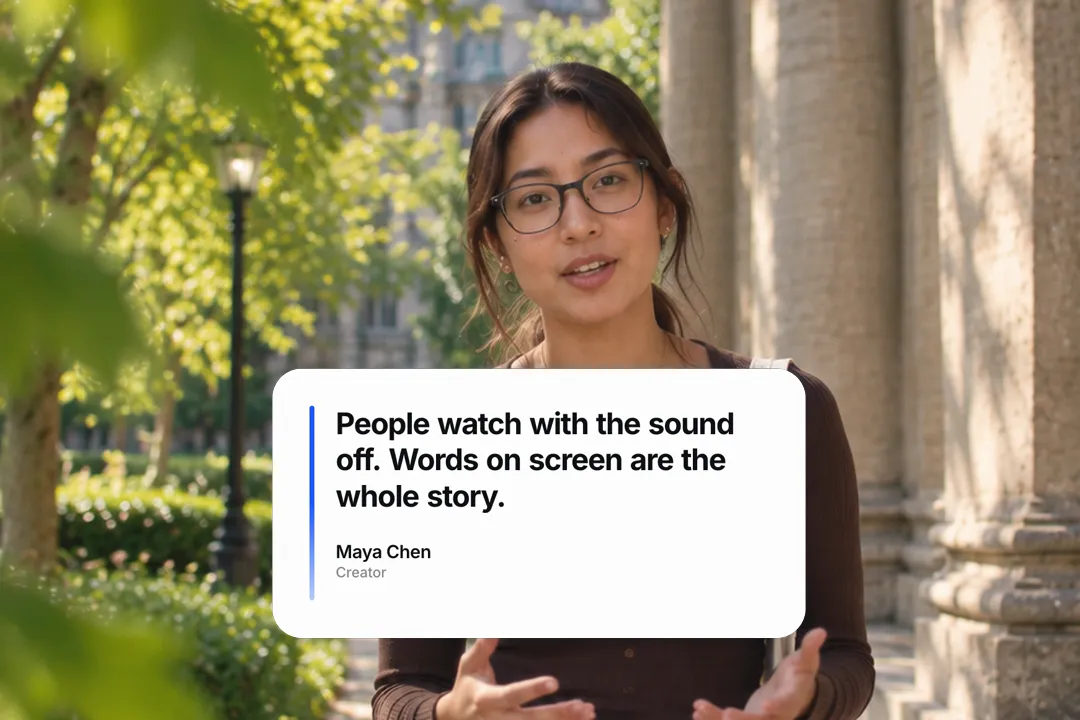
A big quote settles in word by word beside an accent rail, with the author and role underneath. Testimonials, pull quotes and lines worth pausing on, free 1080p MP4.
Free, no sign-up
By Sumit DeyUpdated
What is the Quote Card?
An animated quote card puts a quote on screen as a designed card, with the words arriving one by one and the attribution below. It gives a line the weight of a magazine pull quote.
How it works
The card appears, then the quote's words settle in one after another next to a coloured rail, and the author and role fade in underneath. You set the quote, the author, the role, the card width, the colours and the pace of the words.
Made for
- Customer testimonials
- Pull quotes in interviews and podcasts
- Book and course quotes
- Founder and leadership statements
- Motivational and educational clips
Quote Card in three steps
Step 01
Paste the quote
Type the quote itself, then the author's name and their role or company underneath.
Step 02
Pick colours and pace
Set the accent rail, card and text colours, the card width and how quickly each word settles.
Step 03
Export the MP4
Pick 9:16, 16:9 or 1:1 and download a 1080p MP4 with no sign-up and no watermark.
Why a quote card beats a quote in captions
A line from a speaker can pass in a second inside captions. Pulling it onto a card tells viewers this one matters.
- 1
It stops the scroll
The card changes the frame, which signals a key moment and gives the quote room to land.
- 2
Words settling in set the pace
Arriving one by one, the quote is read at the speed it was meant, not skimmed.
- 3
Attribution adds weight
A name and role under the quote turns an opinion into a statement from someone.
- 4
It survives a muted feed
Muted viewers miss the spoken line entirely. On a card, the quote reaches them anyway, with the speaker's name attached.
Testimonials that do not look staged
Customer quotes only persuade when they sound like customers. The card helps, but the words matter more.
- 1
Use their exact words
Light edits for length are fine, but keep the customer's phrasing. Polished marketing language reads as invented.
- 2
Pick a specific result
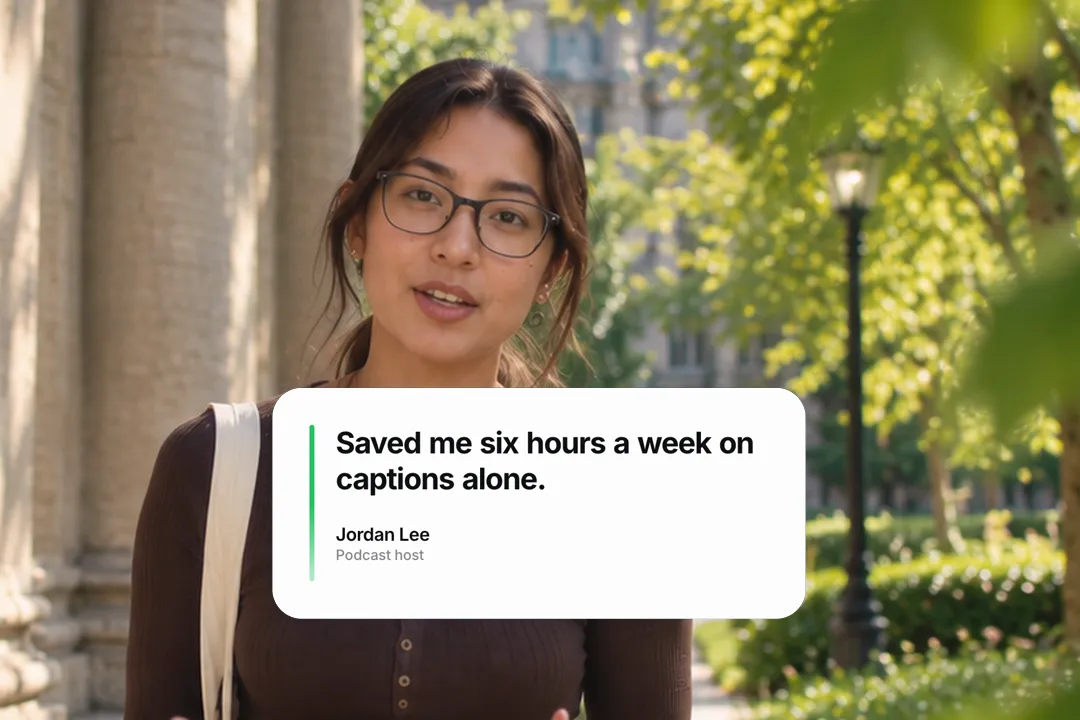
Saved me six hours a week beats amazing tool. Specific quotes are believed; generic praise is skipped.
- 3
Name the person and context
A real first name and role, such as a podcast host or a course creator, makes the quote credible.
- 4
Keep the card plain
A calm card with one accent lets the words carry the weight; heavy styling makes a testimonial look like an advert.
Pull quotes from interviews and podcasts
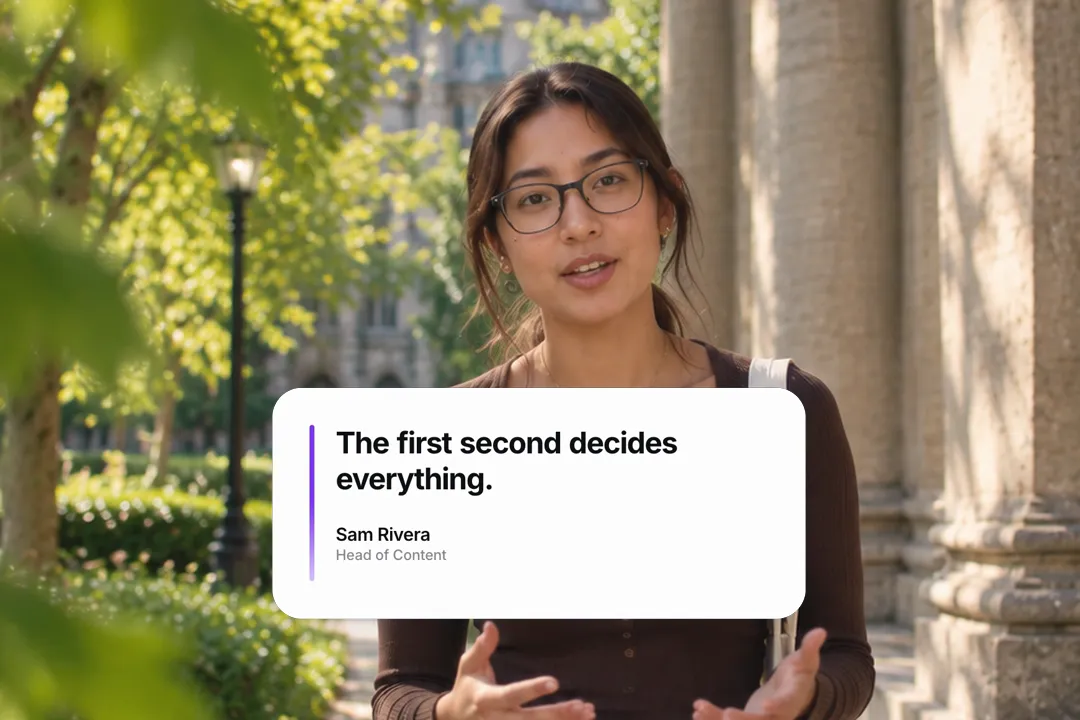
Long conversations hide their best lines. A quote card brings one to the surface.
- 1
Find the line that stands alone
Pick a sentence that makes sense without the question before it, so it works as a standalone clip.
- 2
Keep it under twenty words
Short quotes read in one pass and sit comfortably on the card at phone size.
- 3
Show it as it is said
Cut to the card on the line itself, then back to the speaker, so the quote and the voice reinforce each other.
- 4
Credit the speaker
Always show the speaker's name and role, so a clip that travels on its own still carries the attribution.
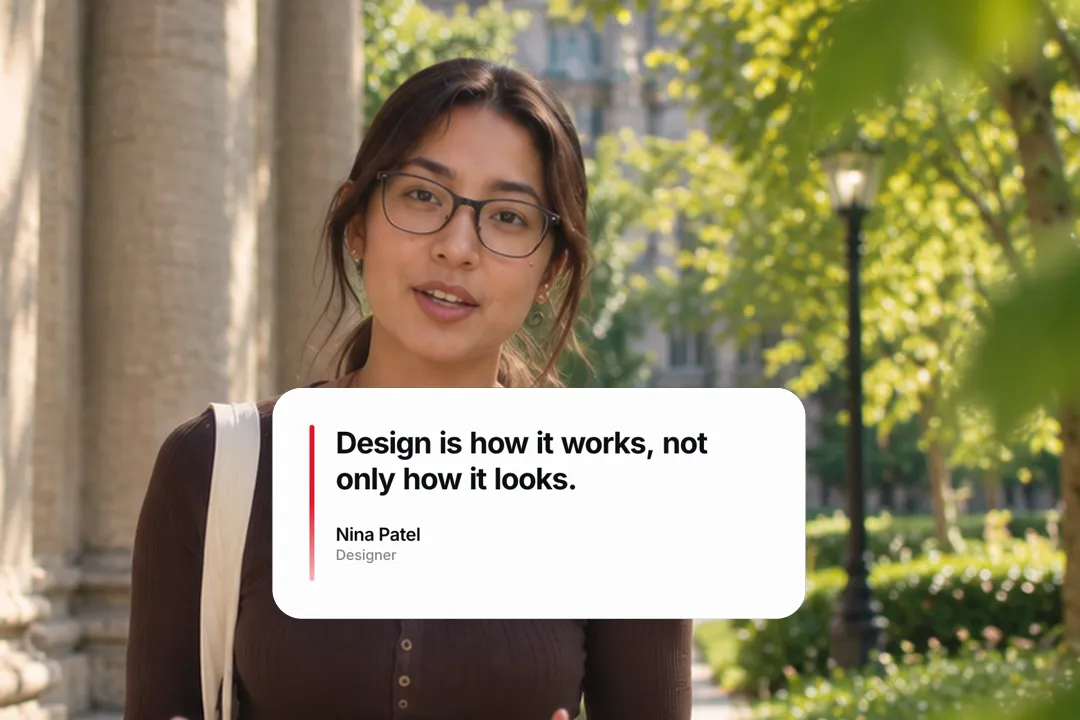
Styling the card
A few settings decide whether the card looks like your brand or a stock template.
- 1
The rail carries your colour
Set the accent rail to your brand colour; it is the one splash of colour on an otherwise calm card.
- 2
Width follows the quote
A wider card suits long quotes and landscape video; a narrower one fits short lines and vertical frames.
- 3
Word pace sets the mood
Fast settling feels confident and punchy, while slower settling suits reflective or emotional quotes that need room.
- 4
Leave room around it
Over footage, keep the card off the speaker's face; on a plain background, centre it with generous space on every side.
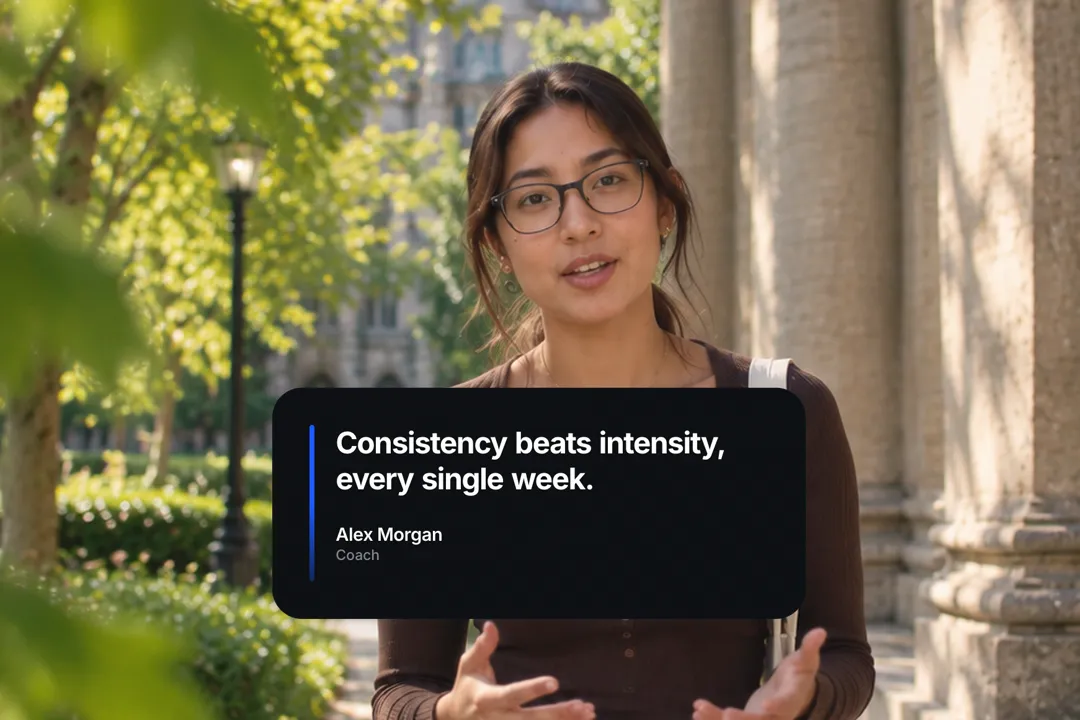
Best Platforms for Quote Card
- 1
LinkedIn
Quotes from customers and leaders are LinkedIn staples. A clean card reads as credible and professional.
- 2
YouTube
Interview and podcast clips use pull quotes to highlight the best line. The card holds it on screen long enough to remember.
- 3
Instagram Reels
Quote content performs on Reels when it moves. Words settling in one by one turn a static quote into a moment.
Quote Card, answered
Is the animated quote card free?
Yes. It runs in your browser and exports a 1080p MP4 with no sign-up and no watermark. Change the quote and export again for every testimonial. Each card takes about a minute.
How long can the quote be?
Under twenty words reads best on a phone. Longer quotes still fit, but each word gets smaller and the card takes longer to settle. Split a long quote into two cards if needed.
Can I add the person's role or company?
Yes. There is a field for the author's name and a separate field for their role or company, shown in a muted line under the quote. Either line can be left short.
Can I change the speed of the words?
Yes. One setting controls how quickly each word settles in, and another controls how long the finished card holds before it leaves. Slower settling suits emotional quotes; faster settling suits bold statements.
Can I use it for customer testimonials?
Yes, it is built for that. Use the customer's real words, a specific result and their name and role for a testimonial that reads as genuine. Always ask the customer's permission first.
Can I match the card to my brand colours?
Yes. The accent rail, the card background and the text colour are all separate settings, so the card can match any brand palette. One accent colour on a calm card is usually enough.
More free motion elements
- Animated Timeline
- Name Lower Third
- Chat Bubble Animation
- Text Reveal
- Number counter animation generator
- 3D text animation generator
- Google search animation generator
- Notification animation
- Sticker animation maker
- YouTube subscribe animation
- Money counter animation
- Countdown animation
- Cutting mat generator
- All motion elements
Caption styles, platforms and tools
From the blog
How Video Captions Increase Watch Time by 40% (2026 Data)
The data is clear: videos with captions get more views, higher watch time, and better algorithmic reach. Here is what the research shows, why it works, and how animated captions outperform static ones.
Animated Captions for Faceless Video: Styles That Hold Attention
On a faceless video the captions are not a subtitle track. They are the performance, the emphasis, and the only brand asset that appears in every single frame. Here is how to choose and apply them.
Faceless Reels and TikToks: A Format Guide That Actually Names the Caption Style
Short-form is where faceless content is won or lost, and it is also where the safe zones, the mute default, and the three-second judgement are least forgiving. Here is the format-by-format breakdown.
Create a Free Quote Card Motion Element
Free, no sign-up