Text animation generator
Type your words, pick an animation, export an MP4. Text reveals, typewriter, 3D text, quotes and lower thirds, free in your browser.
Browse text animations Text
TextText revealed through masks, wipes, or splits. Cinematic entrances for titles and key messages.
 Text
TextCharacter-by-character typing with a blinking cursor. The classic typewriter effect for any text.
 Text
TextText cycling through multiple words with smooth transitions. Show variety in a single element.
 Text
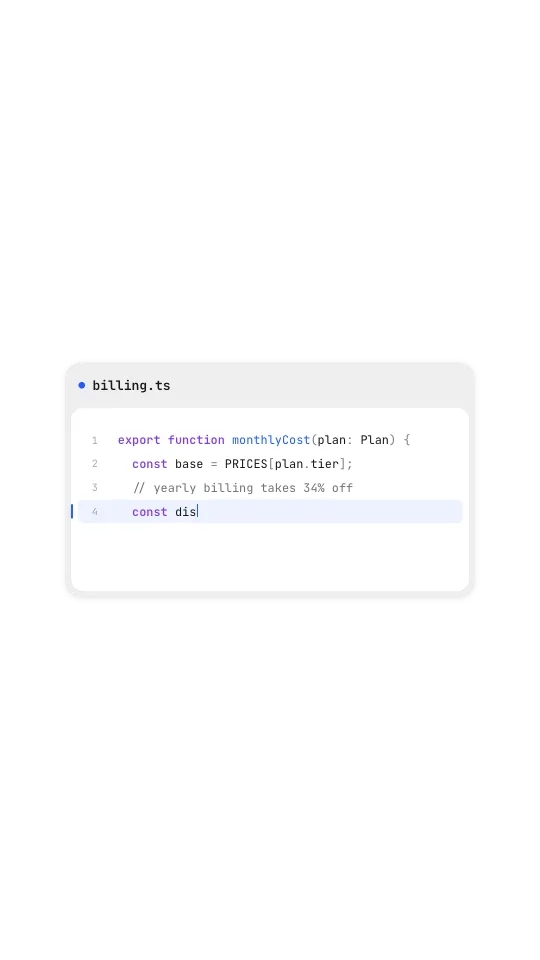
TextA code block inside a widget: file name in the header, lines typing out with a highlighted line.
 Text
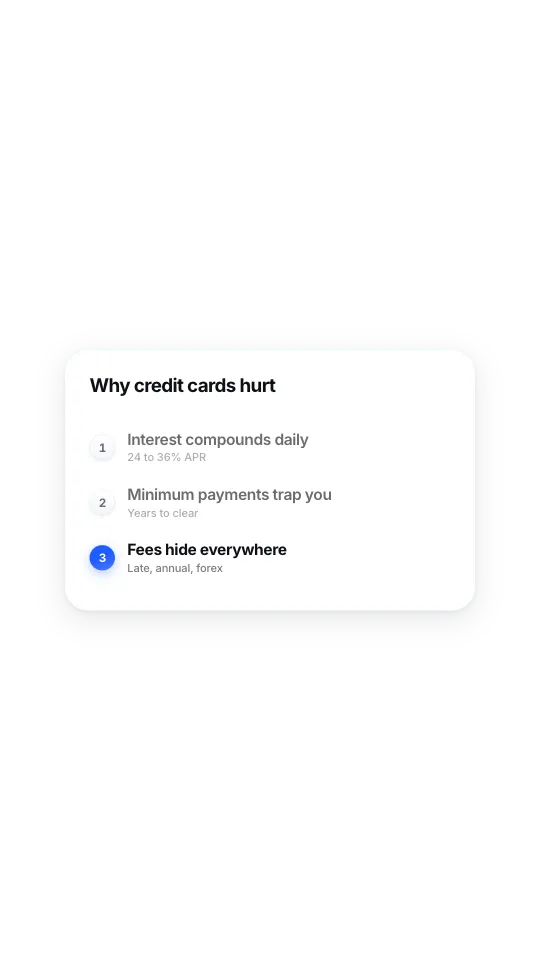
TextNumbered points that reveal one at a time; the latest takes the accent.
 Text
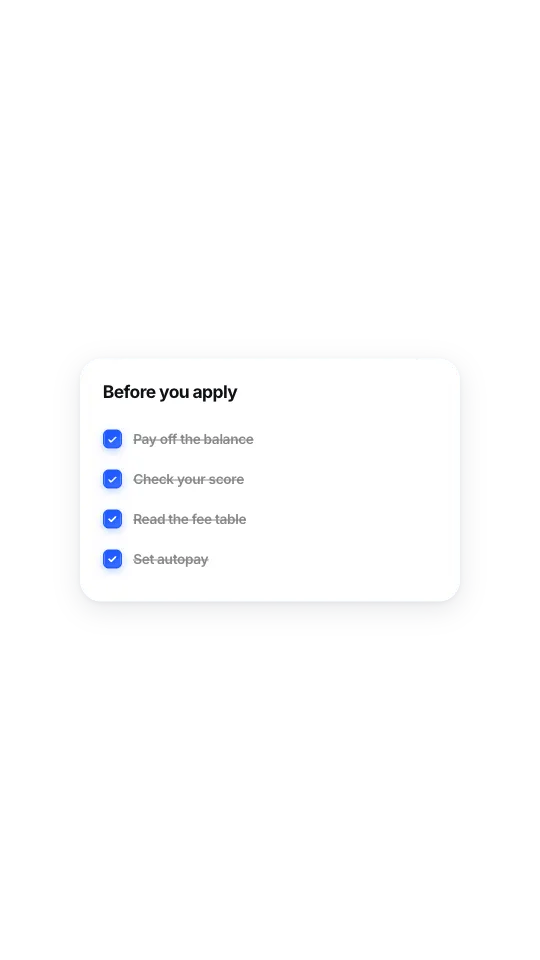
TextRows that tick on a beat and strike through.
 Text
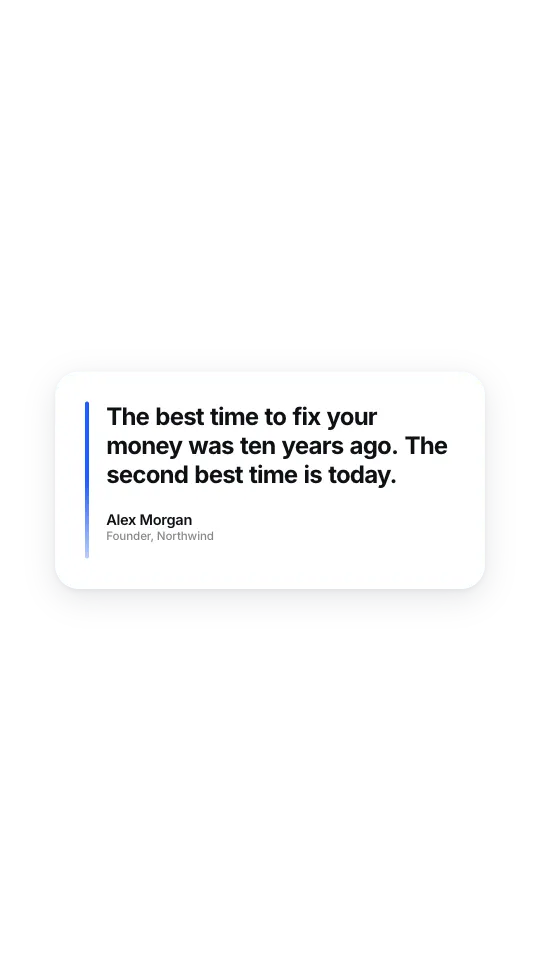
TextA big quote settling in word by word, with an accent rail and a muted attribution.
 Text
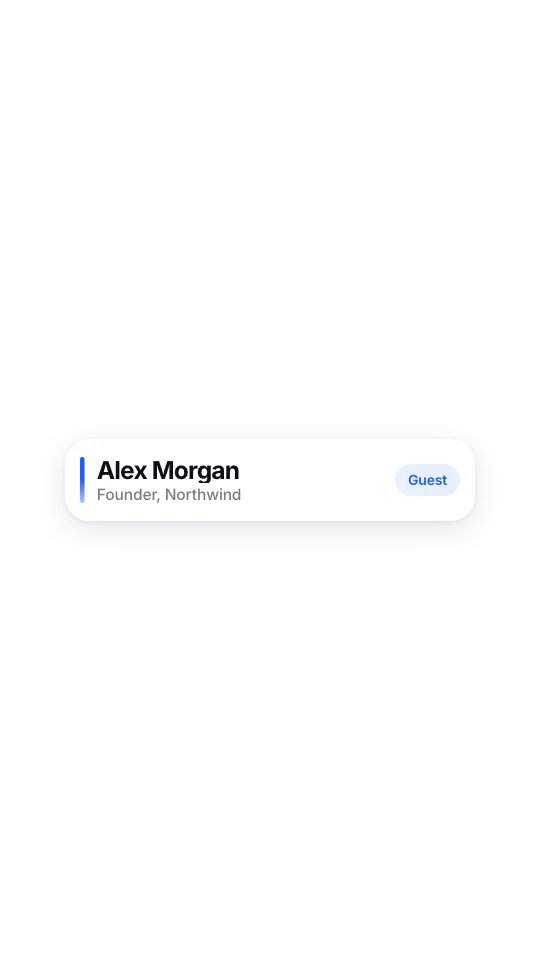
TextA clean white lower third: accent rail, name and role settle in, tag chip pops.
 Text
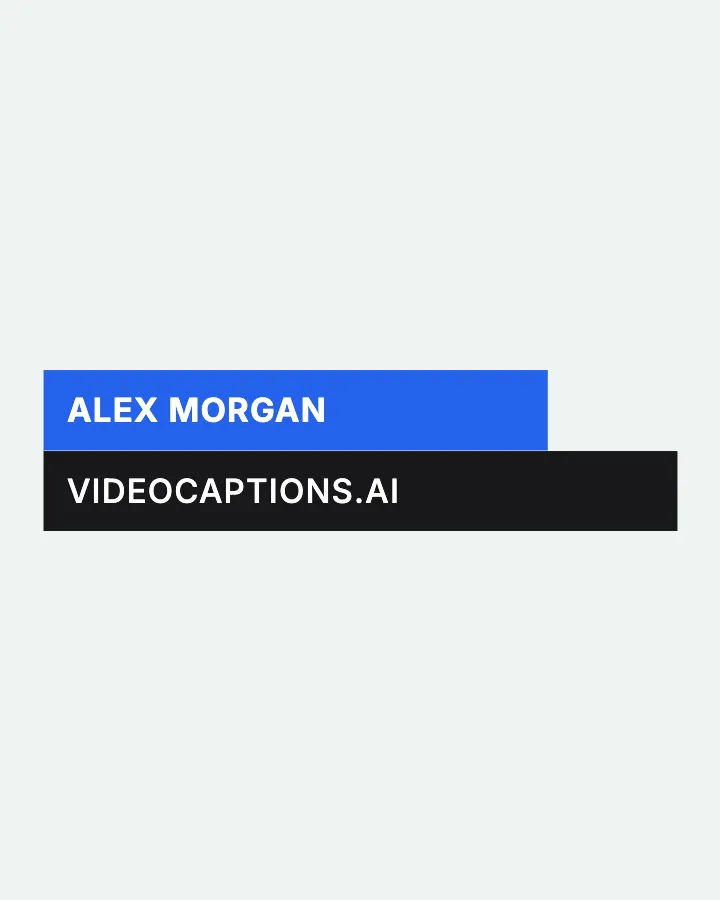
TextTwo coloured bars slide in with a name and title, hold, then slide out.
 Text
TextA bright shine sweeps across the words on a loop, like light moving over metal.
 Text
TextA word extrudes into depth at your chosen angle, face and body coloured separately.
 Text
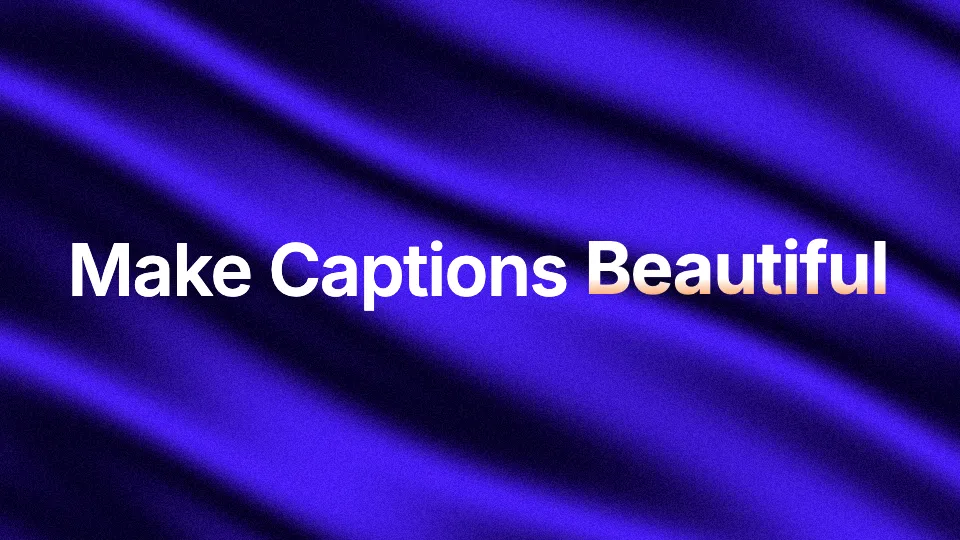
TextRotating word carousel over an animated silk shader background.
Animated text for Reels, Shorts and YouTube
Each text animation above is a live template. Click one, type your own words, change the font colour and timing, and export an MP4 in your browser. Text reveal and typewriter work for hooks and titles. Rotating text swaps one word in a sentence, which is how you show a list of options without a wall of copy. Shimmer and extruded 3D text are for single words that need to feel big, like a product name or a number. Lower thirds put a name and role on screen when someone starts talking, and the quote card turns a line from your video into something people screenshot.
How to use an animated text overlay in any editor
Export the animation as an MP4 and drop it on the track above your video in CapCut, Premiere Pro, DaVinci Resolve or any other editor. Many templates let you turn the background off or pick a colour that matches your video. Keep on-screen text short: four to six words is plenty for a hook, and anything longer should be split across two beats. If you want the words you speak to animate as captions instead, that is a different job, and the caption editor does it word by word from your voice.
Text animation generator: frequently asked questions
Is this text animation generator free?
Yes. You can edit any text animation and export it as an MP4 in your browser without signing up, and there is no watermark on the export.
Can I use my own words and colours?
Yes. Every template is editable: type your own text, pick the colours, and adjust the timing before you export. The preview updates as you type, so you see the final animation before you download it.
What format does the animated text export in?
Each animation exports as an MP4 video you can place in any video editor. Many templates also let you turn the background off or change its colour before you export.
How is this different from animated captions?
These are designed text overlays you type yourself, like titles, hooks, quotes and lower thirds. Animated captions are generated from what you say in the video, word by word, which the caption editor does automatically.
Looking for charts, counters and mockups too? See every motion element.
Captions that arebeautiful by default.
Want the words you say to animate too? The caption editor turns your voice into styled, word-by-word captions.
Caption a video