Used by 8,000+ creators
Lower Third Generator
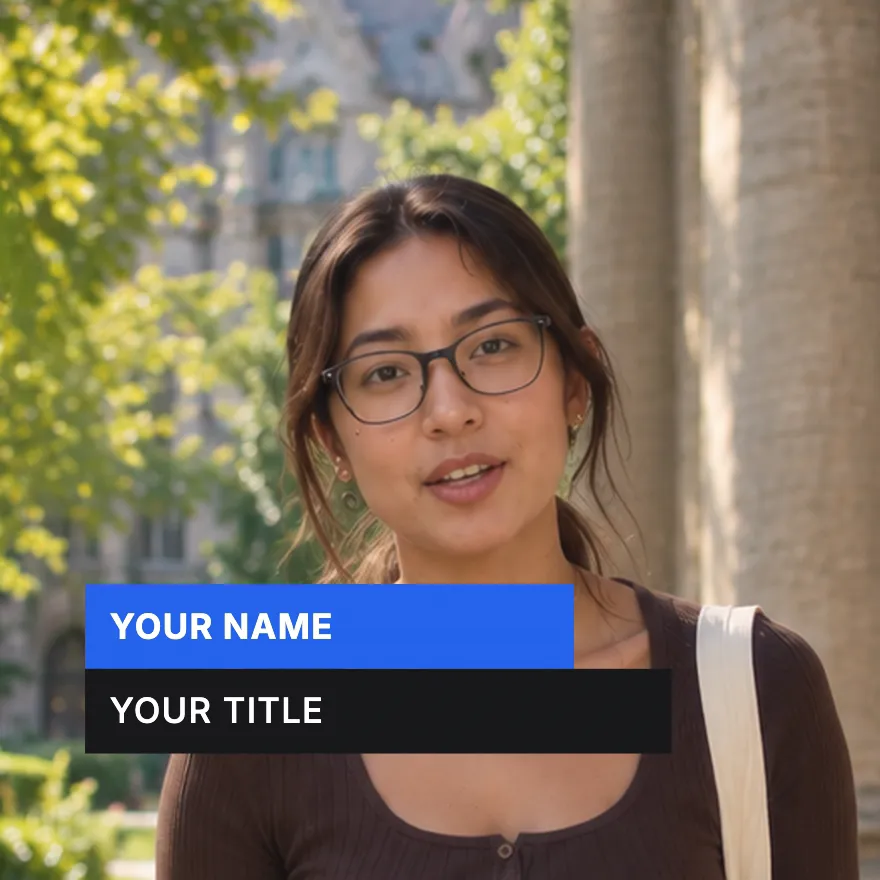
Type a name and a title. Two coloured bars wipe open, hold as long as you need, then slide away. Export a free 1080p MP4 in seconds.
Free, no sign-up
By Sumit DeyUpdated
What is the Name Lower Third?
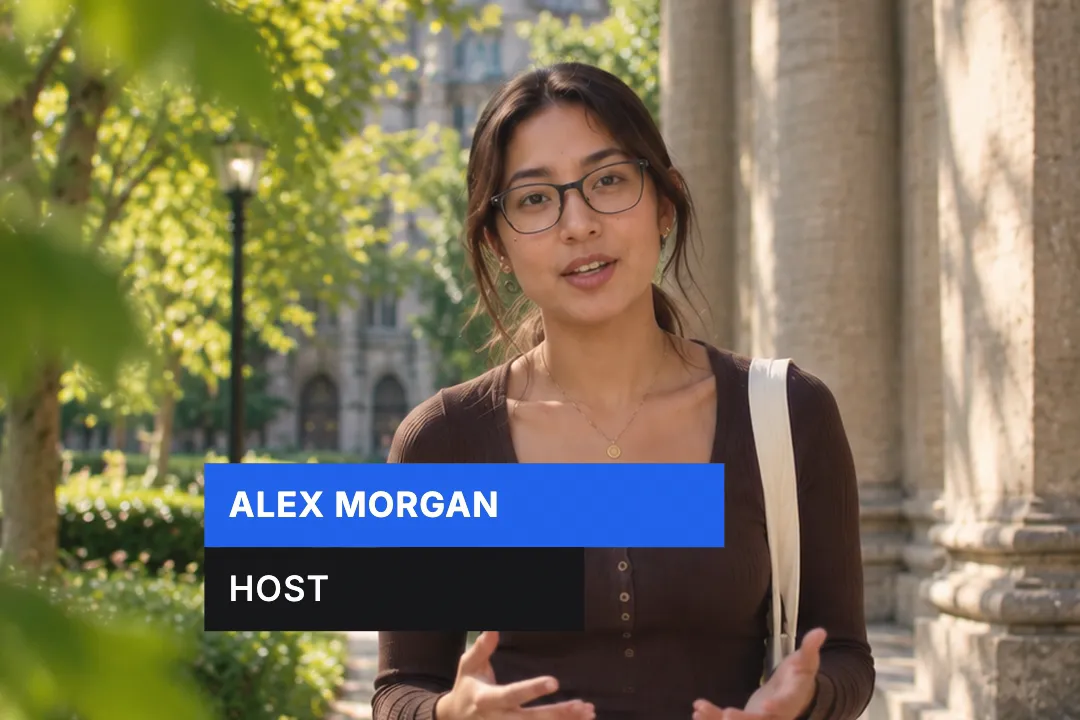
A lower third is the name and title strip that appears near the bottom of the frame when someone speaks. This one is two stacked bars: the name on top, the role underneath, each in its own colour.
How it works
Both bars wipe open from left to right and settle into place. They hold for as long as you set, up to twenty seconds, then wipe closed. Type size and padding scale with the bar height, so it stays balanced.
Made for
- Introducing guests in interviews and podcasts
- Naming speakers in webinars and talks
- Location and date cards in vlogs
- Expert quotes in documentaries and explainers
- Hosts on news-style and commentary channels
Name Lower Third in three steps
Step 01
Type the name and the role
The top bar takes the person's name and the bottom bar their title, company or handle. Short lines read fastest.
Step 02
Set colours, height and width
Pick a fill for each bar and the text colour, then the bar height and widths. A wider bottom bar is what makes the plate read.
Step 03
Choose the hold and export
Set how long the bars stay open, pick 16:9, 9:16 or 1:1, and download a 1080p MP4 with no sign-up.
Two lower third styles
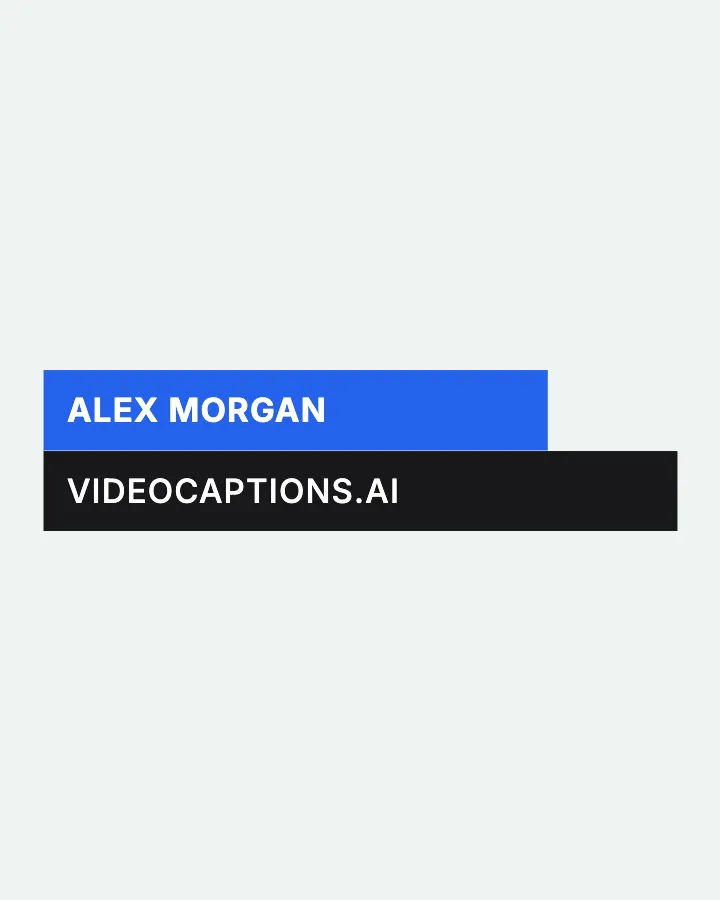
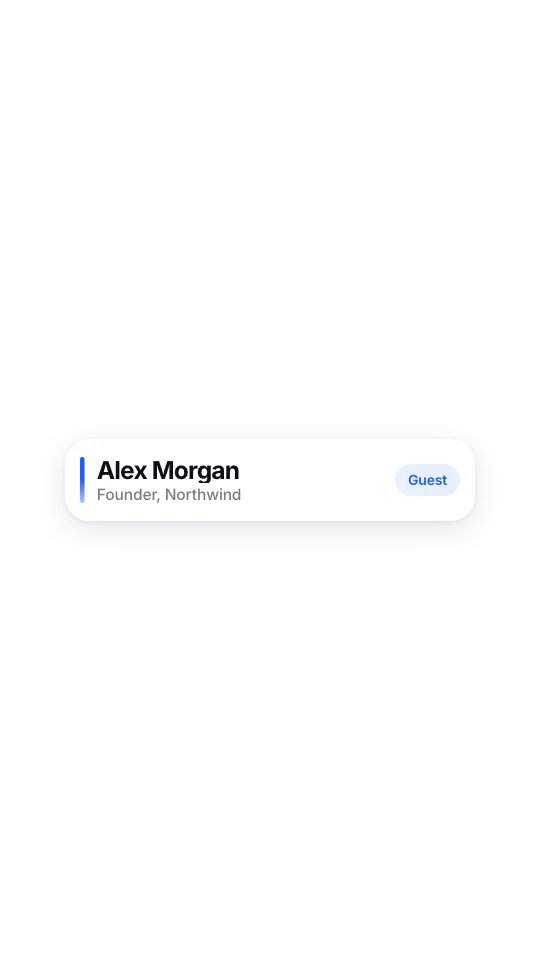
What is a lower third?
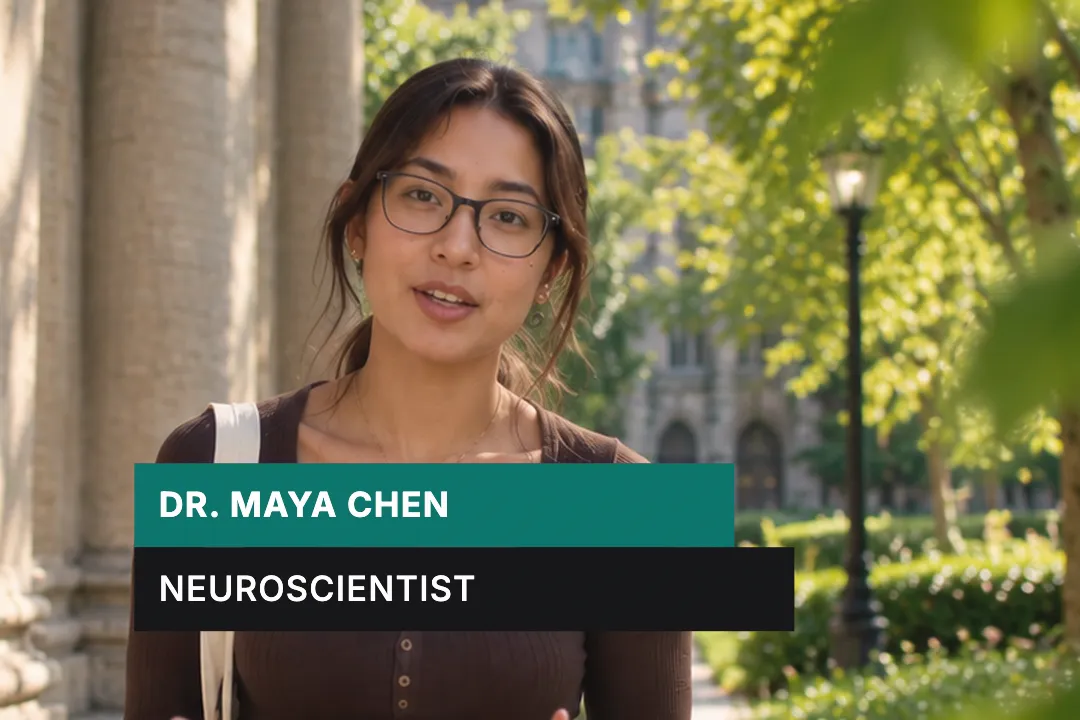
A lower third is a graphic near the bottom of the frame that names who is on screen or where you are. The name comes from television news.
- 1
It answers who is talking
The classic lower third carries a name on one line and a role on the next. Viewers glance at it once and then go back to listening.
- 2
It appears, holds, then leaves
A good lower third is on screen for four to six seconds, long enough to read twice, then gets out of the way of the speaker.
- 3
It is not a subtitle
Subtitles follow speech line by line. A lower third is a label that appears once per person or place, usually the first time they are on screen.
What most lower third makers get wrong
Most free lower thirds are After Effects templates or green screen downloads. Both make a simple job slow.
- 1
Templates need software first
A template is only useful if you own the program and know how to edit its text layers. This runs in a browser tab instead.
- 2
Green screen downloads need keying
Keying adds a step, leaves edges and often bakes in someone else's name. Here you type the real name and export the finished clip.
- 3
Busy motion steals attention
Spinning shapes and particles pull the eye away from the face. Two bars that wipe in and sit still keep attention on the person.
Colour, height and how long to leave it on screen
Three choices decide whether a lower third looks designed or homemade. Get these right and the rest takes care of itself.
- 1
Two colours, one of them yours
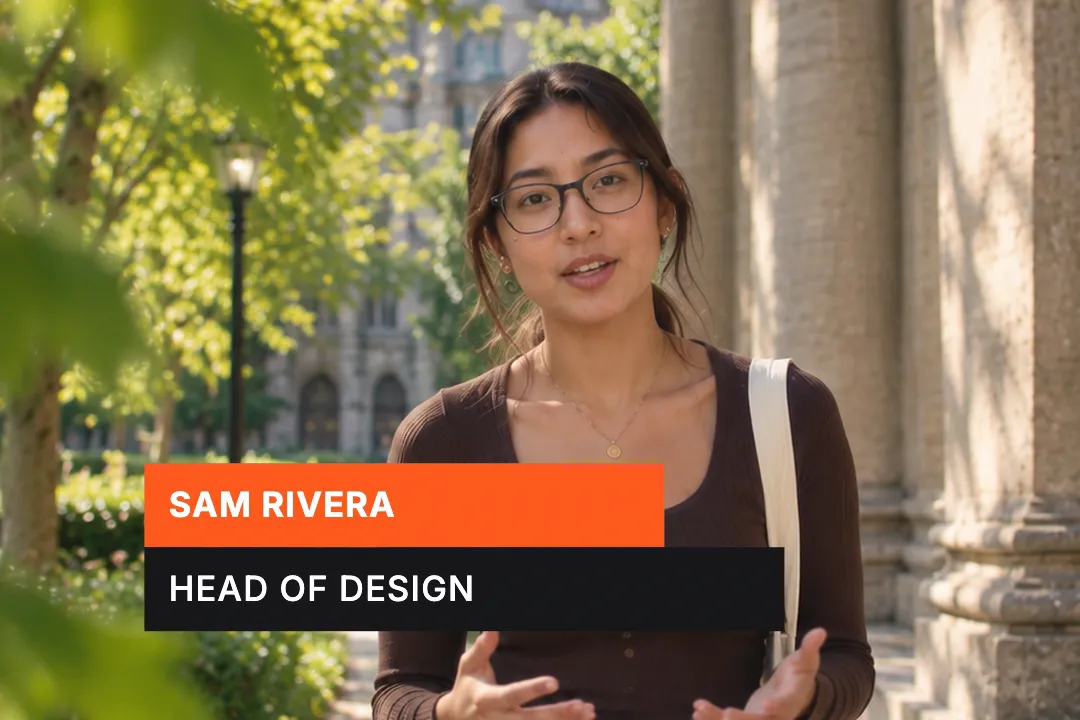
Use your brand colour on the name bar and a near black or white on the title bar. Two fills is the limit before it looks busy.
- 2
Height follows the frame
On a 16:9 video a bar around a tenth of the frame height reads well. The type and padding scale with it, so you only set one number.
- 3
Four to six seconds of hold
Long enough to read the name twice, short enough that nobody is still looking at it when the speaker makes their point.
- 4
Check contrast on the real footage
White text on a light bar vanishes. Preview against your actual video and darken the bar if the letters look thin.
Lower thirds for vertical video
Vertical video has captions, buttons and usernames competing for the bottom of the screen. A lower third needs a little care to survive there.
- 1
Lift it above the platform buttons
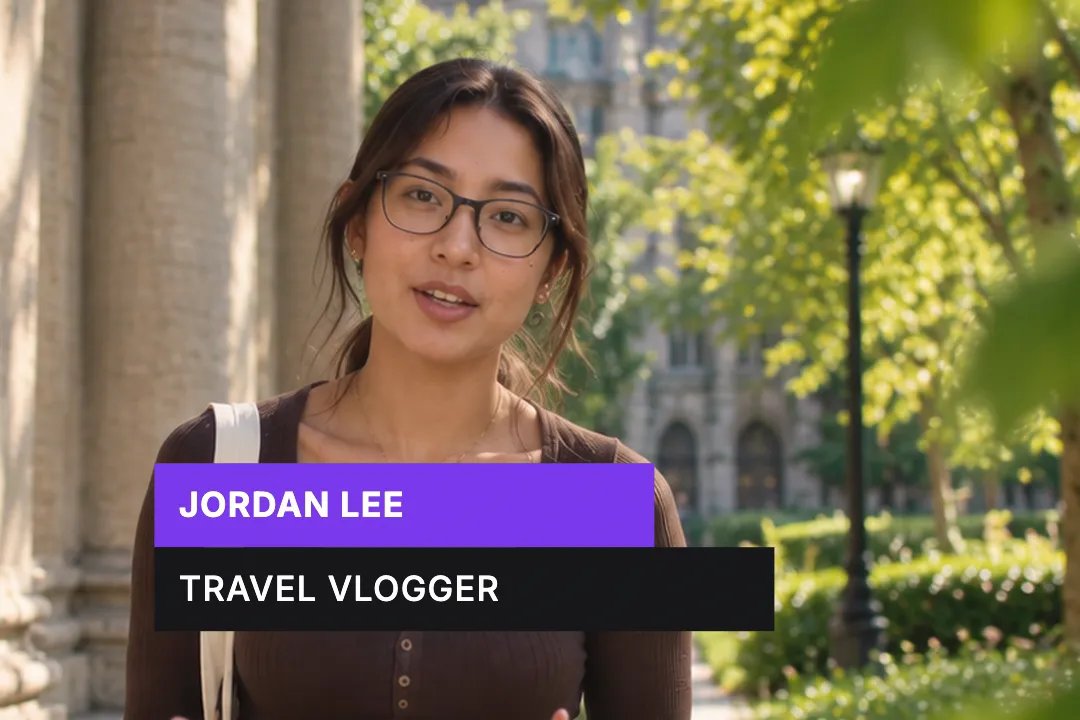
TikTok and Reels cover the bottom fifth with captions and icons. Place the plate higher, roughly level with the speaker's shoulders.
- 2
Shorten both lines
A 1080 pixel wide frame fits less text. Use a first name plus surname and a two or three word role so neither bar wraps.
- 3
Keep it apart from your captions
In the VideoCaptions.AI editor you can place the lower third and your animated captions on the same video, so set them at different heights.
Best Platforms for Name Lower Third
- 1
YouTube
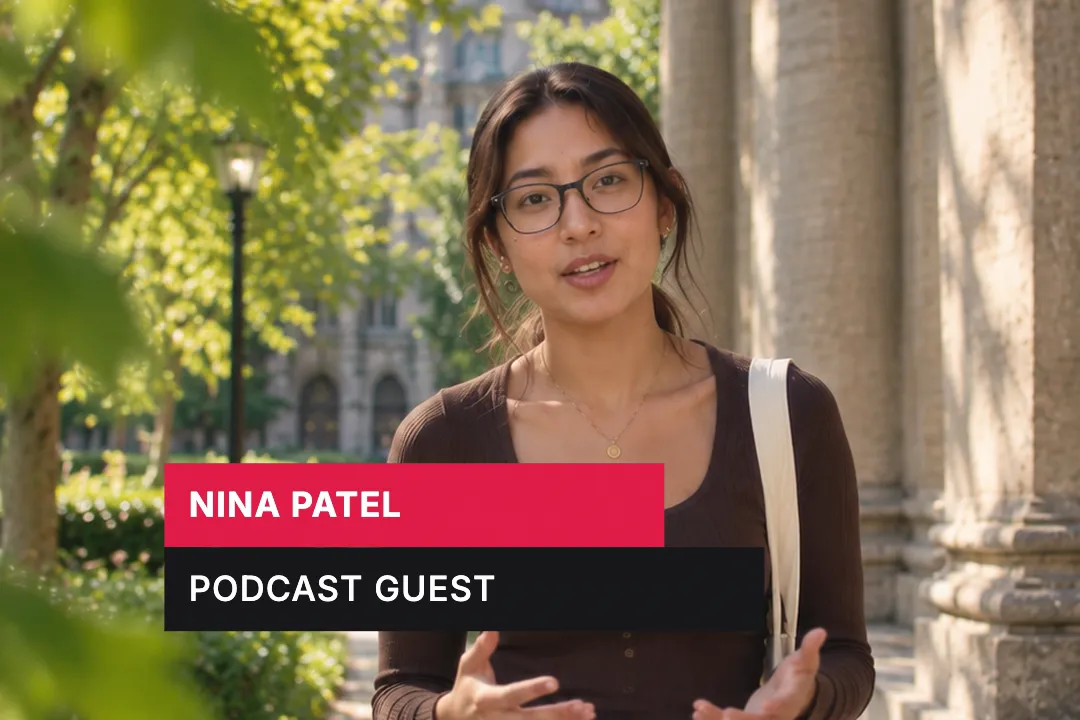
Interviews and podcasts on YouTube introduce a new face every few minutes. A clean lower third answers who is this without breaking the conversation.
- 2
LinkedIn
Professional video lives on credibility. A name with a role or company under it does the job a business card would do in person.
- 3
Podcasts on video
Clip channels cut long episodes into short moments. A lower third on every clip keeps the guest's name attached to the quote wherever it travels.
Name Lower Third, answered
Is this lower third generator really free?
Yes. It runs in the browser and exports a 1080p MP4 with no account, no sign-up and no watermark. Make one for every guest in an episode and export each version separately.
Can I match the lower third to my brand colours?
Yes. The name bar, the title bar and the text each take any colour, so you can paste your brand hex codes in directly. Most brands put their main colour on the name bar.
Does it work for a vertical video?
Yes. Export in 9:16 for TikTok, Reels and Shorts. Keep both lines short so neither bar wraps, and place the plate above the area that the platform's own captions and buttons cover.
Can I add a logo or a photo to the lower third?
Not in this element. It is deliberately two bars of text, which keeps it readable and fast to make. Place a logo separately in your editor if your brand needs one.
How long should a lower third stay on screen?
Four to six seconds suits most interviews: viewers read the name twice and look back at the speaker. You can set the hold anywhere up to twenty seconds for slower formats.
What is the difference between a lower third and a title card?
A title card fills the screen to announce a video or a chapter. A lower third sits at the bottom over live footage and names the person or place you are looking at.
More free motion elements
Caption styles, platforms and tools
From the blog
How Video Captions Increase Watch Time by 40% (2026 Data)
The data is clear: videos with captions get more views, higher watch time, and better algorithmic reach. Here is what the research shows, why it works, and how animated captions outperform static ones.
Animated Captions for Faceless Video: Styles That Hold Attention
On a faceless video the captions are not a subtitle track. They are the performance, the emphasis, and the only brand asset that appears in every single frame. Here is how to choose and apply them.
Faceless Reels and TikToks: A Format Guide That Actually Names the Caption Style
Short-form is where faceless content is won or lost, and it is also where the safe zones, the mute default, and the three-second judgement are least forgiving. Here is the format-by-format breakdown.
Create a Free Name Lower Third Motion Element
Free, no sign-up