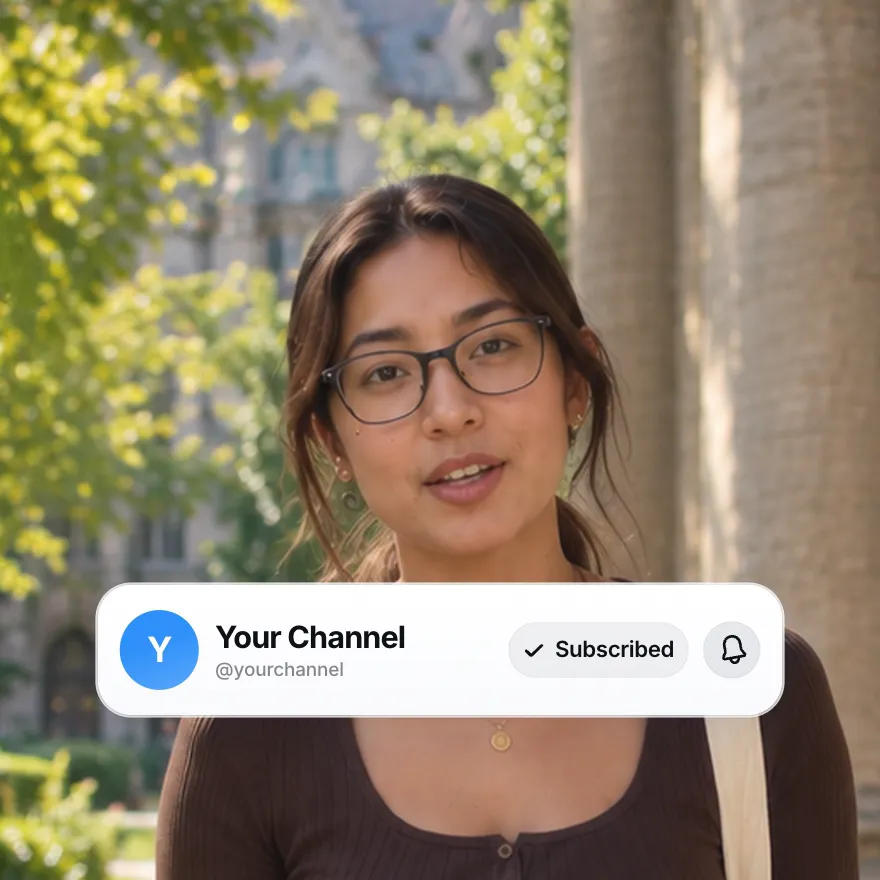
Used by 8,000+ creators
YouTube Subscribe Animation Generator
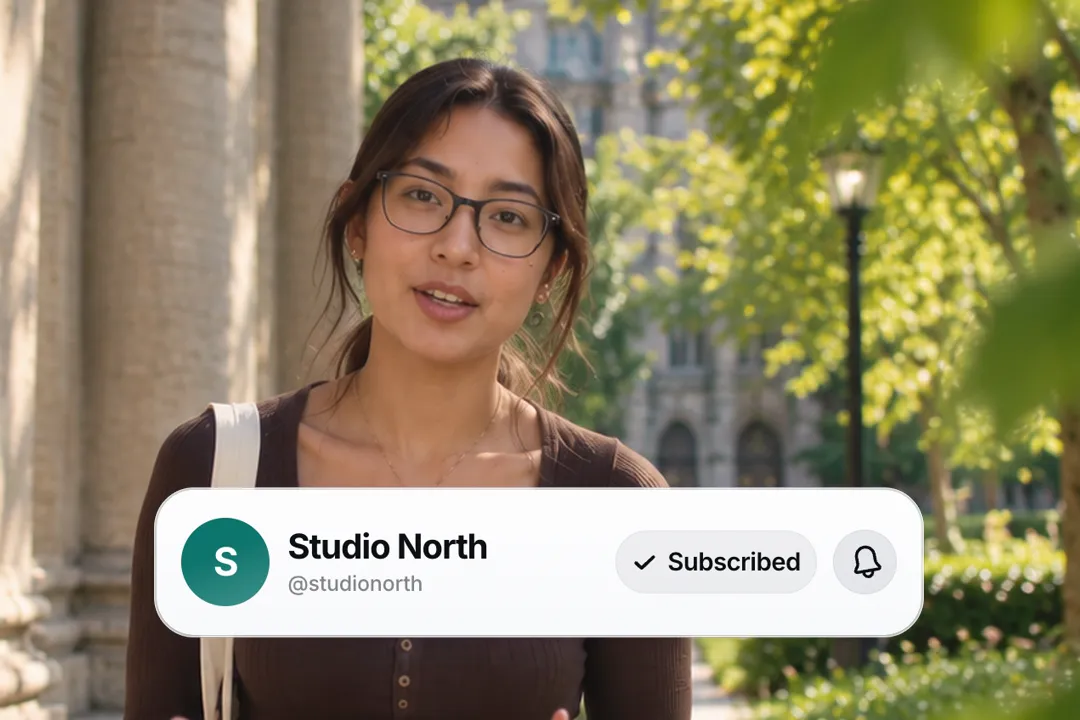
A cursor moves in, clicks Subscribe, the button flips to Subscribed and the bell rings. Your channel name, your avatar, your colour, as a free 1080p MP4.
Free, no sign-up
By Sumit DeyUpdated
What is the Subscribe Animation?
A subscribe animation is the small card that asks viewers to subscribe, usually near the end of a video. This one shows your channel row, a cursor that clicks the button, the label flipping, and the bell ringing.
How it works
The card appears with your avatar, channel name and handle. A cursor flies in and clicks the button, which changes from your first label to your second, then the bell rings and the card holds before it leaves. The cursor can be switched off.
Made for
- End screens and outros on YouTube
- Mid-video subscribe reminders
- Follow prompts on TikTok and Instagram
- Podcast and newsletter sign-up nudges
- Channel trailers
Subscribe Animation in three steps
Step 01
Add your channel details
Type the channel name and handle, then paste an avatar image link or let it draw a monogram from your name.
Step 02
Set the labels and colours
Keep Subscribe and Subscribed or change them, pick the button colour, a light or dark card, and whether the cursor shows.
Step 03
Export and place it
Choose 9:16, 16:9 or 1:1 and download a 1080p MP4. There is no sign-up and no watermark.
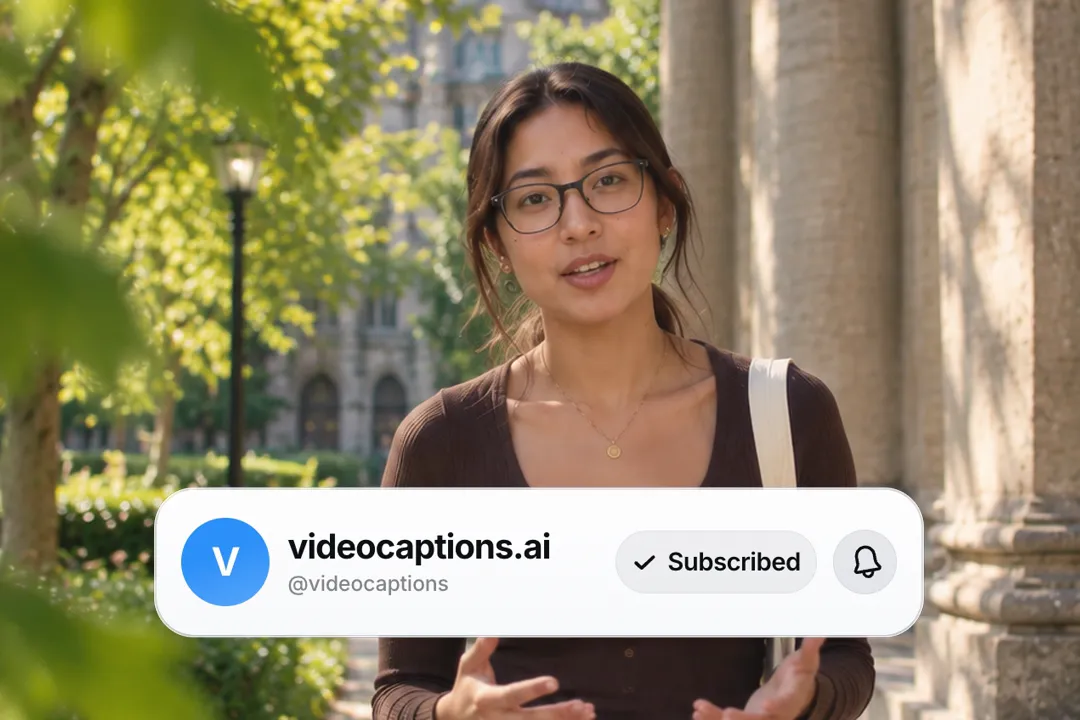
A free download that skips the green screen step
Most free subscribe animations are green screen clips with someone else's channel baked in. This one carries your channel and needs no keying.
- 1
Your channel, not a placeholder
Generic downloads show a stock name or no name at all. Here the card shows your avatar, name and handle, so the ask feels like it comes from you.
- 2
No keying, no green edges
Green screen clips leave fringes and need a chroma key in your editor. This exports a finished card, so there is nothing to remove.
- 3
Over footage in the editor
Inside the VideoCaptions.AI editor the card sits directly on your video, next to your captions, with no background to key out at all.
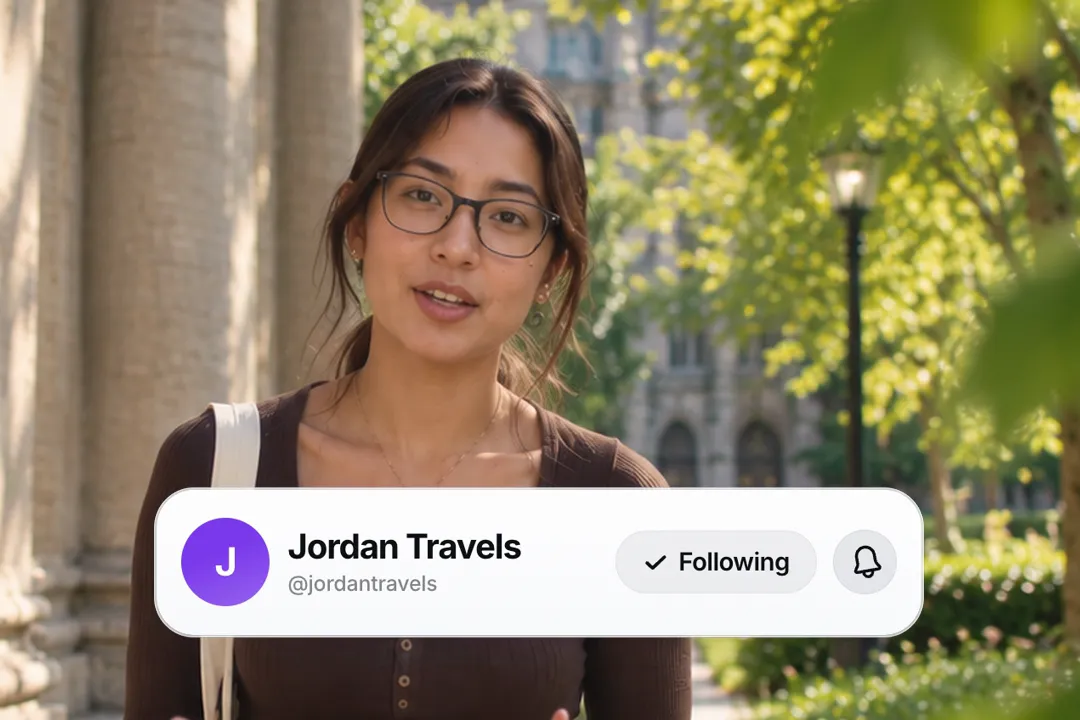
Relabelling the button for other platforms and languages
Both button labels are plain text you type, so one card can ask for whatever matters most to your channel. That turns a single design into many.
- 1
Follow, Join or Subscribe
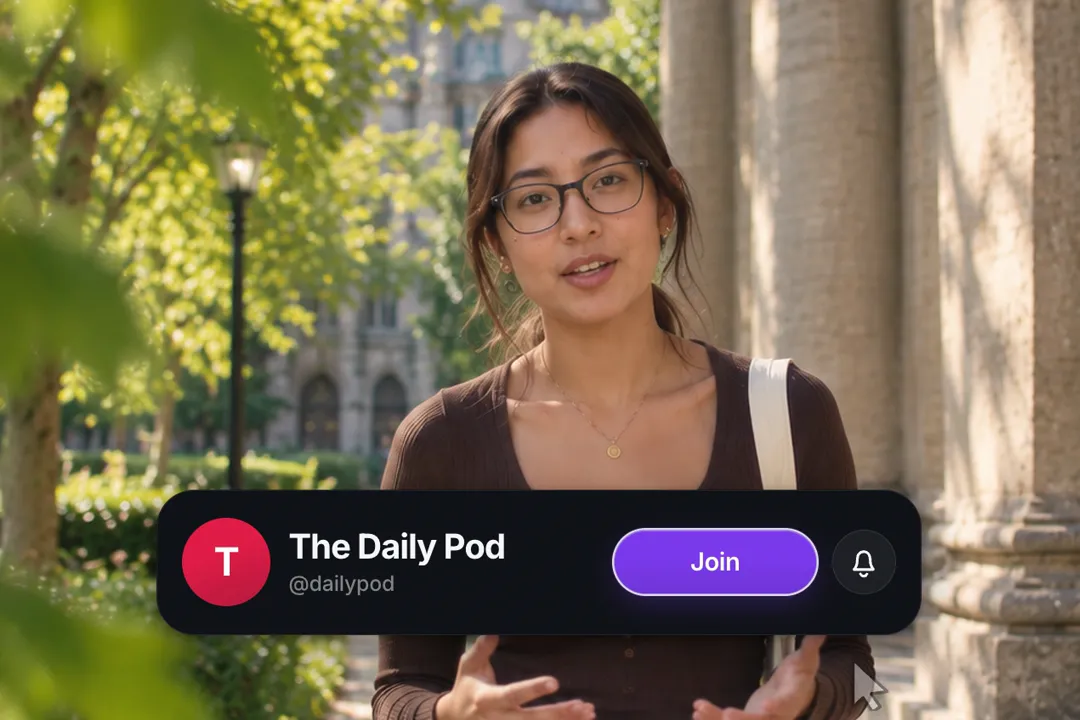
Change the labels to Follow and Following for TikTok and Instagram, or Join and Joined for memberships and communities.
- 2
Any language your viewers speak
Type the labels in Hindi, Spanish or any language your audience speaks. A subscribe ask in the viewer's own language lands warmer.
- 3
Newsletters and podcasts too
Labels like Get the newsletter or Listen now turn the same click animation into an ask for another channel entirely.
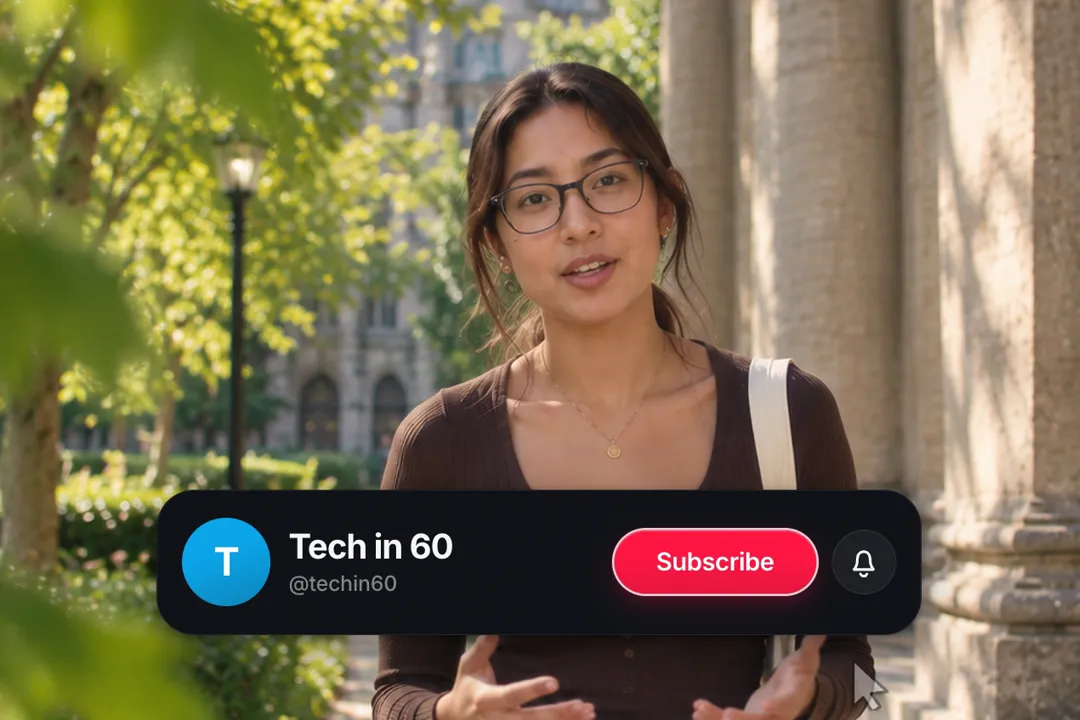
When to ask for the subscribe
Timing matters more than design. The same card can help or annoy depending on where it appears.
- 1
After you deliver value
Ask right after a useful moment, when the viewer has just been helped. Asking in the first seconds, before you have earned it, gets skipped.
- 2
Mid-video, then the outro
One reminder mid-video and one in the outro is plenty. More than that starts to feel like an advert inside your own video.
- 3
Say it as the card plays
Pair the animation with a spoken line. Viewers follow the cursor to the button while your voice gives them a reason to click.
Making the card look like your channel
Small choices make the card feel native to your channel rather than pasted on from a template.
- 1
Match the button to your brand
The button takes any colour. Your brand colour reads as your own ask, while the classic red reads as the platform's.
- 2
Light or dark card
Pick the dark card for moody or night footage and the light card for bright studio shots, so it never looks like a hole in the frame.
- 3
Size it for the frame
Card width sets every other dimension. Go wider in 16:9 end screens and narrower in vertical video, where the edges are crowded.
Best Platforms for Subscribe Animation
- 1
YouTube
The subscribe ask belongs to YouTube. A card with your real channel name feels personal in a way a generic red button never does.
- 2
TikTok
Relabel the button to Follow and the same card works as a follow prompt. Keep it in the top half so it clears the app's own buttons.
- 3
Podcasts on video
Video podcasts can relabel it for subscribe or join, so the ask matches wherever listeners actually follow the show.
Subscribe Animation, answered
Is the subscribe animation free to download?
Yes. The generator runs in your browser and exports a 1080p MP4 with no account and no watermark. Change the channel details and export as many versions as you need.
Do I need a green screen version for CapCut or Premiere?
No. You type your own channel details, so you export the finished card instead of keying out a generic one. Place it on its own or as an overlay in your editor.
Can I change the button to say Follow instead of Subscribe?
Yes. Both labels are text fields, so Follow and Following, Join and Joined, or words in any language all work. The cursor, the click and the flip animation stay exactly the same.
Can I use my own channel picture?
Yes. Paste a link to your avatar image and it appears on the card. Leave it empty and the card draws a coloured monogram from your channel name instead, in the colour you choose.
Can I turn off the cursor?
Yes. Switch the cursor off and the button still flips and the bell still rings on its own, which suits a cleaner end screen or a video that is not about clicking.
Where should the subscribe animation go in my video?
Right after a genuinely useful moment and again in the outro works best. Avoid the first few seconds, when viewers have not yet decided the video is worth their time.
More free motion elements
Caption styles, platforms and tools
From the blog
How Video Captions Increase Watch Time by 40% (2026 Data)
The data is clear: videos with captions get more views, higher watch time, and better algorithmic reach. Here is what the research shows, why it works, and how animated captions outperform static ones.
Animated Captions for Faceless Video: Styles That Hold Attention
On a faceless video the captions are not a subtitle track. They are the performance, the emphasis, and the only brand asset that appears in every single frame. Here is how to choose and apply them.
Faceless Reels and TikToks: A Format Guide That Actually Names the Caption Style
Short-form is where faceless content is won or lost, and it is also where the safe zones, the mute default, and the three-second judgement are least forgiving. Here is the format-by-format breakdown.
Create a Free Subscribe Animation Motion Element
Free, no sign-up