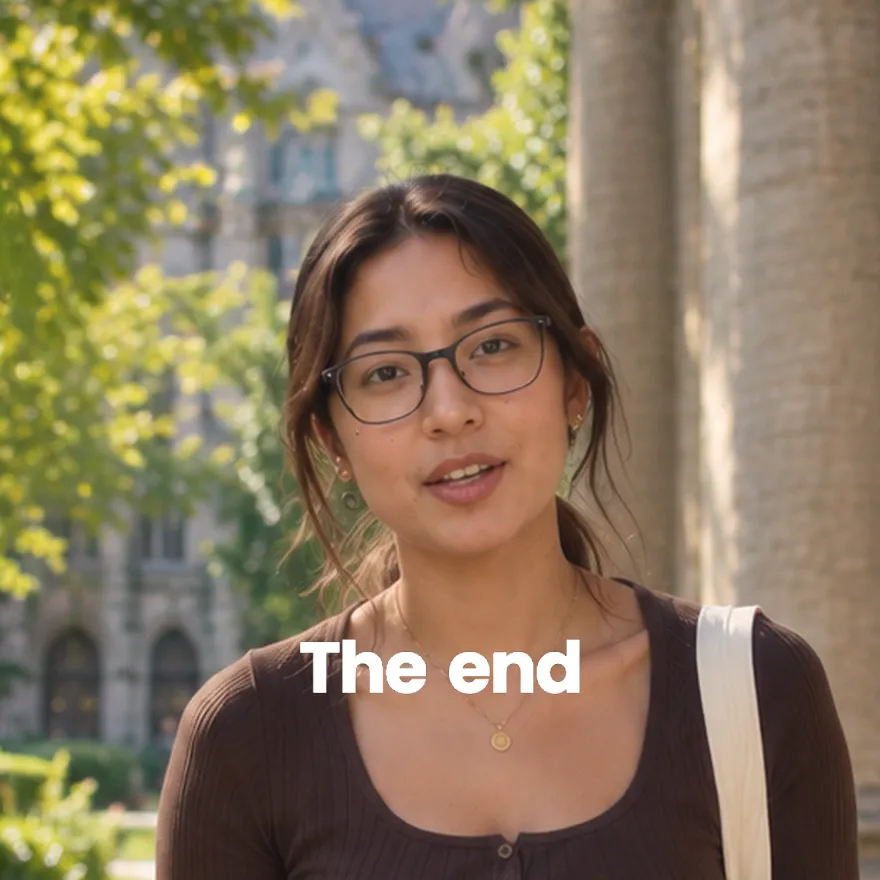
Used by 8,000+ creators
Text Reveal Animation
Type a word or a line and watch it slide up through an invisible mask, letter by letter or word by word. Solid, gradient or glowing, as a free 1080p MP4.
Free, no sign-up
By Sumit DeyUpdated
What is the Text Reveal?
A text reveal animation makes words appear by sliding up from behind an invisible edge, rather than fading in. Each letter or word rises into place in turn, which reads as a polished title sequence.
How it works
Every unit of text starts hidden below a mask line and slides up into view, one after another with the stagger you set. Short text reveals letter by letter and longer text word by word, or you can choose. An optional exit plays at the end.
Made for
- Video titles and intro cards
- Key statements and quotes
- Brand and product name reveals
- Chapter and section headings
- Calls to action at the end of a video
Text Reveal in three steps
Step 01
Type a word or a line
Short text reveals letter by letter and longer text word by word. You can also pick the mode yourself.
Step 02
Choose a look and the timing
Pick solid, gradient or gradient with a glowing background, then set the colours, font, stagger and length.
Step 03
Export the MP4
Pick 9:16, 16:9 or 1:1 and download a 1080p MP4 with no sign-up and no watermark.
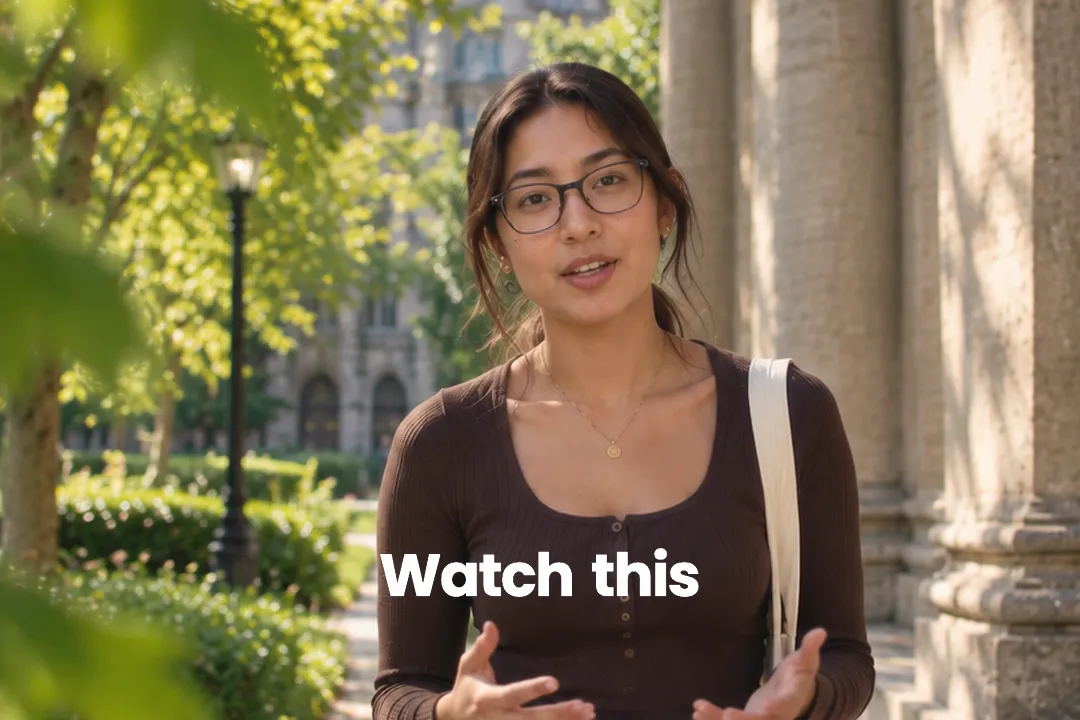
Text Reveal vs. Basic Text Animations
Most text animations move the whole word: it fades, slides or pops in from somewhere else. A reveal keeps the text in place and uncovers it.
- 1
The text never travels
Each letter rises a short distance from behind a mask to where it will stay. The eye locks onto the final position from the first frame.
- 2
It feels confident, not busy
Because nothing flies across the screen, the result reads as calm and deliberate, which is why film titles use the technique.
- 3
Stagger creates the rhythm
Letters or words arrive one after another rather than all at once, so the viewer reads along as the line builds.
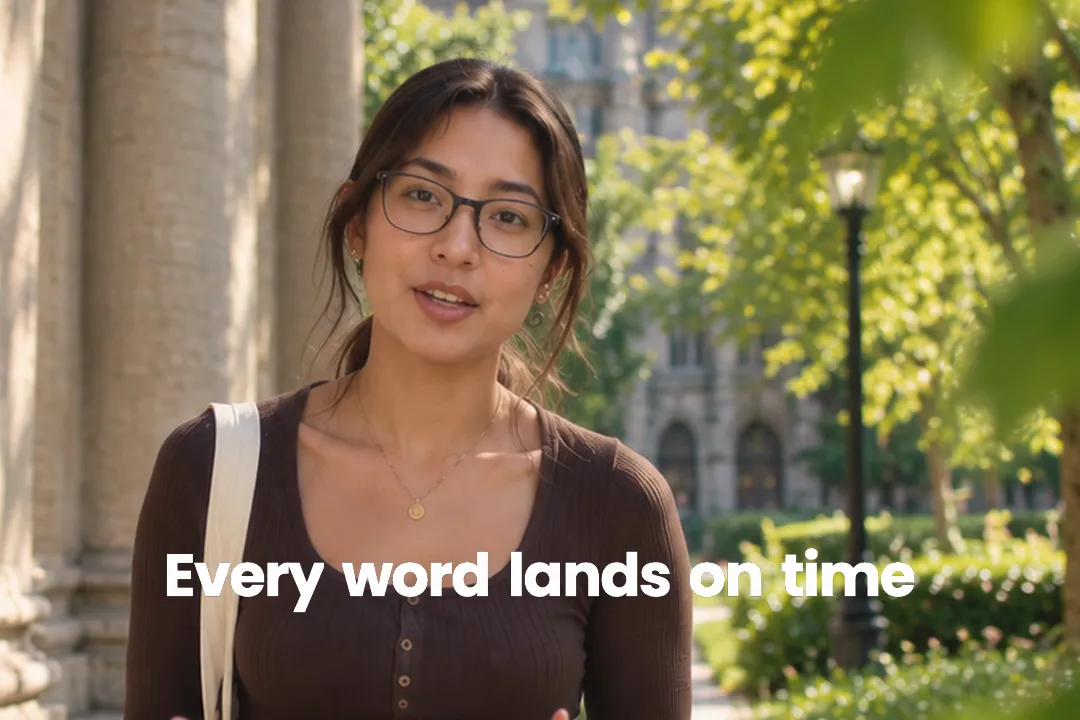
Letter by letter or word by word
The reveal mode changes how a line feels on screen. Auto picks one for you based on the length, but choosing on purpose gives better results.
- 1
Letters for one strong word
Revealing a single word letter by letter, like Introducing or Launch, makes the word itself the event.
- 2
Words for a full sentence
A sentence revealed letter by letter takes too long to read. Word by word keeps the pace close to speech.
- 3
Stagger sets the speed
A small stagger feels like a quick ripple; a larger one makes each unit land on its own, which suits slow, dramatic lines.
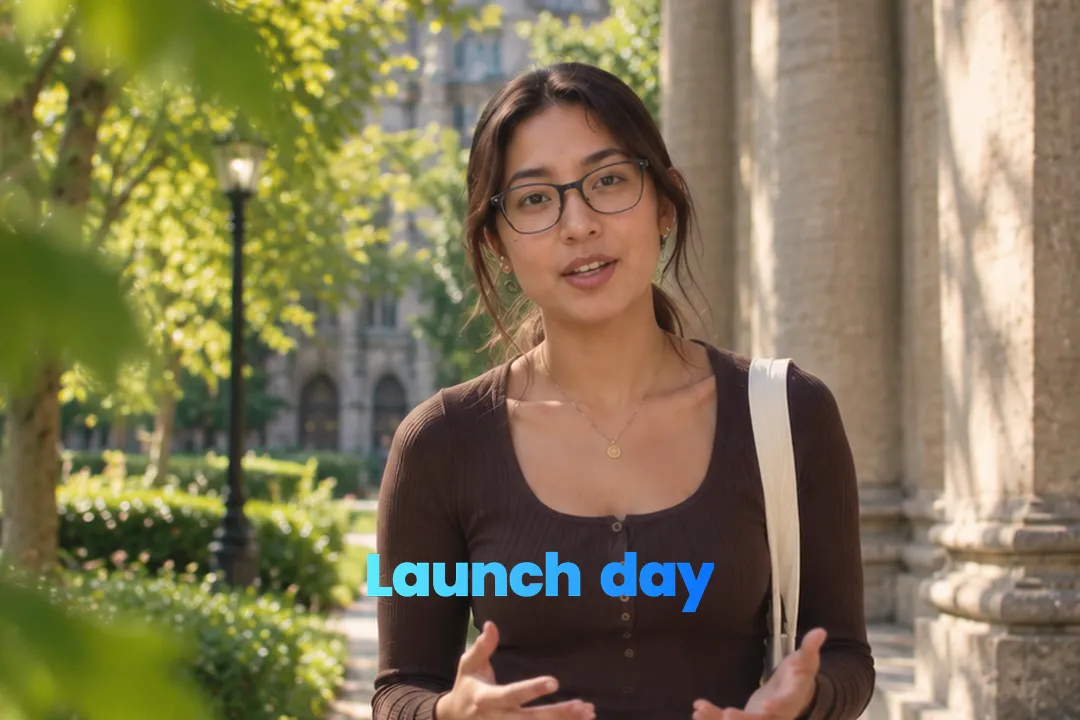
Three looks: solid, gradient and glow
The same reveal motion comes in three styles, each suited to a different kind of video.
- 1
Solid for clean editorial
A single text colour on a plain background is the most versatile. It suits documentaries, explainers and corporate video.
- 2
Gradient for energy
Gradient text adds colour and movement within the letters. It works for creator intros, product names and upbeat content.
- 3
Gradient with a glowing background
The third style adds a soft radial background and a glow behind the letters, a self-contained title card for openers.
- 4
Your own font and weight
Swap the default typeface and weight to match your brand, so the reveal looks like your titles everywhere else.
Timing a reveal to your voice
A reveal is most powerful when it lands together with something said or heard in the video.
- 1
Start on the first syllable
Begin the reveal as you start saying the line, so the text and your voice arrive together and reinforce each other.
- 2
Match the length to the line
Set the duration so the reveal finishes around the end of the sentence, then let the text hold for a beat before cutting.
- 3
Exit for a clean cut
Turn on the exit when the reveal leads into new footage. The text leaves on its own instead of being chopped off by the cut.
Best Platforms for Text Reveal
- 1
YouTube
Text reveals are the standard look for YouTube intros and chapter titles. They read like a film title sequence and set a polished tone.
- 2
Instagram Reels
A reveal on the opening frame of a Reel signals production value immediately and stands out from flat text overlays.
- 3
TikTok
Bold statements land harder when they rise into place. The reveal gives a provocative line a moment of weight before the next cut.
Text Reveal, answered
What is the difference between text reveal and text fade-in?
A fade-in changes the whole word's opacity from invisible to visible. A reveal slides each letter or word up from behind a mask, so the text arrives with motion and a sense of rhythm.
Can I reveal multiple words in sequence?
Yes. In word mode each word rises in turn with the stagger you set, so a full sentence builds up as it is read. Short single words can reveal letter by letter instead.
Can I change the reveal direction?
No. The reveal always rises from below, which is the classic title sequence look. You control the mode, the stagger, the length, the colours, the style and the optional exit instead.
Does the text reveal work with any font?
Yes. You can change the font family and the weight from the default Poppins. Bold weights reveal most clearly, because thin letters lose their impact on a small phone screen.
Can I use this without any video editing software?
Yes. It runs in your browser: type your text, pick the look and export a 1080p MP4. Drop the file into any editor later, or post it as it is.
Is the text reveal animation free?
Yes. It runs in your browser with no sign-up and no watermark, and you can export as many 1080p versions as you like for titles, quotes and calls to action.
More free motion elements
Caption styles, platforms and tools
From the blog
How Video Captions Increase Watch Time by 40% (2026 Data)
The data is clear: videos with captions get more views, higher watch time, and better algorithmic reach. Here is what the research shows, why it works, and how animated captions outperform static ones.
Animated Captions for Faceless Video: Styles That Hold Attention
On a faceless video the captions are not a subtitle track. They are the performance, the emphasis, and the only brand asset that appears in every single frame. Here is how to choose and apply them.
Faceless Reels and TikToks: A Format Guide That Actually Names the Caption Style
Short-form is where faceless content is won or lost, and it is also where the safe zones, the mute default, and the three-second judgement are least forgiving. Here is the format-by-format breakdown.
Create a Free Text Reveal Motion Element
Free, no sign-up