Used by 8,000+ creators
Countdown Animation Maker
Pick the date and the card does the rest: a big day number, the month and weekday, and a days-left figure that counts down to the real number. Free 1080p MP4.
Free, no sign-up
By Sumit DeyUpdated
What is the Date Countdown Animation?
A countdown animation tells viewers how long until something happens. This one is a save-the-date card: a label, the day number with its month and weekday, and a figure showing how many days are left.
How it works
The card appears with your label and target date. The days-left figure starts higher and counts down to the real gap between your two dates, then holds. On the target day it reads Today, and after it, the number of days ago.
Made for
- Product and course launch countdowns
- Event and webinar reminders
- Sale and offer deadlines
- Wedding and save-the-date posts
- Release dates for music and videos
Date Countdown Animation in three steps
Step 01
Set the label and both dates
Type what is happening, pick the target date, and set today's date as the day you will post.
Step 02
Pick the colours and width
Choose the accent, card and text colours and how wide the card is, so it matches your brand and frame.
Step 03
Export and post on that day
Download the 1080p MP4 in 9:16, 16:9 or 1:1. Post it on the date you set as today so the number is right.
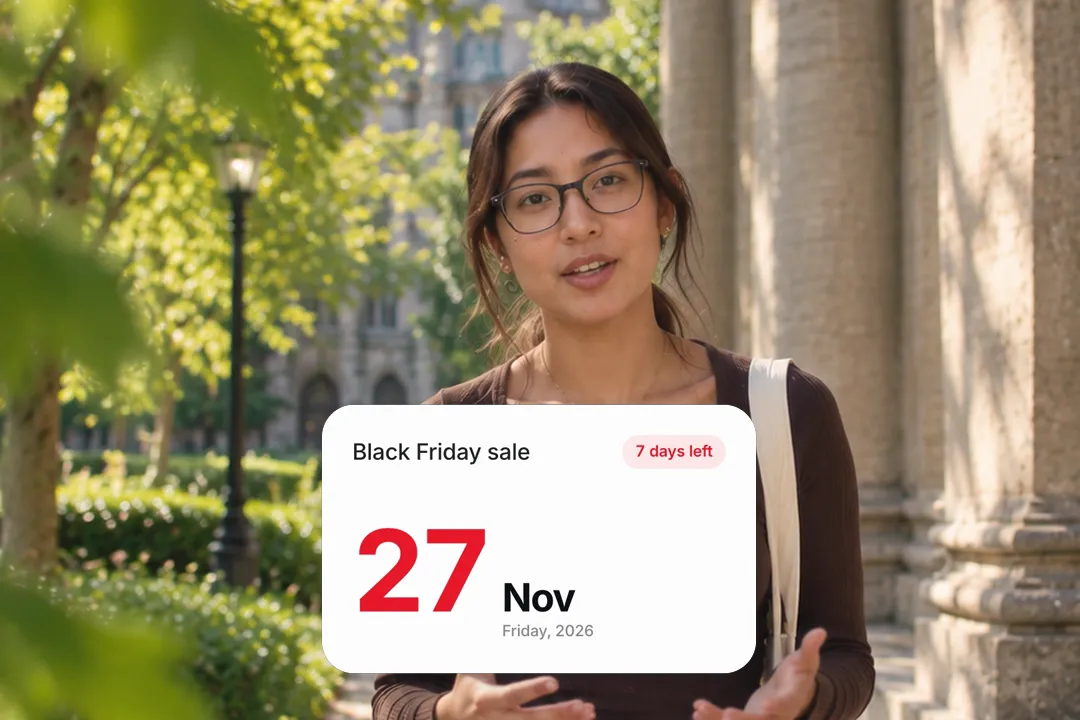
Countdown timer versus countdown to a date: which one you want
Countdown can mean two different things. Knowing which one you need saves you from the wrong tool.
- 1
A timer counts seconds
A countdown timer ticks down minutes and seconds, like a workout clock. This card does not do that; it counts days to a date.
- 2
A date countdown builds anticipation
Days left until a launch, a sale or an event is the version marketers use. It works across a series of posts in the run-up.
- 3
For a quick rolling number
If you only want digits rolling down to zero, the number counter animation does that in a few seconds with the direction set to down.
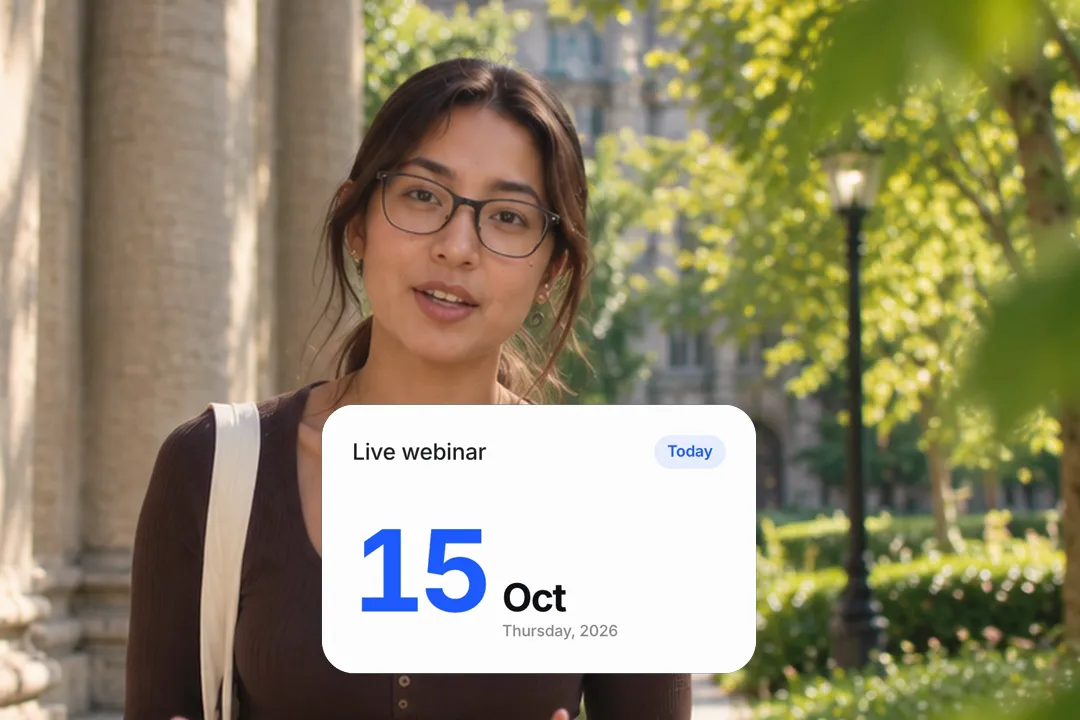
Setting the dates so the number is right on the day you post
The card shows a fixed number baked into the video. Set the dates with your posting day in mind and it will always be correct.
- 1
Today means the day you post
Set the today date to the day the video goes live, not the day you make it. The days-left figure is the gap between the two dates.
- 2
Make a series in one sitting
For a week-long run-up, export seven versions with the today date moving one day each time. Each post then shows the right number.
- 3
Just a date, no countdown
Leave the today date empty and the card becomes a plain save-the-date with no days-left figure at all.

Making the countdown match your brand
A countdown is often the first thing people see about a launch, so it should look like it belongs to you and not like a stock template.
- 1
Accent for the number
The accent colour drives the highlight. Use your strongest brand colour so the days left is what the eye finds first.
- 2
Card and text for contrast
Pick a card colour that stands apart from your footage and a text colour with clear contrast against it.
- 3
Width for the frame
A wider card suits 16:9 and square posts. Narrow it in vertical video so it clears the platform's buttons at the edges.
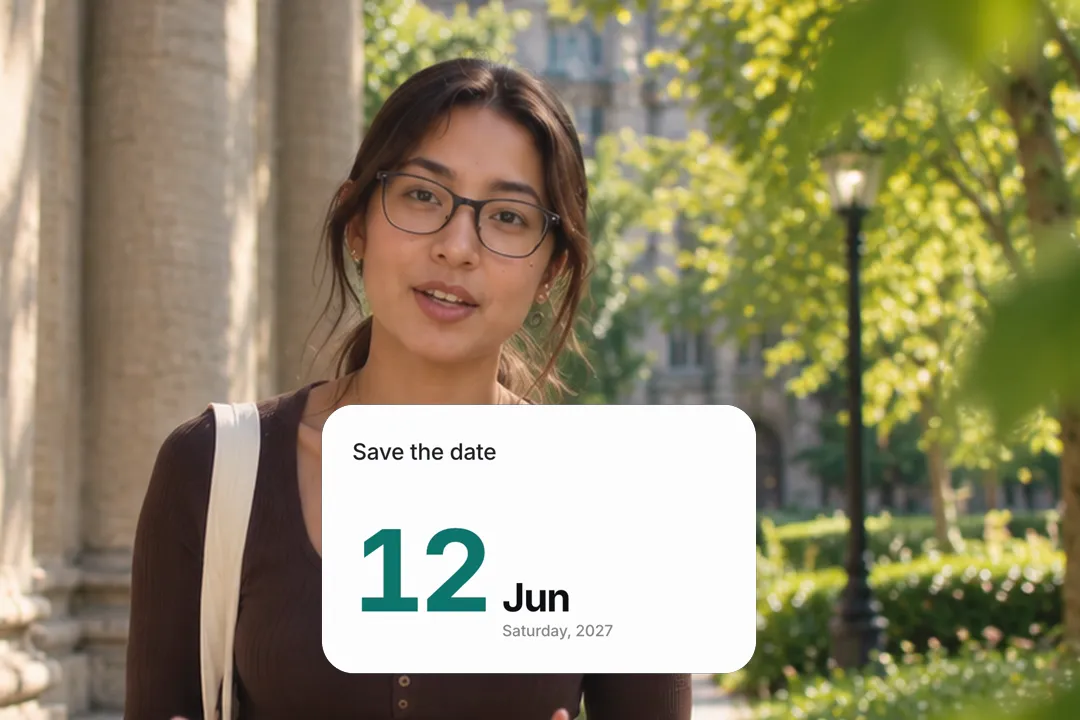
Countdown post ideas that people save
The card does the counting for you. These three formats give people a reason to watch, save the post and come back for the next one.
- 1
The daily launch run-up
One short video a day with the countdown card and one new reason to care. By launch day, followers have a habit of checking in.
- 2
The deadline reminder
Three days left on a sale or an application is urgency people act on. Pair the card with exactly what they lose by waiting.
- 3
The save the date
Weddings, events and releases work as a single post. The weekday on the card answers the question everyone asks first.

Best Platforms for Date Countdown Animation
- 1
Instagram Reels
Launch countdowns are a staple of Reels. Post one each day before a launch and the days-left figure ties the series together.
- 2
TikTok
A countdown card in the first seconds tells viewers something is coming, which is a reason to follow and come back.
- 3
LinkedIn
Webinars and product launches on LinkedIn benefit from a clean date card. It reads as an announcement, not an advert.
Date Countdown Animation, answered
Does the countdown update itself after I export?
No. The number is fixed inside the video file. Set the today date to the day you will post, and export a new version for each day of a countdown series.
Can I count down in hours or seconds instead of days?
No, this card counts whole days to a date. For digits rolling down to zero in a few seconds, use the number counter animation with its direction set to down instead.
Can I use it as an Instagram countdown for a launch?
Yes. Export it in 9:16, post it as a Reel or story, and repeat each day with the today date moved forward one day, so the days-left figure keeps dropping toward launch.
What happens on the target date itself?
If the today date matches the target date, the card reads Today instead of a number. If the today date is after the target, it shows how many days ago it happened.
Does it show the day of the week?
Yes. The card shows the day number, the month and the weekday of your target date, so viewers can see at a glance when it falls without opening a calendar.
Is the countdown maker free?
Yes. It runs in your browser and exports a 1080p MP4 with no account and no watermark. Make a separate version for every day of your run-up at no cost.
More free motion elements
Caption styles, platforms and tools
From the blog
How Video Captions Increase Watch Time by 40% (2026 Data)
The data is clear: videos with captions get more views, higher watch time, and better algorithmic reach. Here is what the research shows, why it works, and how animated captions outperform static ones.
Animated Captions for Faceless Video: Styles That Hold Attention
On a faceless video the captions are not a subtitle track. They are the performance, the emphasis, and the only brand asset that appears in every single frame. Here is how to choose and apply them.
Faceless Reels and TikToks: A Format Guide That Actually Names the Caption Style
Short-form is where faceless content is won or lost, and it is also where the safe zones, the mute default, and the three-second judgement are least forgiving. Here is the format-by-format breakdown.
Create a Free Date Countdown Animation Motion Element
Free, no sign-up