Used by 8,000+ creators
Google Search Animation Generator
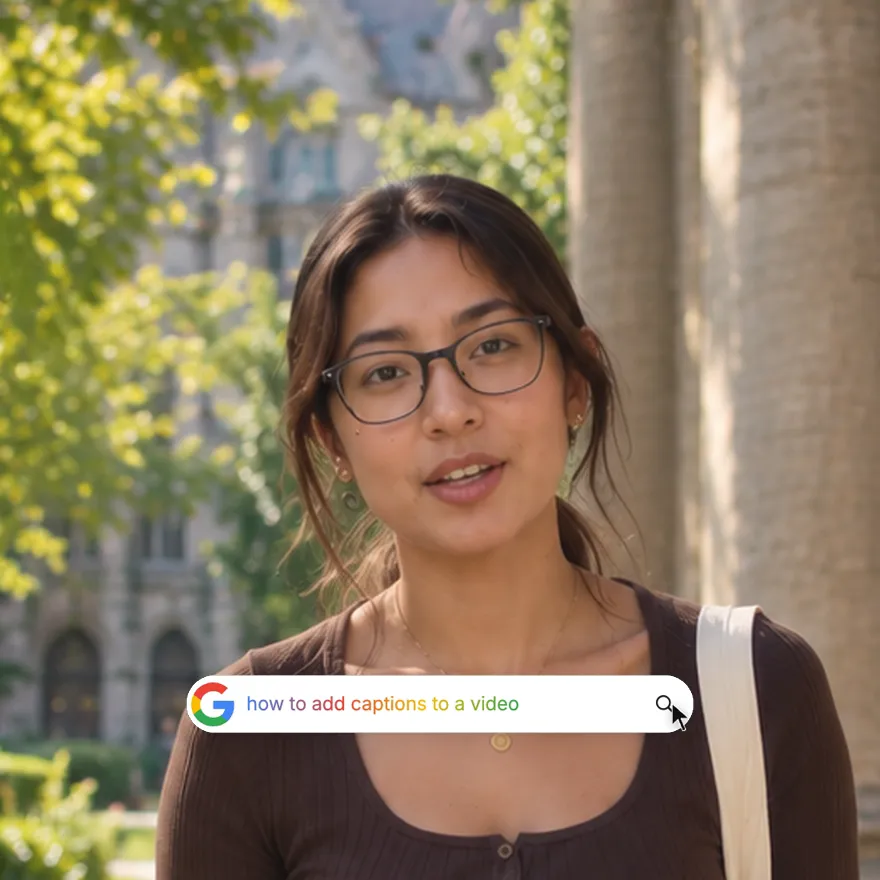
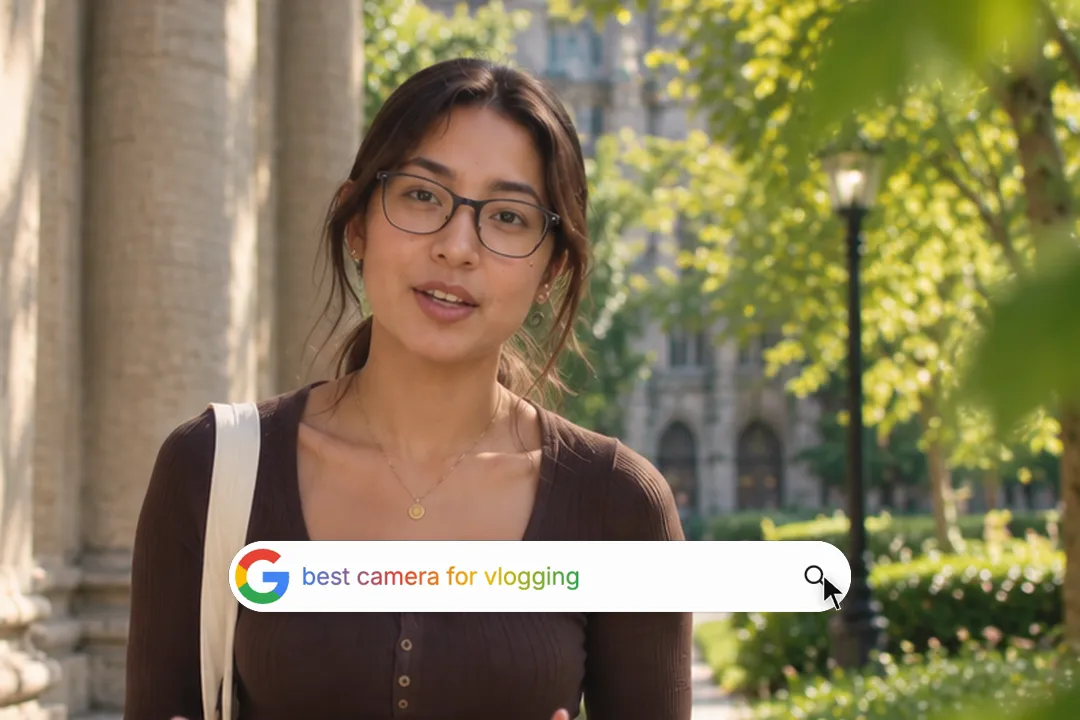
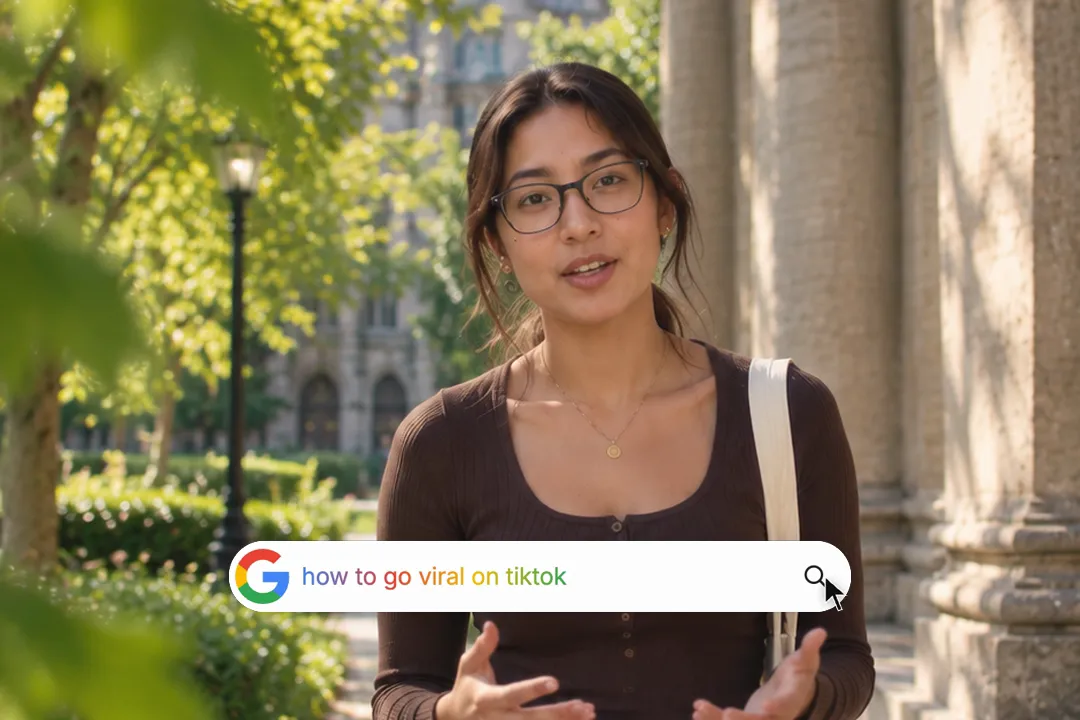
Type a question and watch it appear letter by letter in a search bar, then a cursor clicks search. The hook that frames your video as the answer.
Free, no sign-up
By Sumit DeyUpdated
What is the Google Search Animation?
A Google search animation shows a search bar typing out a question, the way a viewer would type it themselves. It opens your video with the question your content answers, so the next ten seconds feel like the result.
How it works
A round pill pops in and stretches into a full search bar. Your query types in at a steady rate with a blinking cursor, holds for a beat, then a mouse cursor slides in and clicks the search icon. The bar folds back into the pill and scales away.
Made for
- Hooks for explainer and how-to videos
- Myth-busting and reaction content
- Product demos that start from a problem
- Faceless channels and slideshow videos
- Course and tutorial intros
Google Search Animation in three steps
Step 01
Type the question your video answers
Write it the way people really search, lowercase and short. The animation length follows the query, so a tight question keeps the hook fast.
Step 02
Pick the colours and the shape
Choose the background and whether the typed letters use the four Google colours or plain dark text, then pick 9:16, 16:9 or 1:1.
Step 03
Export and place it first
Download the 1080p MP4 and put it at the very start of your edit, before you say a word. There is no sign-up and no watermark.
This makes search animation videos, not Google's own Easter eggs
Many people searching for this want the playful tricks Google shows on its own results page. This page makes something else: a search bar video for your edit.
- 1
Google's tricks live on google.com
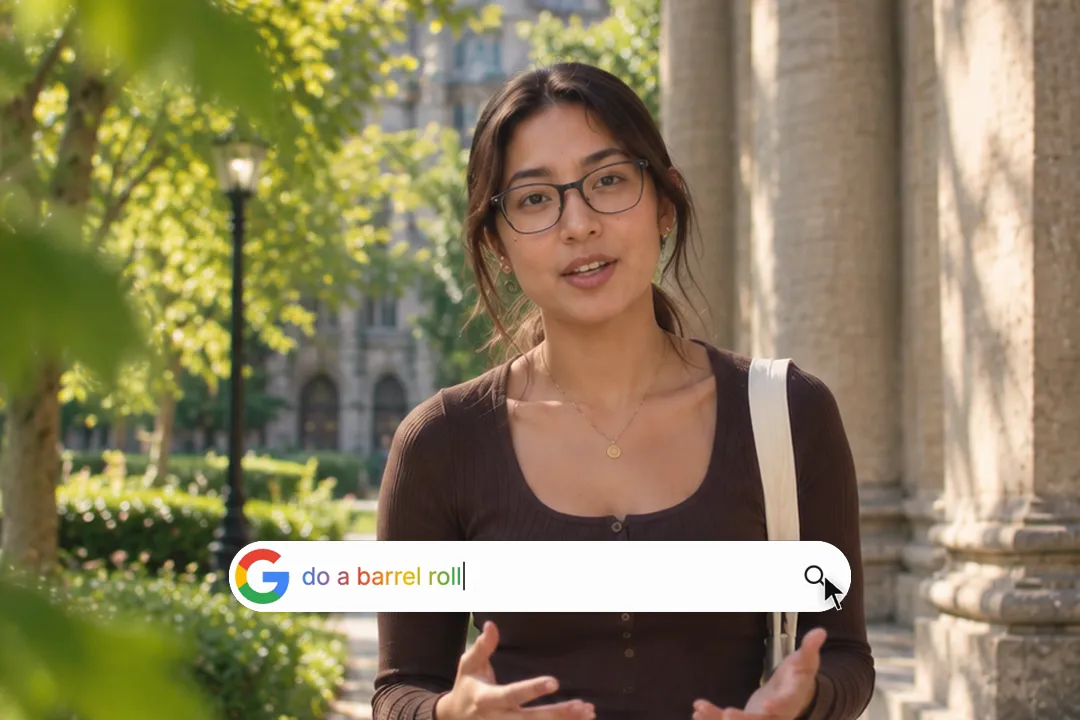
Typing words like do a barrel roll on Google triggers its own effects. Those run in your browser on Google's site and cannot be downloaded or placed in a video.
- 2
This is a video you own
The generator renders a stylised search bar as an MP4 file. You can drop it into any editor, any length of video and any platform that takes video.
- 3
Rendered, not screen recorded
Because it is rendered, the letters are crisp at any size, the timing is identical on every export, and no browser tabs or bookmarks leak into the frame.
Why Google Search Animations Go Viral
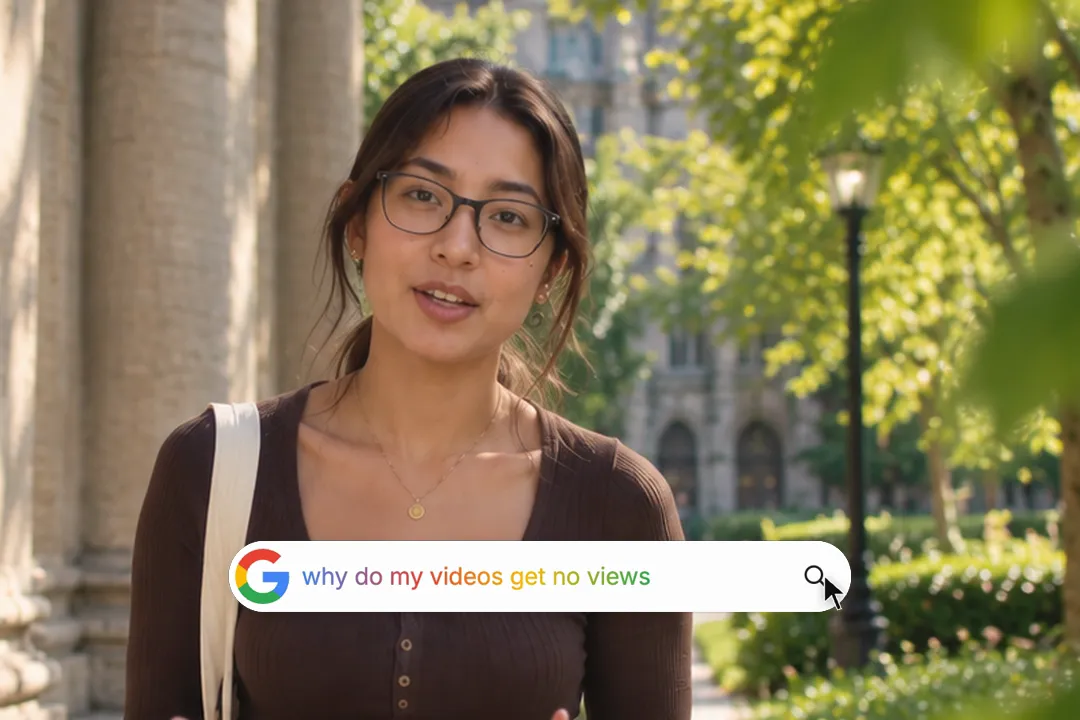
A search bar is the most familiar interface on the internet. Showing one typing a question borrows that familiarity and turns it into suspense.
- 1
Everyone recognises the bar instantly
There is nothing to explain. The viewer knows what a search box means before the first word has finished typing, so the hook costs zero attention.
- 2
Typing builds a small cliffhanger
Letters appearing one at a time make the viewer finish the question in their head. The click on search promises that the answer comes next.
- 3
It frames you as the result
When the click lands and your video starts, you become the answer to the search. That framing makes even a simple tip feel authoritative.
- 4
No face on screen needed
Faceless channels, slideshows and screen-recorded tutorials need a hook that is not a person. A typed question carries the opening on its own.
Writing a query that works as a hook
The query is the whole hook, so it deserves more thought than the colours. These four habits make it land.
- 1
Phrase it the way people search
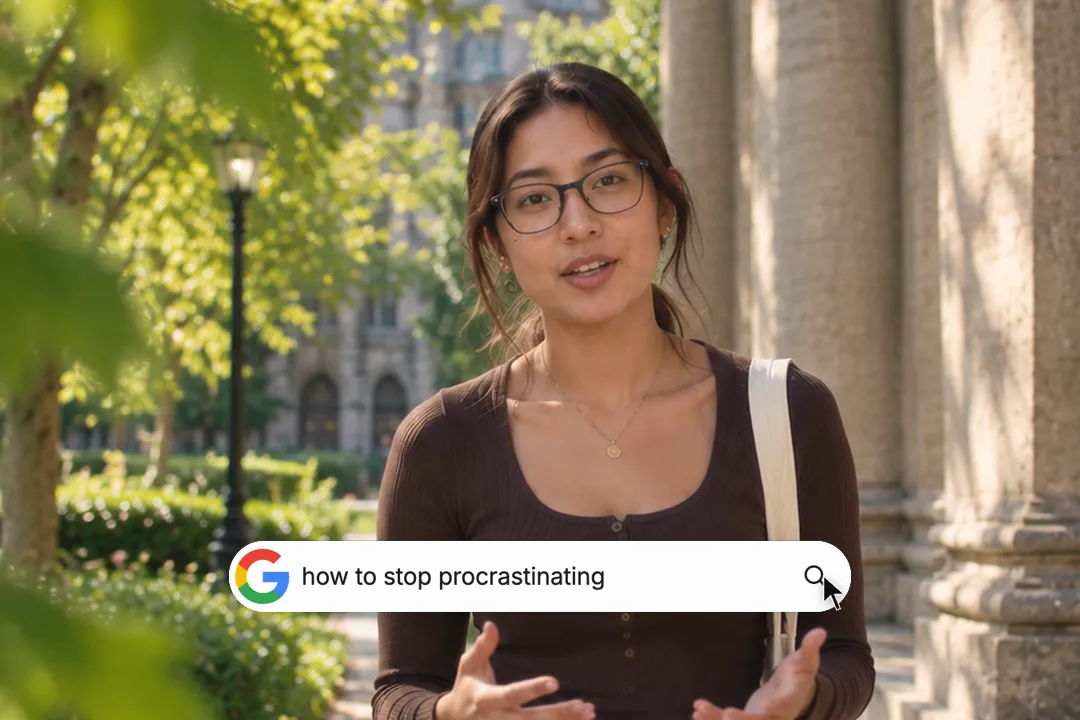
Real searches are lowercase and blunt, like how to stop procrastinating. A polished headline in a search bar reads as fake and loses the effect.
- 2
Keep it under about forty characters
The animation runs longer as the query grows. A short question finishes typing in about two seconds, before restless viewers swipe away.
- 3
End on the word that matters
Put the payoff word last, like why is my phone so slow. The viewer's eye lands on it just as the cursor clicks search.
- 4
Ask what your video actually answers
If the query promises one thing and the video delivers another, viewers leave and the hook backfires. Match the question to your first real sentence.
Customizing Your Google Search Animation
Three settings control the look, and the generator handles the motion. Here is what each one does.
- 1
The query sets the length
Each character adds typing time, so the clip grows and shrinks with your question. Nothing to time by hand: change the words and the preview updates.
- 2
Coloured letters or plain text
Turn on the gradient to type in blue, red, yellow and green, or switch it off for plain dark text that suits a calmer, more serious video.
- 3
A background that fits your edit
Set the background colour behind the bar. Match it to the first frame of your video so the cut from search bar to footage feels seamless.
- 4
Three shapes for every platform
Export 9:16 for TikTok, Reels and Shorts, 16:9 for YouTube and slides, or 1:1 for feed posts, all at 1080p.
Best Platforms for Google Search Animation
- 1
TikTok
Opening on a typed question is a native TikTok hook. Viewers read along as it types, which holds them through the first two seconds where most scrolls happen.
- 2
YouTube Shorts
Shorts viewers arrive from search-like browsing. A typed query in the first frame tells them at once which question this Short answers.
- 3
Instagram Reels
On Reels the search bar works as a pattern interrupt among talking heads. Keep the query short so it finishes typing before the first cut.
Google Search Animation, answered
Is it free to create a Google search animation?
Yes. The generator runs in your browser and exports a 1080p MP4 with no sign-up, no watermark and no limit on how many versions you make. Type a new query and export again as often as you like.
Can I use this without After Effects or Premiere Pro?
Yes. There is no template to open and no keyframes to set. Type the query, pick the colours and export. The MP4 then goes into whatever editor you already use, including phone apps like CapCut.
Does it show a search results page?
No. The animation types your query, holds it, and shows a cursor clicking the search icon before the bar folds away. Cut straight from that click to your own footage, which plays the role of the result.
Can I do Google's Easter eggs like do a barrel roll?
No. Those effects only run on Google's own results page and cannot be exported. This tool renders a search bar video you can put in your edit, which is what most creators actually need.
What resolution can I export the Google search animation in?
Every export is 1080p: 1080x1920 for vertical, 1920x1080 for landscape, or 1080x1080 square. That matches the upload size of TikTok, Reels, Shorts and YouTube, so nothing gets rescaled or blurred on upload.
Is it okay to use the Google search bar in my videos?
Creators use search bar visuals widely for commentary and education. Avoid implying that Google sponsors or endorses you, and do not use it in ads that could confuse people about who made them.
More free motion elements
Caption styles, platforms and tools
From the blog
How Video Captions Increase Watch Time by 40% (2026 Data)
The data is clear: videos with captions get more views, higher watch time, and better algorithmic reach. Here is what the research shows, why it works, and how animated captions outperform static ones.
Animated Captions for Faceless Video: Styles That Hold Attention
On a faceless video the captions are not a subtitle track. They are the performance, the emphasis, and the only brand asset that appears in every single frame. Here is how to choose and apply them.
Faceless Reels and TikToks: A Format Guide That Actually Names the Caption Style
Short-form is where faceless content is won or lost, and it is also where the safe zones, the mute default, and the three-second judgement are least forgiving. Here is the format-by-format breakdown.
Create a Free Google Search Animation Motion Element
Free, no sign-up