Free AI Subtitle Generator
AI Subtitle Generator: Add Subtitles to Video Online
Upload your video and AI writes the subtitles for you, timed to the word and styled to look designed by default. Edit anything, then export a clean MP4 with the subtitles burned in.
Create in your browser. Start for free.
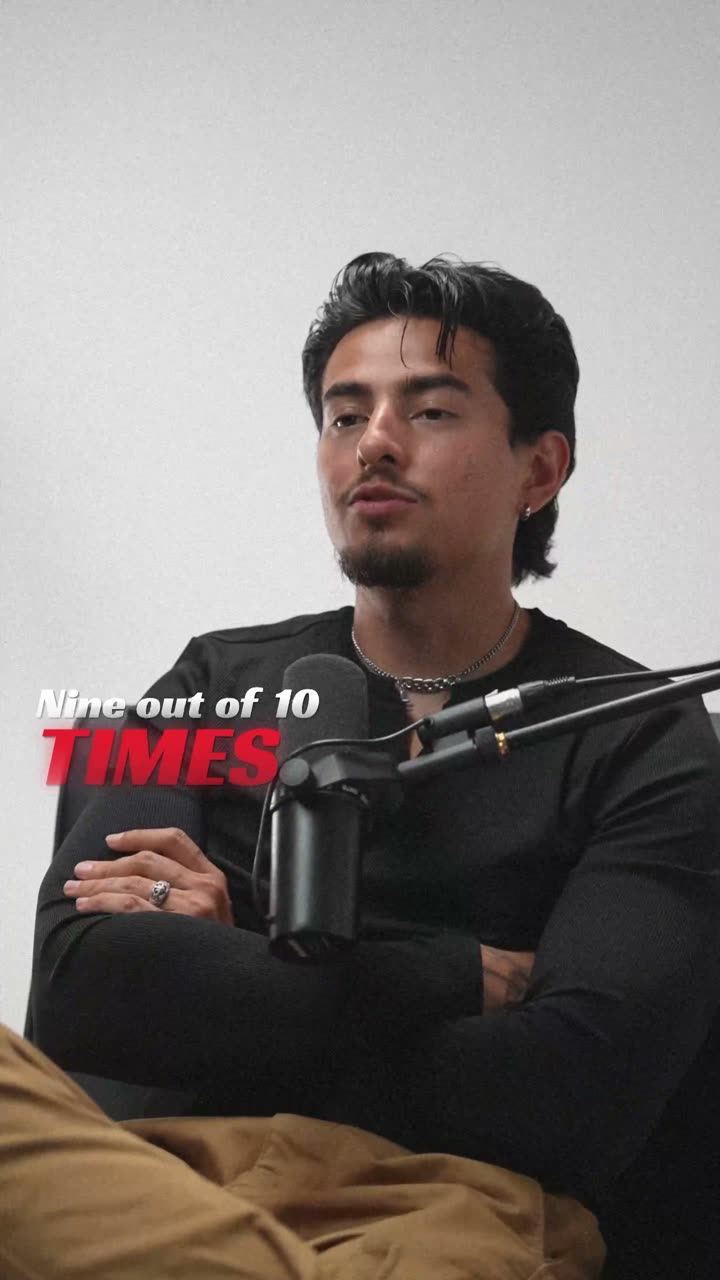
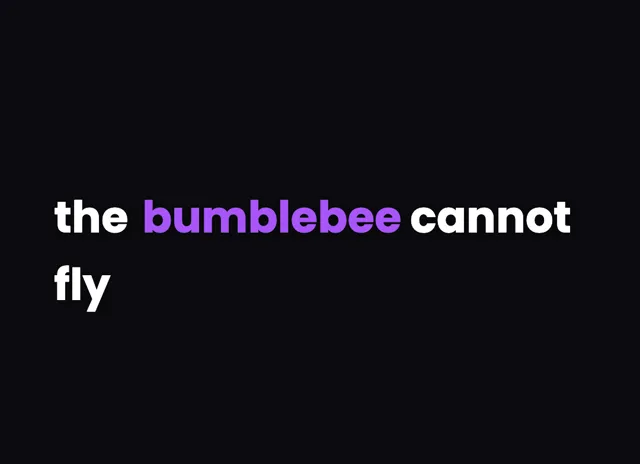
A style for your story
Curated fonts, color, and motion
99+
Languages
Word-level
Sync accuracy
13+
Subtitle styles
Up to 4K
Export quality
From upload to export
Your video, ready in three steps
01
Upload your video
Drop in an MP4, MOV, or WebM. The video stays on your device; only the audio goes to the cloud for AI transcription and is deleted afterwards.
02
AI writes the subtitles
Automatic speech recognition transcribes your audio word by word with exact timestamps, in any of 99+ languages. No typing, no manual syncing.
03
Adjust and export
Subtitles arrive pre-styled with curated fonts and colors. Tweak anything you like, then export an MP4 with the subtitles burned in, up to 4K.
A better starting point
An auto subtitle generator built for how video is watched now
Typing subtitles by hand and nudging timestamps until they sync is hours of work per video. This auto subtitle generator does the transcription and the timing in one pass: AI speech recognition captures every word with its exact moment in the audio, so subtitles land in sync on the first try.
Where most subtitle makers stop at plain text on a black bar, subtitles here start from curated styles: fonts, colors, and motion chosen to look designed together. The result reads clearly on a phone screen at arm's length and still looks like it belongs to your brand.
Everything runs in the browser. Upload, generate, edit, and export without installing software, and your finished MP4 has no watermark on any plan.
Why creators pick this subtitle generator
Beautiful by default
Curated styles with fonts, colors, and motion designed to work together. The first export already looks finished.
Word-level timing
AI transcription timestamps every word, so text appears exactly when it is spoken. Karaoke and pop styles depend on it.
99+ languages
English, Spanish, Hindi, Hinglish, Arabic, and 95 more, with right-to-left scripts rendered correctly.
Built for vertical
9:16 native for Shorts, Reels, and TikTok, with text kept inside each platform's safe area.
Private by design
Your video stays in your browser. Only the audio is processed in the cloud for transcription, then deleted.
Clean exports
MP4 up to 4K with no watermark on any plan, ready to upload anywhere.
Beautiful by default
The right words. A look that's yours.
Keep it clean
Let the words do the talking.
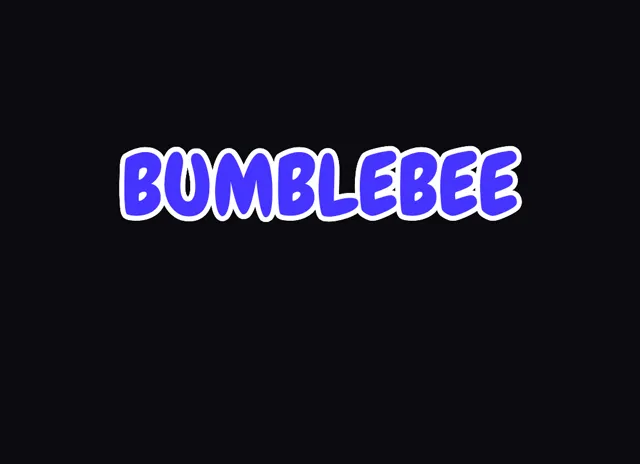
Make a statement
Bold type for your biggest moments.
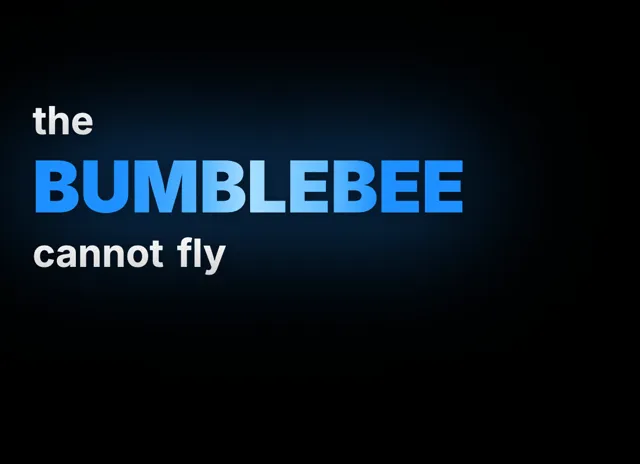
Give words presence
Emphasis that brings your story to life.
Style examples shown in English. Choose a font that supports your video's language.
Add subtitles to video in one upload
The whole flow is a single pass: upload the video, let the AI transcribe it, review the result, and export with subtitles burned in. There is no separate transcription step, no aligning text to audio by hand, and no juggling files between a transcription service and a video editor. The subtitles arrive already timed to the word and already styled, so the review step is usually just scanning for a misheard name rather than rebuilding lines. For a typical one-minute vertical video, going from raw upload to a finished, subtitled MP4 takes about as long as watching the clip twice. Longer videos scale linearly; the AI transcribes faster than real time, and export speed depends mostly on your chosen resolution.
Subtitles in 99+ languages
The AI transcribes English, Spanish, Portuguese, French, German, Arabic, Hindi, and more than 90 other languages, and the renderer handles the typography each one needs: right-to-left scripts like Arabic display correctly, Devanagari and other non-Latin scripts get fonts that actually support them, and accented characters never fall back to tofu boxes. Hinglish gets special handling that most subtitle tools skip entirely: spoken Hindi is transliterated into Roman script automatically, which is how Indian creators actually subtitle short-form content. Mixed-language audio is transcribed in the language spoken, sentence by sentence. Each supported language has its own dedicated page covering accuracy notes, recommended fonts, and the subtitle styles that read best in that script.
Styled subtitles instead of plain text bars
Because subtitles here are rendered by the same engine that powers the caption styles, you are not limited to white text on a black strip. Karaoke-style word highlighting that follows the speaker, pop-in words with motion, and clean minimal looks for corporate content are all one click away, and every style ships with fonts, colors, and animation timing curated to work together out of the box. That is the core difference from a typical subtitle maker, where the text is an afterthought pasted over the frame. If your brand needs specific colors, fonts, or positioning, override any detail down to the individual word; the curated defaults are the starting point, not the ceiling, and your changes preview live before export.
Burned-in subtitles that work everywhere
Exports burn the subtitles into the MP4, so they display identically on TikTok, Instagram, YouTube, LinkedIn, and in any video player, with no separate file to manage and no platform styling overriding yours. Burned-in subtitles are the reliable choice for social video: they survive reposts, downloads, embeds, and messaging apps, and they guarantee that the styling you designed is the styling every viewer sees. Sidecar formats like SRT and VTT still have their place for YouTube long-form, accessibility compliance, and multi-language toggles, where viewers benefit from turning subtitles on and off or switching languages. If you are unsure which approach fits your content, the captions-vs-subtitles guide and the SRT and VTT glossary entries linked below walk through the trade-offs in plain terms.
How do I add subtitles to a video for free?
Upload the video, let the AI generate the subtitles, and export. Signup includes welcome credits that cover real transcription time, and the exported MP4 is clean with no watermark on every plan.
How does the AI subtitle generator stay in sync?
The speech recognition returns a timestamp for every single word, not just for each line. Subtitles are built from those word timings, so sync is exact without any manual adjustment.
Can I translate my subtitles into other languages?
Transcription supports 99+ spoken languages today, so your subtitles always match the language spoken in the video, whatever it is. Translating finished subtitles into a different language than the one spoken is on the roadmap and not available yet.
Can I edit the generated subtitles?
Yes, everything is editable: the text of any word, its timing, line breaks, position, font, color, and animation. Most videos need only a couple of quick fixes for names or jargon.
What is the difference between subtitles and captions?
In everyday use the words overlap heavily. Strictly, subtitles assume you can hear and translate or transcribe the dialogue, while captions also describe sounds for viewers who cannot hear. This tool produces styled, burned-in text that serves both purposes.
Does it output SRT or VTT files?
Yes, both. The primary output is an MP4 with styled subtitles burned in, which is what social platforms reward, and the editor also downloads sidecar SRT and VTT files (on Creator and Studio plans) for YouTube uploads, players, and accessibility workflows.
Is there a watermark on the exported video?
No. Every plan, including the free one, exports clean MP4 files with no watermark, no logo, and no branding of any kind. The export you download is exactly what your viewers will see on every platform.
Your next video starts here
Try the subtitle generator on your next video
Beautiful captions. Your words, your style.
Keep exploring