Captions in English
English caption generator, beautiful by default
Upload a video in English and get captions timed to every word, in styles that look designed before you change a thing.
Create in your browser. Start for free.
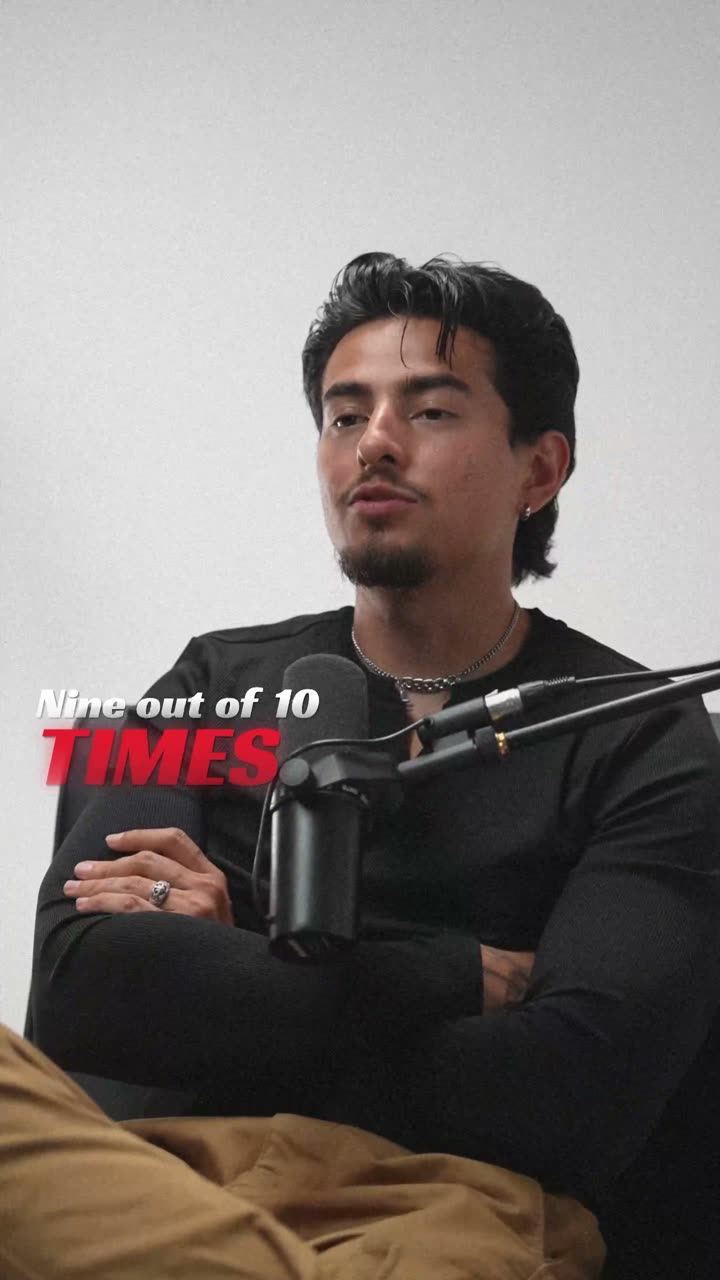
A style for your story
Curated fonts, color, and motion
From spoken words to styled captions
How to add English captions
01 / Upload
Upload your English video
Open the editor and upload the video you want to caption. Choose English for transcription.
02 / Make it yours
Check the English captions, pick a style
Review the generated words, correct the details, and choose a caption style that fits your story.
03 / Share
Export with English captions
Preview the timing and placement, then export your video with the captions included.
Made for your language
English
English
For Instagram Reels, YouTube Shorts, TikTok, YouTube
How accurate are English captions?
English is the language our AI knows best. It handles American, British, Indian, Australian and other accents, and times every word to your voice.
Beautiful by default
English caption styles that look designed
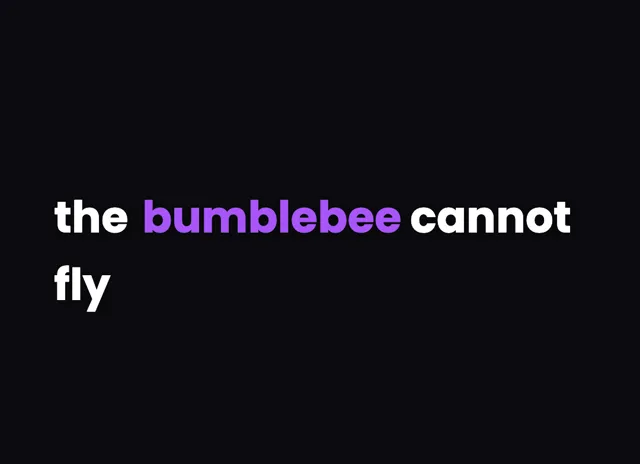
Clean highlight captions
Let the words do the talking.
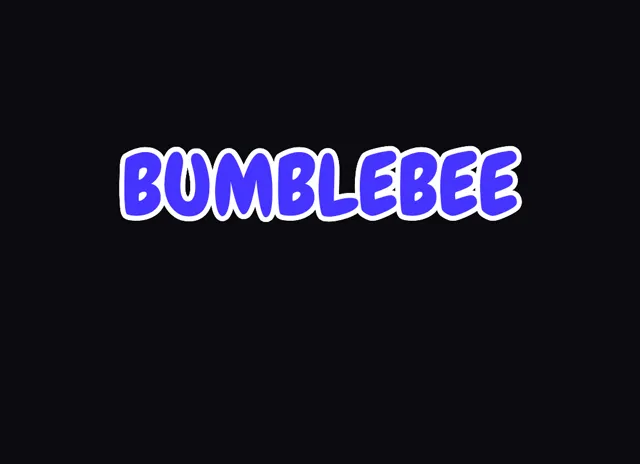
MrBeast style captions
Bold type for your biggest moments.
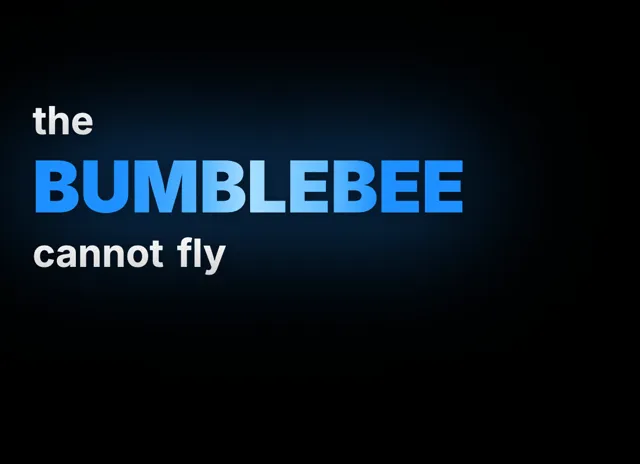
Animated captions
Emphasis that brings your story to life.
Style examples shown in English. Choose a font that supports your video's language.
English captions for Reels, Shorts and TikTok
Most people watch short videos with the sound off, so on Reels, Shorts and TikTok the captions carry the video. Upload your clip, choose English, and every word comes back with its own timing, so the text changes exactly when you say the next word instead of drifting behind. Keep the captions to two or three words at a time, set them large, and place them in the middle of the frame, above the username and buttons at the bottom of the screen. The styles in the editor are built for this: the bold MrBeast look, one-word pop captions, karaoke captions that light up each word as you say it, and clean highlight captions for talking-head videos. Pick one, adjust the colour to match your brand, and export a 9:16 MP4 ready to post. Every export is free of watermarks, on the free plan too.
Accents, names and slang
English videos come in every accent, and captions that get names wrong look careless. Our AI handles American, British, Indian, Australian, Irish and other accents, and it keeps up with fast speech and casual phrasing. Anything it gets wrong, like a brand name, a person's name or a slang word, you fix by clicking the word and typing. The timing stays where it was, so a fix never breaks the sync. If you speak English with some Hindi mixed in, choose Hinglish instead, which keeps both languages in the same line. For long YouTube videos, a full line of subtitles at the bottom reads better than word-by-word captions, and paid plans can also export an SRT or VTT file for YouTube Studio.
Is this English caption generator free?
Yes, you can start free. New accounts get 200 welcome credits at signup, which covers several short videos, and exports never carry a watermark. Paid plans add longer videos, higher resolution and subtitle files.
Does it work with Indian and British accents?
Yes. Our AI handles American, British, Indian, Australian and other English accents. If a word comes out wrong, click it and retype it, and the timing stays in place.
Can I get English subtitles as an SRT file?
Paid plans can export SRT and VTT subtitle files for YouTube and video players. Every plan, including free, exports an MP4 with the captions already on the video.
What is the best caption style for English Reels?
Short, bold captions in the middle of the frame work best: two or three words at a time, in a heavy font with a strong outline. The MrBeast and pop styles are built for that, and karaoke highlighting works well for fast talkers.
Your next video starts here
Start Creating English Captions
Beautiful captions. Your words, your style.
Keep exploring
More Languages
Popular Styles