Used by 8,000+ creators
Notification Stack Animation
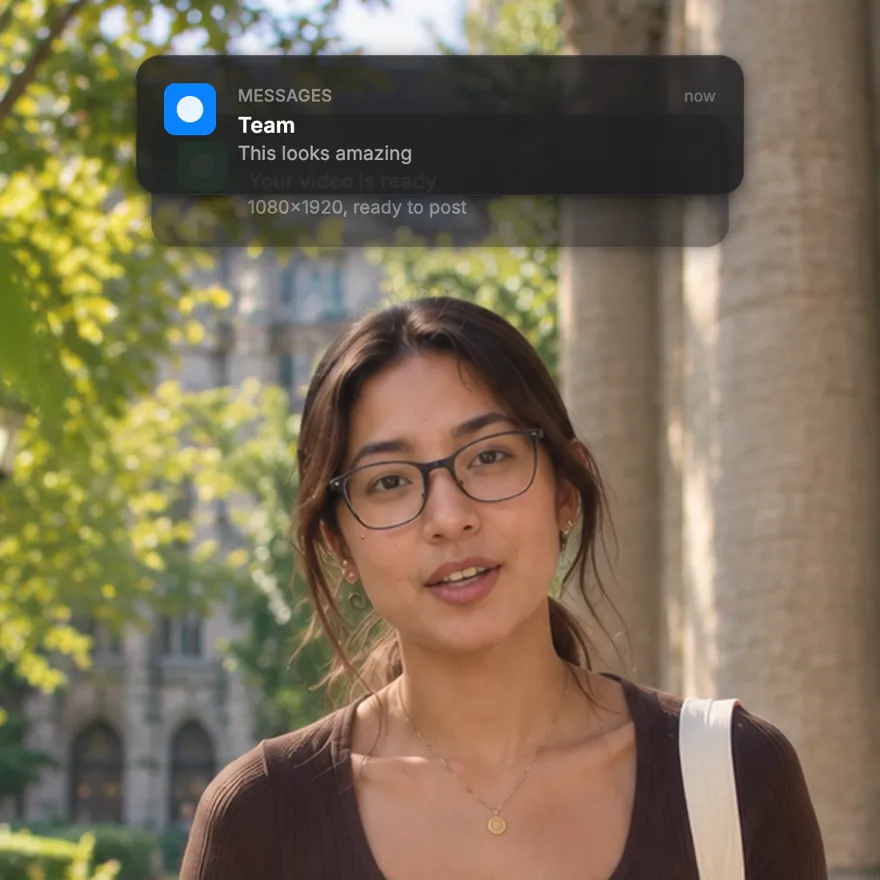
Two iOS-style notifications slide in and stack, with your own app names, titles and messages. Proof, news or a plot twist in two seconds, as a free 1080p MP4.
Free, no sign-up
By Sumit DeyUpdated
What is the Notification Stack?
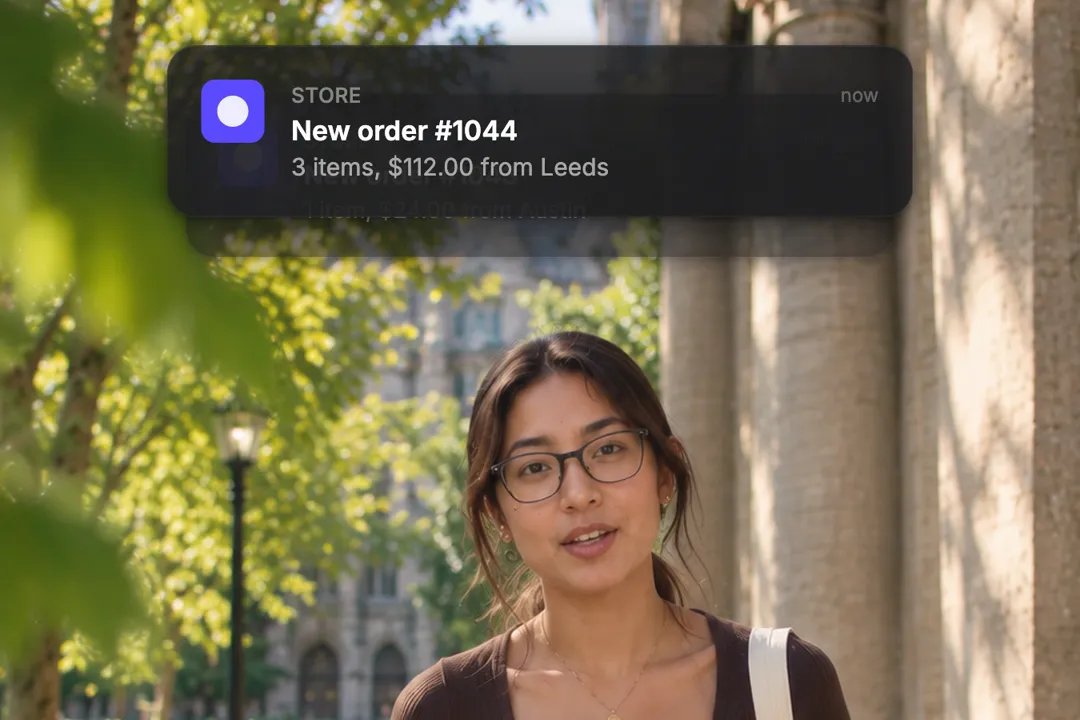
A notification animation shows phone banners arriving on screen, the way they land on a lock screen. This one stacks two of them, each with its own app name, title, message, time label and colour.
How it works
The first banner drops in from the top and holds for a moment. The second slides in and pushes the first one down, slightly smaller. Both hold together, then spring up and fade out. You set how long each pause lasts and the background behind them.
Made for
- Social proof like new orders and reviews
- Story beats in skits and faceless videos
- Launch and feature announcements
- Before and after messages in testimonials
- Creator milestones and brand deals
Notification Stack in three steps
Step 01
Write both notifications
Give each one an app name, a bold title, a one-line message and a time label like now or 2m ago.
Step 02
Set the colours and pauses
Pick an accent colour for each app icon, the background, and how long each banner holds before the next step.
Step 03
Export and drop it in
Choose 9:16, 16:9 or 1:1 and download a 1080p MP4 with no sign-up, ready for any editor.
Using Notification Stacks for Social Proof
People trust what other people do. A notification is the most believable way to show it, because everyone has seen their own phone light up the same way.
- 1
Orders and sign-ups feel real
A banner reading New order: 2 items lands harder than a sentence saying sales are up. The format itself suggests it was not staged.
- 2
Two arriving reads as momentum
One notification is an event. A second one stacking on top suggests a stream, which is exactly the impression social proof needs.
- 3
Keep the details believable
Realistic amounts, ordinary names and small time gaps sell the moment. Round numbers and exclamation marks make it look invented.
Notification Stack vs. Static Screenshots
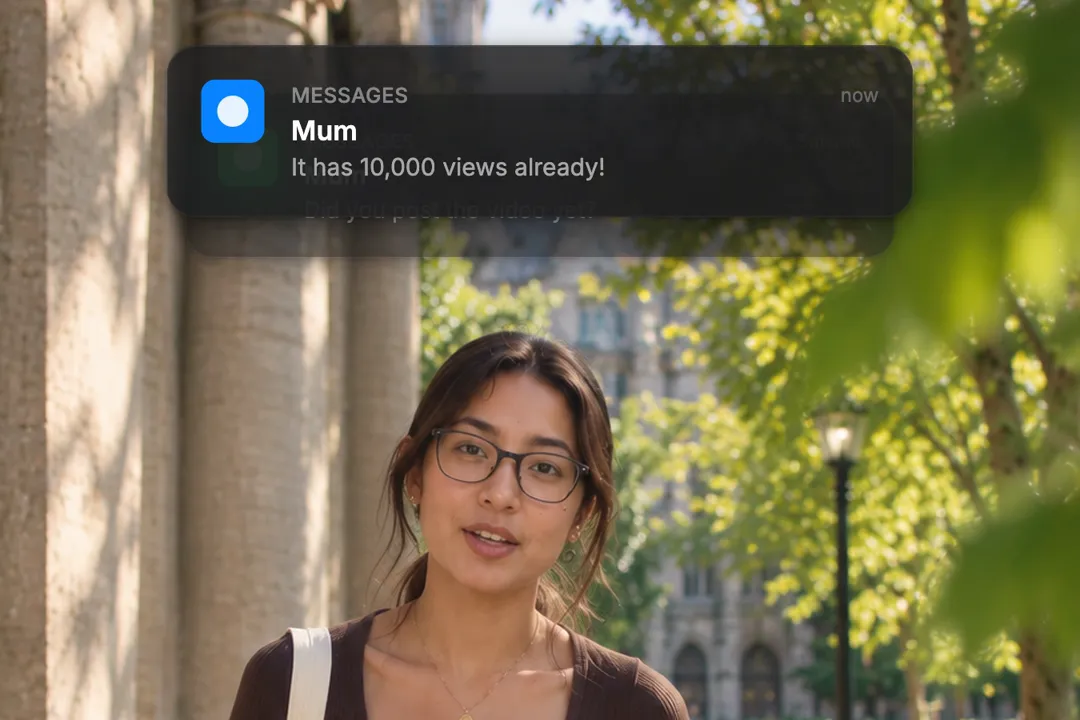
A screenshot of a notification shows that something happened. An animated one shows it happening in front of the viewer, which is what keeps them watching instead of scrolling past.
- 1
Motion draws the eye
A banner sliding in catches attention mid-scroll in a way a still image placed over footage never does.
- 2
Your text, no private data
Screenshots carry real names, battery icons and other apps. Here every word is typed by you, so nothing personal leaks into the video.
- 3
Crisp at every size
Rendered banners stay sharp in 1080p instead of turning blurry when a phone screenshot is scaled up for a video frame.
Writing notifications people read in two seconds
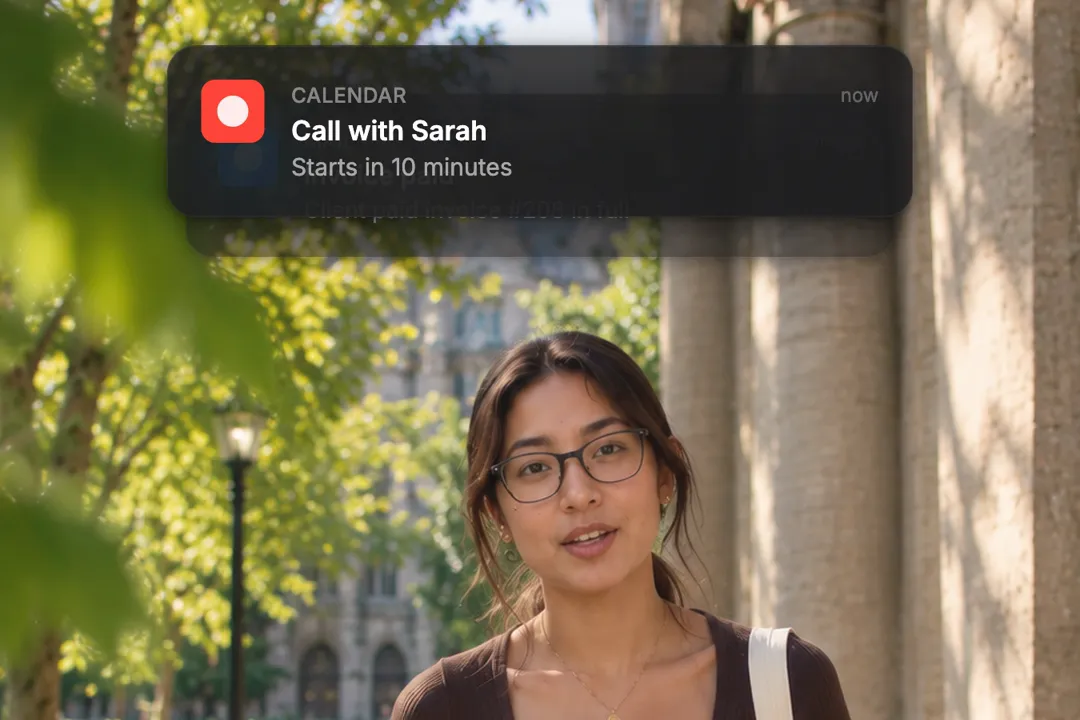
A notification is on screen briefly, so every word has to earn its place. These rules keep both banners readable.
- 1
The title carries the news
Put the key fact in the bold line, like Payment received or Sarah replied. Many viewers read only that line before the next cut.
- 2
One short line of message
Keep the body to one line on a phone width. If it wraps to three lines, the story is too long for a notification.
- 3
Time labels tell a story
Now on the newest banner and a few minutes ago on the older one makes the stack feel like a real sequence of events.
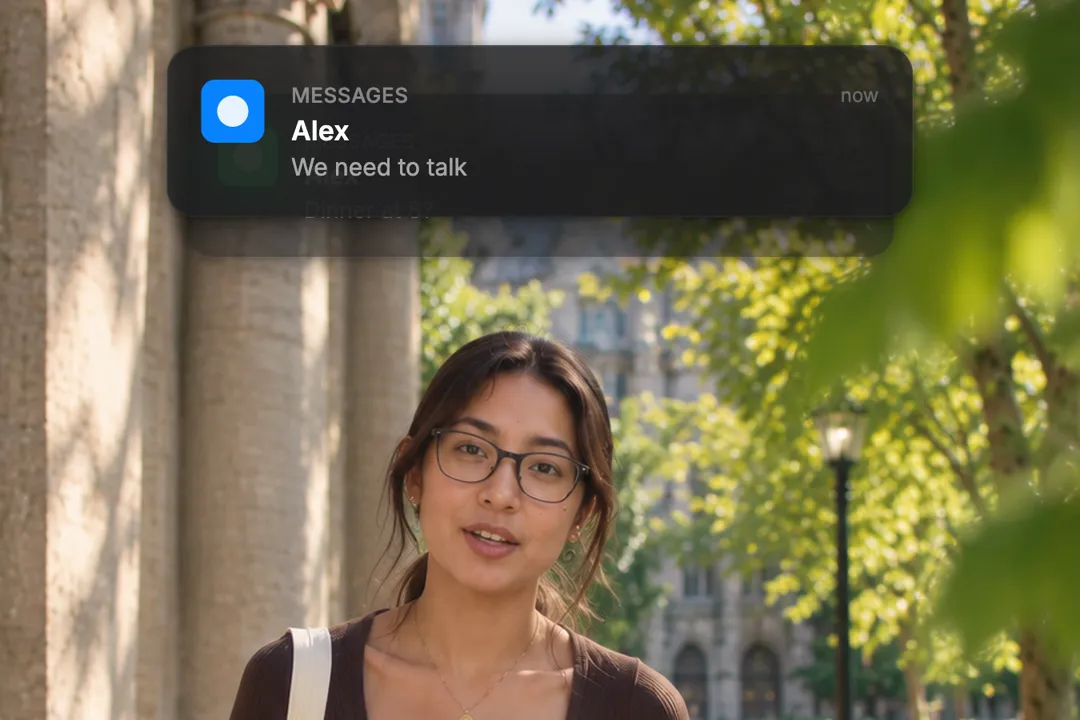
Notification ideas for creators and brands
The format fits far more than sales. Here are setups that work well with two banners.
- 1
The plot twist
A calm first message, then a second that changes everything, like We need to talk arriving after Dinner at 8?
- 2
The proof of result
A client message saying the campaign worked, followed by a payment notification. Use it in case studies and testimonials.
- 3
The launch moment
Your product is live, then the first order. Two banners tell the whole launch story in under three seconds.
- 4
The creator milestone moment
A platform message about a follower milestone, then a brand deal email. Creators use this to mark a turning point.
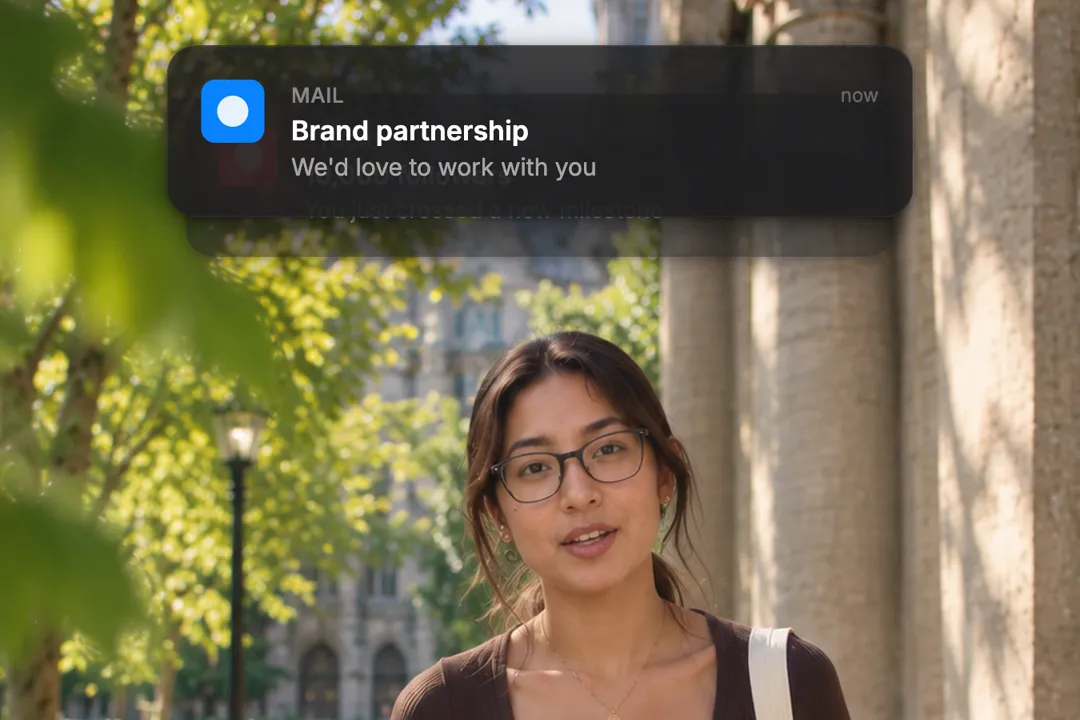
Best Platforms for Notification Stack
- 1
TikTok
A notification popping up is a natural plot twist in a skit or story. Viewers react to it the way they react to their own phone buzzing.
- 2
Instagram Reels
Small brands use order and payment notifications as proof that people buy. Two stacked banners show momentum better than one.
- 3
YouTube
In explainers and case studies, a notification turns a claim into a moment, such as the email that changed the story.
Notification Stack, answered
How many notifications can I stack in one animation?
This element stacks two, which is the sweet spot for readability on a phone. For a longer sequence, export several versions with different text and place them one after another.
Can I customize the text on each notification?
Yes. Each banner has its own app name, title, message, time label and accent colour. Everything is typed by you, so you control every word on screen and nothing comes from a real phone.
Does it look like an iPhone notification?
It is styled after iOS banners, with rounded cards, an app icon colour and a time label. It is a rendered graphic, not a screenshot, so it stays crisp at 1080p.
Do I need motion design experience to use this?
No. The slide, the stacking and the exit are already animated with natural spring motion. You only write the text, choose the colours and set how long each banner holds.
Can I change the timing?
Yes. One setting controls how long the first banner holds before the second arrives, and another controls how long both stay on screen together before they spring up and away.
Is the exported video watermark-free?
Yes. The free generator exports a clean 1080p MP4 with no watermark and no sign-up. Drop it into CapCut, Premiere or any other editor you use, or post it on its own.
More free motion elements
- Google Search Animation
- Chat Bubble Animation
- Instagram Post Mockup
- Cursor Box Select
- Number counter animation generator
- Lower third generator
- 3D text animation generator
- Sticker animation maker
- YouTube subscribe animation
- Money counter animation
- Countdown animation
- Text reveal animation
- Cutting mat generator
- All motion elements
Caption styles, platforms and tools
From the blog
How Video Captions Increase Watch Time by 40% (2026 Data)
The data is clear: videos with captions get more views, higher watch time, and better algorithmic reach. Here is what the research shows, why it works, and how animated captions outperform static ones.
Animated Captions for Faceless Video: Styles That Hold Attention
On a faceless video the captions are not a subtitle track. They are the performance, the emphasis, and the only brand asset that appears in every single frame. Here is how to choose and apply them.
Faceless Reels and TikToks: A Format Guide That Actually Names the Caption Style
Short-form is where faceless content is won or lost, and it is also where the safe zones, the mute default, and the three-second judgement are least forgiving. Here is the format-by-format breakdown.
Create a Free Notification Stack Motion Element
Free, no sign-up