Free AI TikTok Caption Generator
TikTok Caption Generator: Auto Captions That Look Native
Upload your TikTok and AI captions it word by word, in styles built for the vertical feed. Bold, animated, safe-area aware, and exported as a clean MP4 ready to post.
Create in your browser. Start for free.
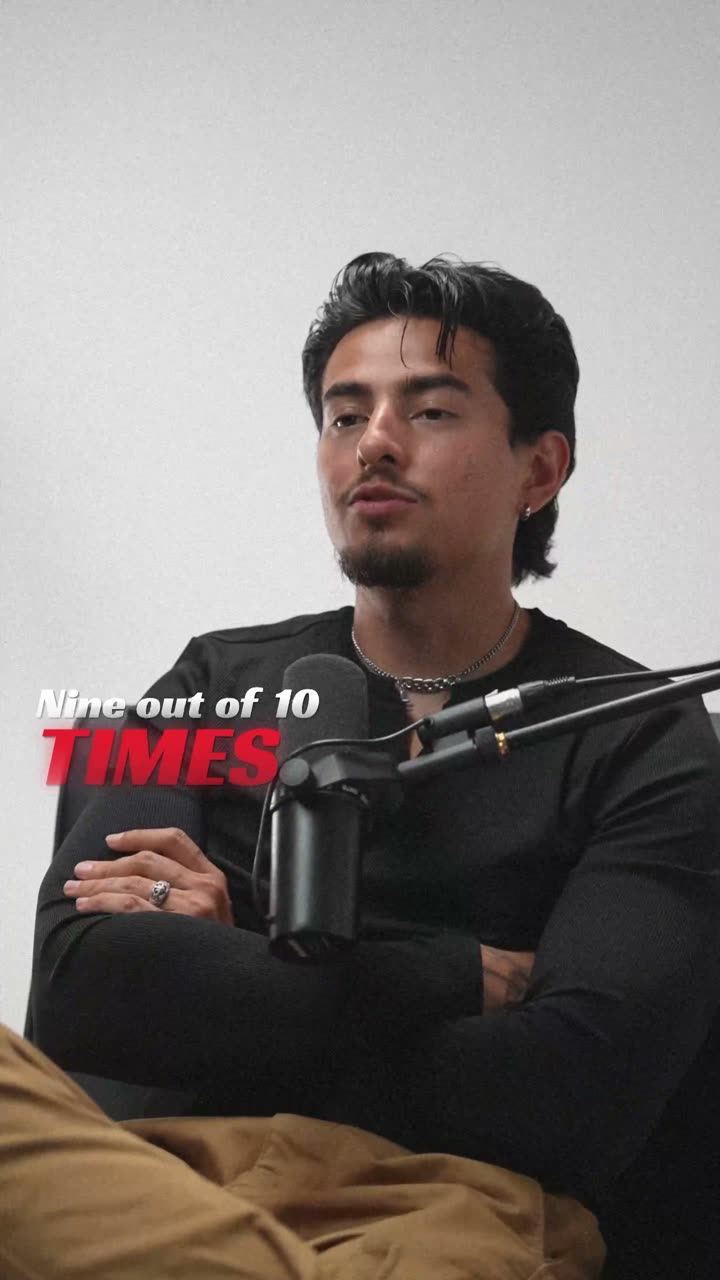
A style for your story
Curated fonts, color, and motion
9:16 native
Format
Word-level
Timing
99+
Languages
None
Watermark
From upload to export
Your video, ready in three steps
01
Upload your TikTok video
Drop in the 9:16 video you are about to post. The file stays in your browser; only the audio goes to the cloud for AI transcription.
02
AI captions every word
Speech recognition transcribes with word-level timestamps, then a TikTok-ready caption style is applied automatically, sized for the vertical feed.
03
Export and post
Export a clean MP4 with captions burned in, positioned inside TikTok's safe area so nothing hides behind the like button or the caption overlay.
A better starting point
Captions tuned for how TikTok is actually watched
TikTok is watched fast, vertical, and very often on mute, which makes captions the difference between a scroll-past and a watch-through. The styles here are built for that reality: big, high-contrast text, a few words on screen at a time, and motion that matches the pace of short-form editing.
TikTok's own auto captions are functional but generic, one look for every creator, limited styling, and no control over timing granularity. Generating captions here gives you word-level timing, a curated set of animated styles, and full control over fonts, colors, and position, then a clean MP4 you can post anywhere, not just on TikTok.
The safe area matters more than most creators realize. Text placed too low collides with TikTok's caption and music overlays; too far right and the engagement buttons cover it. Caption positions here default to the visible zone, so your text reads on every device.
Why creators pick this tiktok caption generator
Beautiful by default
Curated styles with fonts, colors, and motion designed to work together. The first export already looks finished.
Word-level timing
AI transcription timestamps every word, so text appears exactly when it is spoken. Karaoke and pop styles depend on it.
99+ languages
English, Spanish, Hindi, Hinglish, Arabic, and 95 more, with right-to-left scripts rendered correctly.
Built for vertical
9:16 native for Shorts, Reels, and TikTok, with text kept inside each platform's safe area.
Private by design
Your video stays in your browser. Only the audio is processed in the cloud for transcription, then deleted.
Clean exports
MP4 up to 4K with no watermark on any plan, ready to upload anywhere.
Beautiful by default
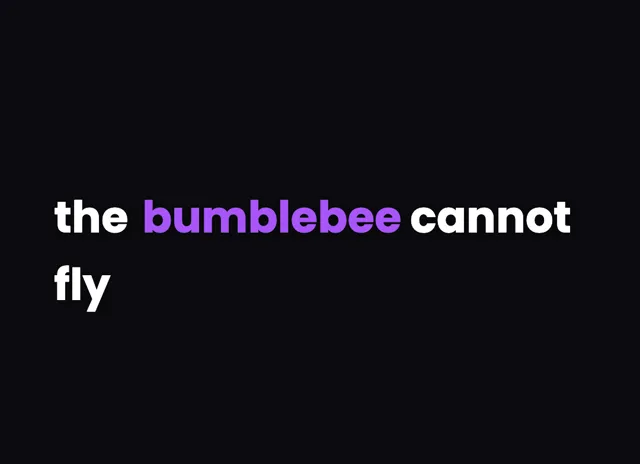
The right words. A look that's yours.
Keep it clean
Let the words do the talking.
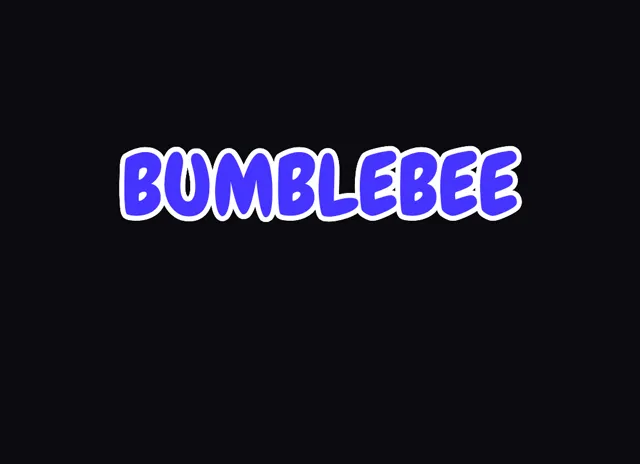
Make a statement
Bold type for your biggest moments.
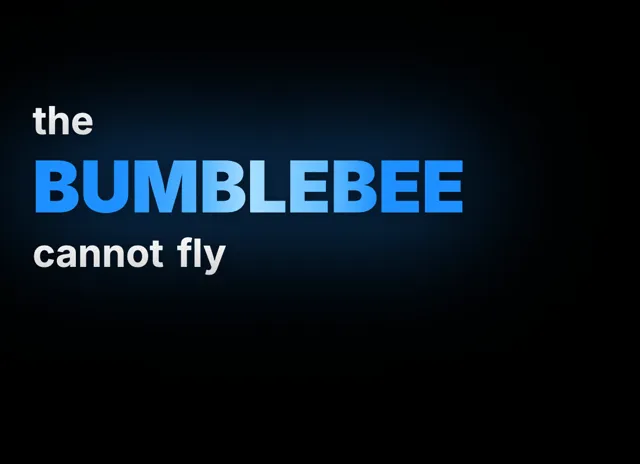
Give words presence
Emphasis that brings your story to life.
Style examples shown in English. Choose a font that supports your video's language.
Why not just use TikTok's built-in auto captions?
TikTok's built-in captions are a solid accessibility baseline, but they are the same plain look on every video, and they only exist inside TikTok. If you cross-post to Reels and Shorts, you need captions that travel with the video file. Generating captions here burns them into the MP4 with your chosen style, so one export works on TikTok, Instagram, YouTube, and anywhere else you publish. You also get control TikTok does not offer: karaoke-style word highlighting, pop-in animations, custom fonts and brand colors, manual correction of misheard words, and precise placement on the frame. For creators building a recognizable visual identity, that consistency across platforms compounds; viewers start recognizing your videos from the caption style alone.
Built for the vertical feed and the mute button
Everything about the default styles assumes a phone held one-handed and a viewer who has not unmuted. Text is sized to be readable at arm's length, line lengths are kept short so words can be big, and only a few words show at a time so the eye never has to scan. Word-level timing keeps the text locked to the speaker's pace, which holds attention in a way block subtitles do not. The styles lean bold by design: chunky fonts, high contrast, and motion on the active word. That is what performs in short-form, and it is why the biggest short-form creators all caption this way.
From upload to posted in a few minutes
The flow is short by design because posting cadence matters on TikTok. Upload the clip, let the AI transcribe it, glance over the words to fix any misheard name, and export. A typical 30-second clip is captioned and exported in less time than it takes to write the post description. The free plan's welcome credits cover real videos, exports are clean MP4s with no watermark, and nothing needs installing, so the whole loop runs in the browser between edits. If you caption in Spanish, Hindi, Hinglish, or any of 99+ languages, the same flow applies with the right fonts and scripts rendered correctly.
Is the TikTok caption generator free?
Yes. A free account includes welcome credits that cover real transcription time, every caption style is available on the free tier, and exports are always clean MP4 files with no watermark, so the videos you post look identical on any plan.
Will the captions avoid TikTok's buttons and overlays?
Yes. Caption positions default to inside TikTok's safe area, which keeps your text clear of the like, comment, and share buttons on the right edge and the caption and music overlays along the bottom of the screen, on every device size.
How is this better than TikTok auto captions?
You get styled, animated captions with word-level timing instead of one generic look, you can fix any misheard word, and the captions are burned into the MP4 so they work when you cross-post to Reels and Shorts too.
Can I match my captions to my brand?
Yes. Start from a curated style, then override fonts, colors, sizes, and position, down to styling individual words differently. Once you have a look you like, reusing it keeps your caption style consistent across every video you export, which builds recognition in the feed.
Does it caption languages other than English?
Yes. The AI transcribes 99+ languages, including Spanish, Portuguese, Hindi, and Arabic with correct right-to-left rendering. Hinglish gets automatic Roman-script transliteration, the format Indian creators actually use for TikTok and Reels captions, and each language renders with fonts that support its script.
Your next video starts here
Try the tiktok caption generator on your next video
Beautiful captions. Your words, your style.
Keep exploring