Used by 8,000+ creators
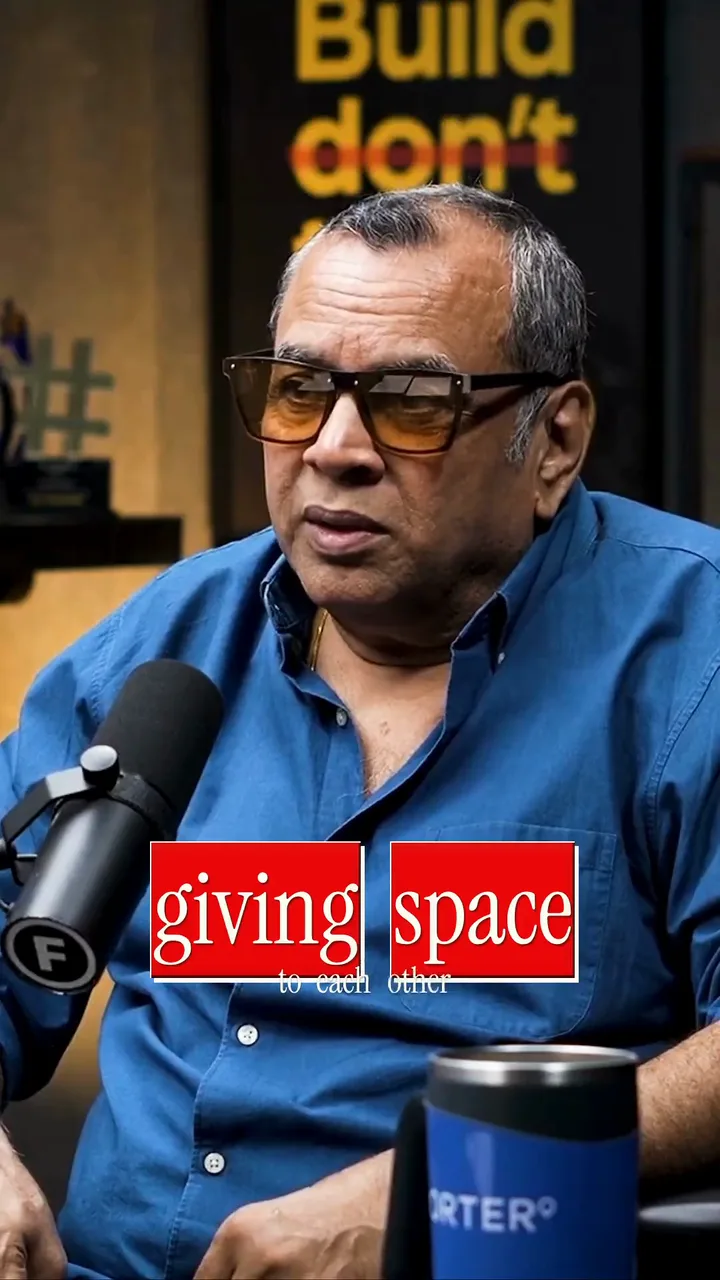
Hindi caption generator, beautiful by default
Accurate Devanagari captions powered by AI: transcribe, style, and export without leaving your browser.
No credit card required
By Sumit DeyUpdated
Hindi
How accurate are Hindi captions?
Our AI transcribes Hindi and recognizes Devanagari script natively, producing word-level timestamps for precise caption sync.
Writing Hindi captions correctly
Hindi is written in Devanagari, where matras and conjuncts must stay attached to their base letters to render correctly.
Popular on Instagram Reels, YouTube, ShareChat
How to add Hindi captions
Step 01
Upload your video
Drop a Reel, a Short or a long video into the editor. It runs in your browser, so there is nothing to install.
Step 02
Choose Hindi
Pick Hindi, or Hinglish if you mix in English. Captions appear in Devanagari with every word timed to your voice.
Step 03
Style it and export
Pick a caption style, fix any word with a click, and export an MP4 that is ready to post.
Why Add Hindi Captions to Your Videos
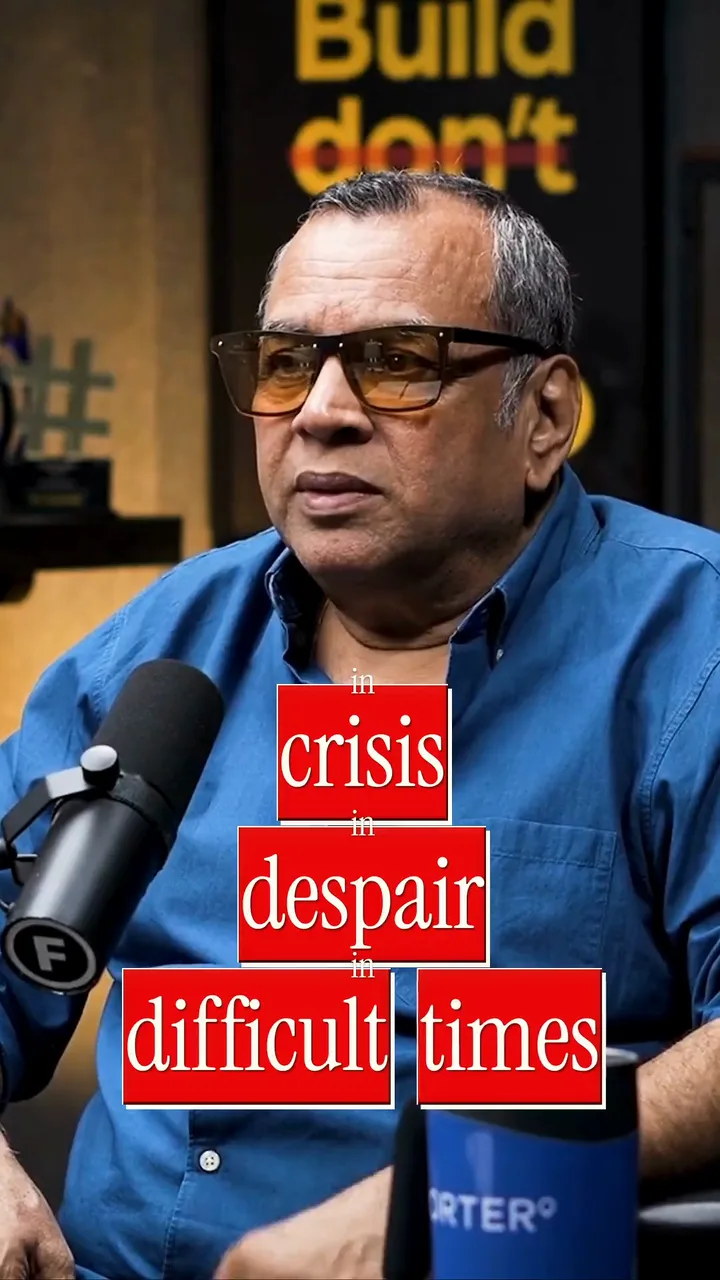
Hindi is the most spoken language in India, and most people scroll Reels and Shorts with the sound off. Captions in the language your viewers think in keep them watching.
- 1
Reach viewers who prefer Hindi
A huge share of Indian viewers would rather watch in Hindi than in English. Devanagari captions make your video feel made for them, across India and the diaspora.
- 2
Hold attention on mute
On trains, in offices and late at night, people watch without sound. Captions carry the story when the audio cannot, which lifts watch time and shares.
- 3
Look designed from the first frame
Captions are beautiful by default: curated fonts, colors and motion give your video a finished look before you change a single setting.
Accurate Hindi Captions, in Hindi or English Letters
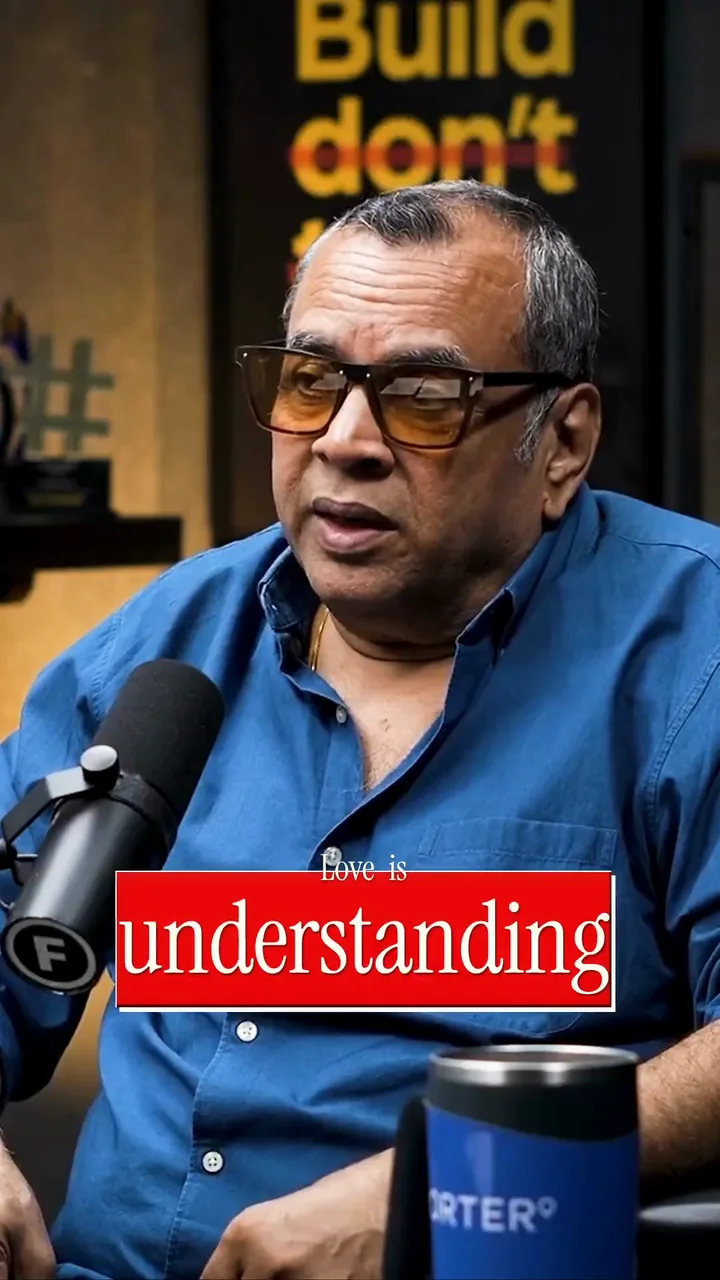
In Hindi, accuracy means more than the right words. It also means the right letters, drawn the right way.
- 1
Devanagari that stays intact
Matras and conjuncts stay attached to their base letters, so words like "क्या" and "स्कूल" never break apart, even in the middle of an animation.
- 2
Every word timed to your voice
The AI recognizes Hindi natively and gives every word its own timestamp, so each caption lands exactly when you say it.
- 3
Switch to English letters when you want
Prefer a Hinglish look? Convert the Hindi words to Roman script. The timing stays put and every word stays editable.
- 4
Private by design
Only the audio track goes to transcription. Your video stays in private storage in your account.
Style and Export Hindi Subtitles for Reels and Shorts
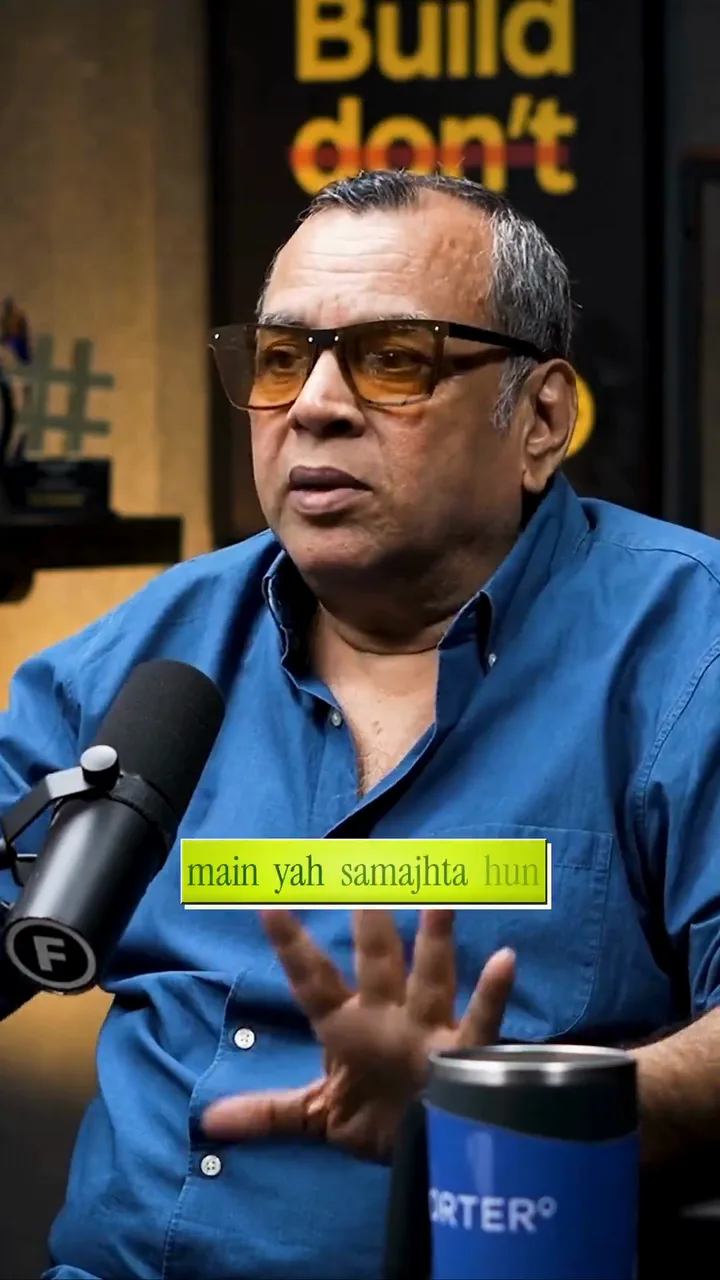
Pick how the words move, keep them easy to read, and export a file that is ready to post.
- 1
Choose a caption rhythm
Karaoke lights up each word as you speak it. Flash drops a bold hook all at once. Build and Pop reveal words in your own rhythm, and Spotlight makes the key word stand out.
- 2
Keep it readable
Use a font with strong Devanagari support, a bold weight and a dark stroke, and keep captions inside the safe area so the app buttons never cover them.
- 3
Export and post
Every plan exports an MP4 with no watermark: 1080p on the free plan, up to 4K on Studio. Paid plans add SRT files, and new accounts start with 225 welcome credits.
Hindi captions, answered
Can I generate Hindi captions automatically?
Yes. Our AI supports Hindi natively, recognizes Devanagari script, and produces word-level timestamps for precise caption synchronization. You upload your video, the audio is transcribed to Hindi, and you can edit any word in the visual editor before styling and exporting.
Can I style Hindi captions with animation effects?
All animated caption effects work with Hindi text, including fade, bounce, glitch, and karaoke highlighting. The rendering engine handles Devanagari correctly, preserving character connections and matras across every effect type so words never break apart during animation.
Can I show Hindi captions in Roman script instead of Devanagari?
Yes. After transcription you can transliterate the Devanagari text to Roman script for a Hinglish-style caption that many Reels and Shorts viewers read faster. The switch is automatic and every word stays editable, with word-level timing preserved throughout.
Is my Hindi audio uploaded to a server for transcription?
Yes, the audio track is sent to our AI service for transcription, and it is the only part of your file that speech recognition hears. Your video is kept in private storage in your account, never public and never used for training. Editing and preview run in your browser, so you still get fast results for your Hindi content.
What video formats can I caption in Hindi?
You can upload MP4, WebM, MOV, and most common video formats. The tool extracts audio in the browser, transcribes it to Hindi, lets you edit and style the captions, then exports a clean MP4 with the captions burned in: 1080p on the free plan, up to 4K on the Studio plan.
More languages
Styles, guides and tools
From the blog
Hindi vs Hinglish Captions: Which to Use
Devanagari or Roman script is not a style choice, it is an audience choice. Here is how to pick the one that actually reaches your viewers.
CapCut Hindi Captions Not Working? Here Is the Fix
Why CapCut trips on Hindi and Hinglish, quick fixes to try, and a cleaner way to caption.
How to Add Hindi Captions to Any Video (Free)
A step-by-step way to caption Hindi video online with clean Devanagari and no app install.
Start creating Hindi captions
No credit card required