Used by 8,000+ creators
Chat Bubble Animation
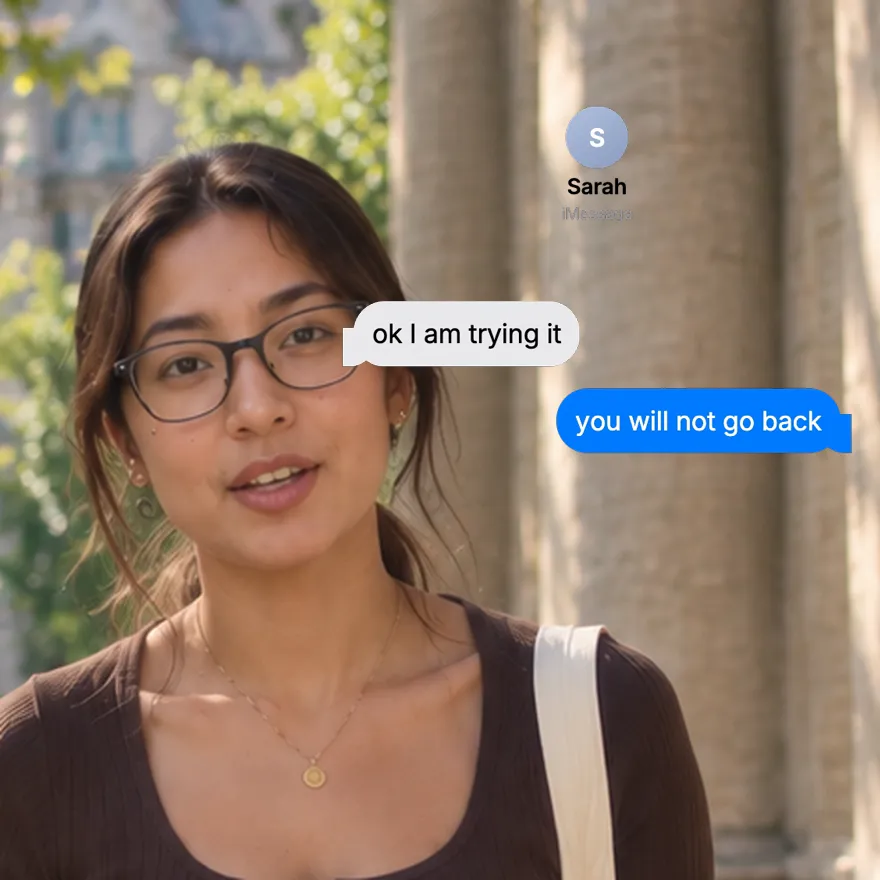
Write both sides of a conversation and watch the bubbles pop in one by one, like a real text thread. Your words, your colours, as a free 1080p MP4.
Free, no sign-up
By Sumit DeyUpdated
What is the Chat Bubble Animation?
A chat bubble animation shows a text conversation building on screen, one message at a time. It is the format behind fake text stories, skits and testimonial videos, with every line written by you.
How it works
Messages appear in order, each bubble popping in on its own beat, sent ones on the right and received ones on the left. You set the text of each message, which side it comes from, both bubble colours, the text colours and the pace.
Made for
- Text message stories and skits
- Customer conversations as testimonials
- Hooks built on a funny exchange
- Explaining a product through a chat
- Relationship and lifestyle content
Chat Bubble Animation in three steps
Step 01
Write the conversation
Type each message and choose whether it is sent from the right or received on the left.
Step 02
Pick colours and pace
Set the sent and received bubble colours, the text colours and how long each message takes to arrive.
Step 03
Export the MP4
Pick 9:16, 16:9 or 1:1 and download a 1080p MP4 with no sign-up and no watermark.
Why text conversations hold attention
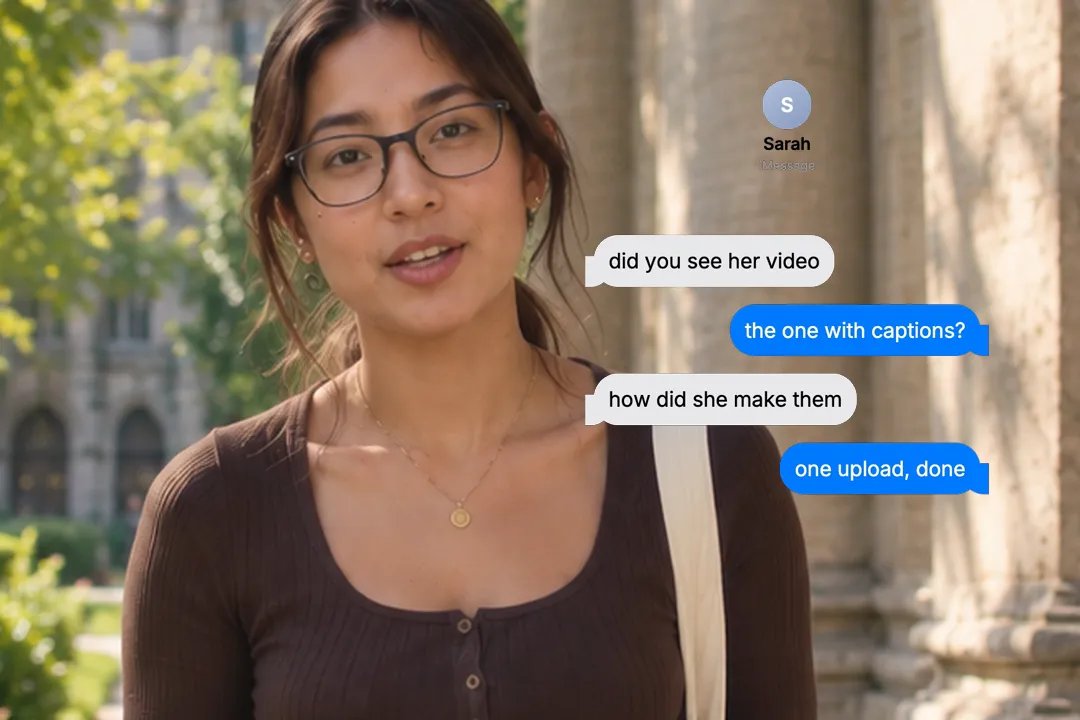
Reading someone else's messages feels like overhearing. A chat thread builds that small, nosy curiosity into your video.
- 1
Every bubble is a cliffhanger
Each new message raises the question of what comes next, so viewers keep watching until the thread ends.
- 2
It works with the sound off
The whole story is on screen, which suits the many viewers who scroll with their sound switched off.
- 3
Everyone knows the format
Bubbles on two sides need no explanation. Viewers read it as a conversation from the first message.
- 4
You control every word
Because you write both sides, the thread says exactly what the story needs, with no real names, numbers or private details.
Writing a thread that lands
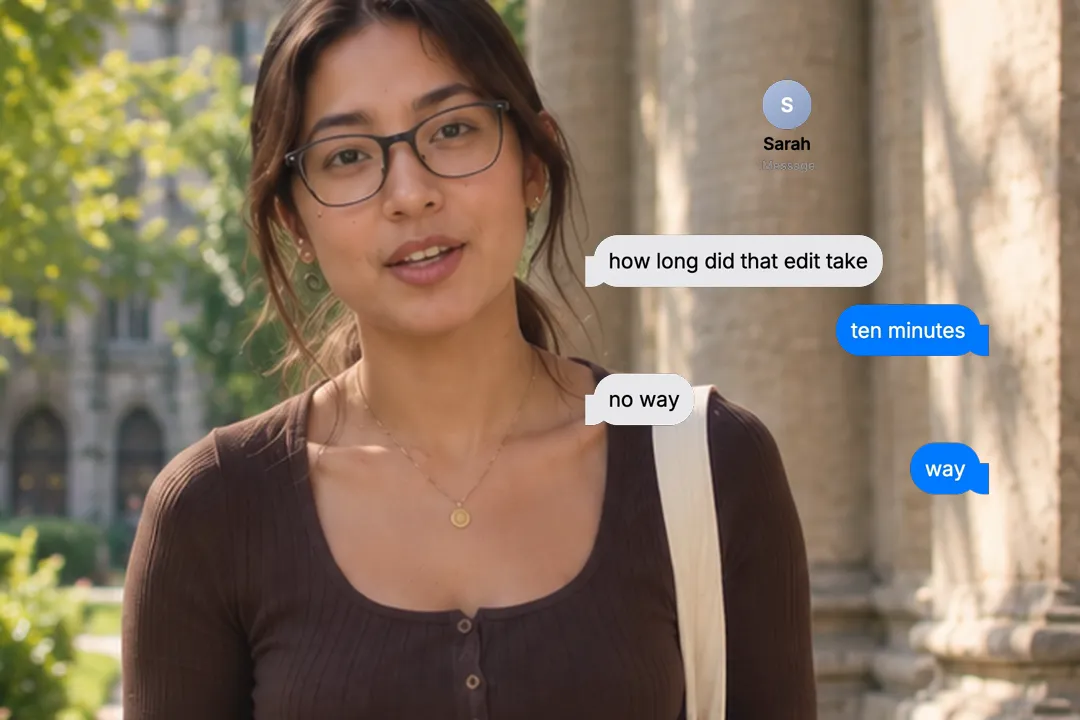
The script matters more than the colours. Good chat threads follow a simple shape.
- 1
Open with a question
A first message like how did you do that? sets up a payoff the viewer wants to see.
- 2
Keep messages short
Real texts are a few words long. Long paragraphs in a bubble look fake and slow the thread down.
- 3
Save the punchline for last
Let the final message carry the joke, the reveal or the product mention, then hold on it.
- 4
Five or six messages is plenty
Beyond that, the thread scrolls off the screen and the first messages are forgotten before the punchline lands.
Making it look like a real phone
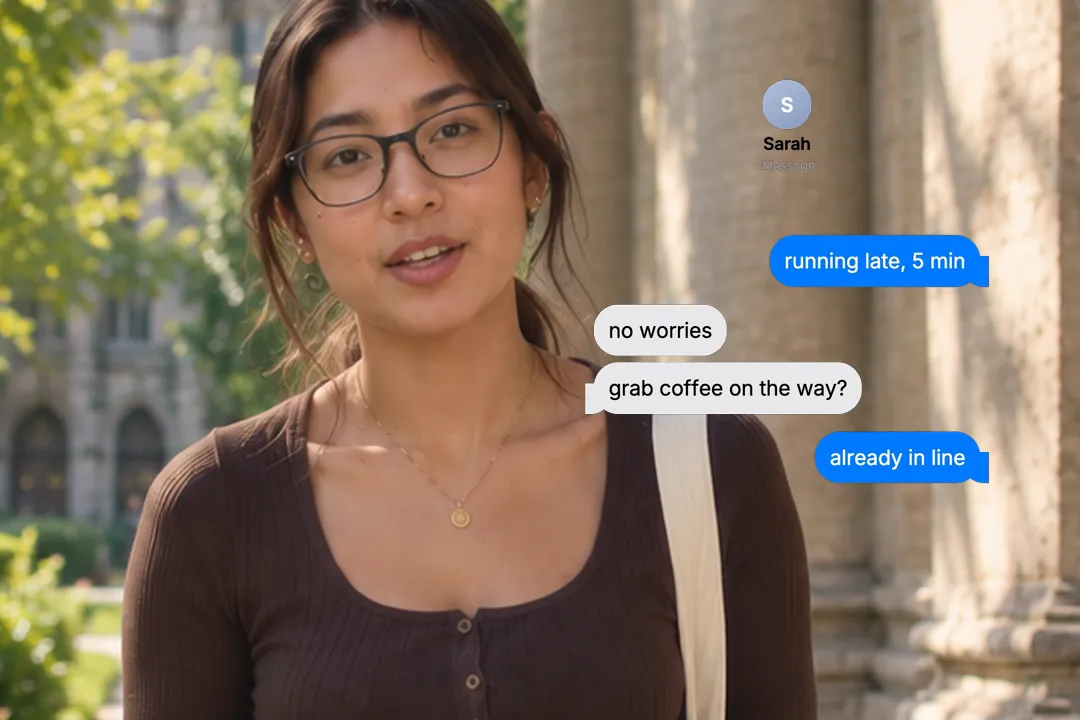
Small choices decide whether the thread reads as a real conversation or a template. Three settings matter most.
- 1
Blue and grey for familiarity
A blue sent bubble and a light grey received bubble read instantly as a phone thread.
- 2
Match the background to your edit
Set the background colour behind the bubbles so the cut from your footage to the thread feels smooth.
- 3
Pace it like typing
Slower pacing between messages feels like someone thinking; faster pacing suits a heated back and forth.
- 4
Write in lowercase for realism
Real texts are often lowercase with little punctuation. A thread written that way reads as a genuine conversation, not a script.
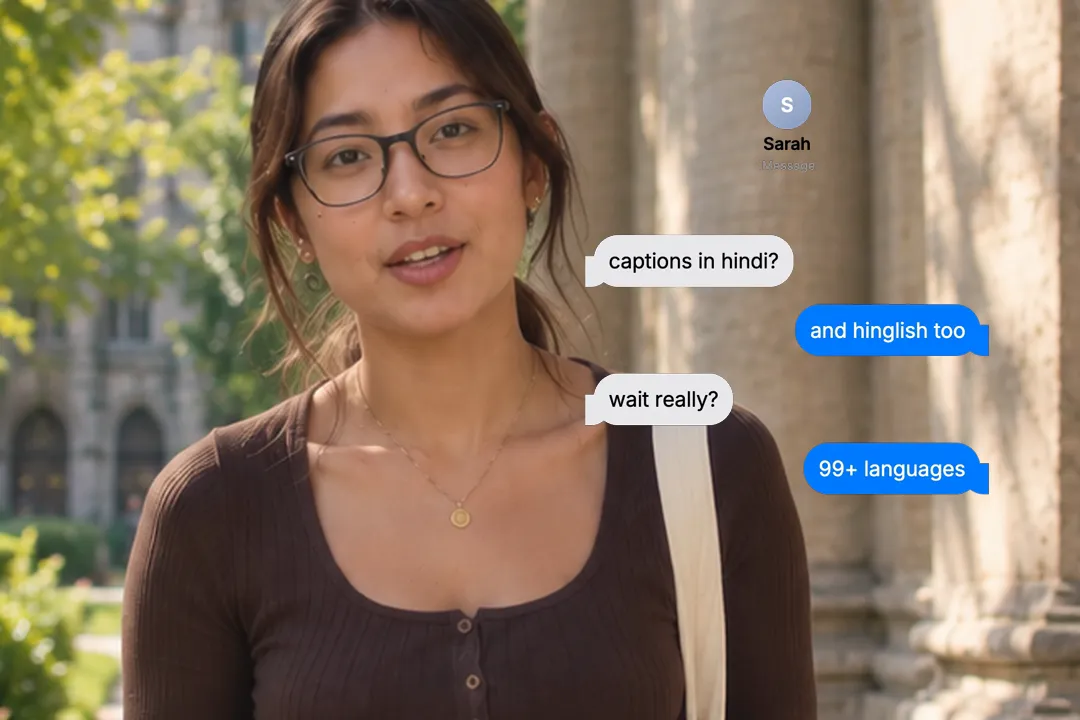
Ideas for chat bubble videos
The format fits far more than jokes. These setups work well for creators, brands and educators alike.
- 1
The customer question
A customer asks how it works and you answer in the thread. It doubles as an explainer and as social proof.
- 2
The before and after
A friend asks why your videos look different now, and your reply names the change.
- 3
The relatable exchange
A conversation your audience has had themselves, ending in a line they will want to send to a friend.
- 4
The myth and the fact
One side states a common belief and the other corrects it, which turns a quick fact check into a short story.
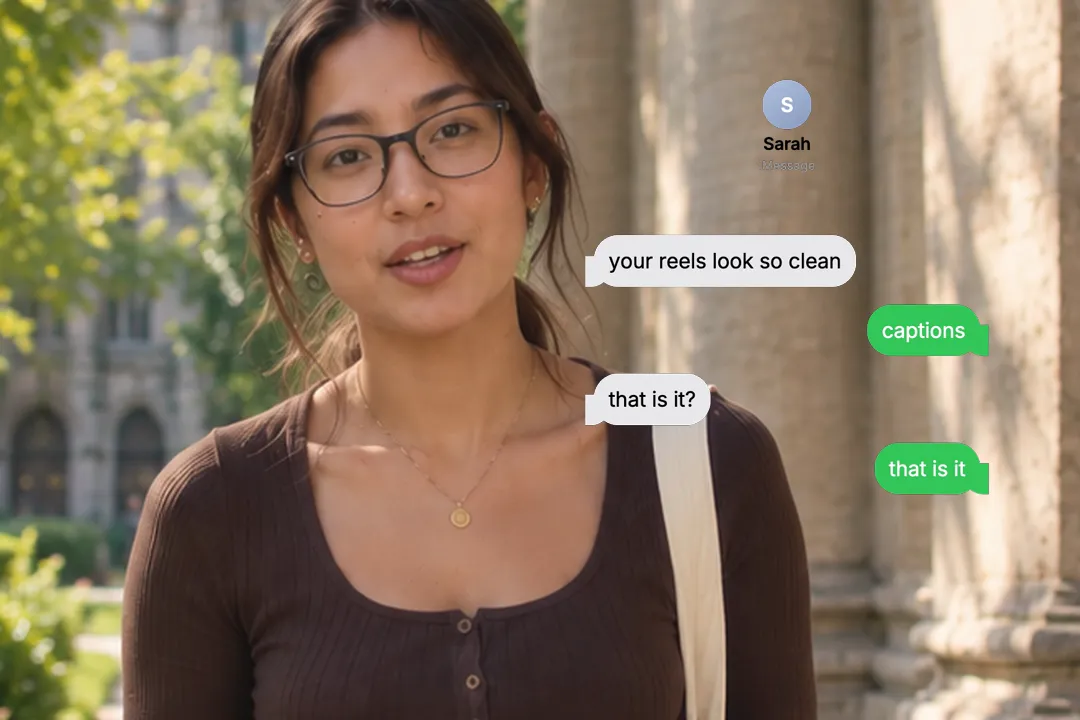
Best Platforms for Chat Bubble Animation
- 1
TikTok
Text story videos are a whole genre on TikTok. Bubbles arriving one at a time keep viewers reading to the punchline.
- 2
Instagram Reels
A short exchange works as a relatable hook. Keep the thread to five or six messages so it finishes before the first cut.
- 3
YouTube Shorts
Chat threads work silently, which suits Shorts viewers scrolling with the sound off.
Chat Bubble Animation, answered
Is the chat bubble animation free?
Yes. It runs in your browser and exports a 1080p MP4 with no sign-up and no watermark. Rewrite the conversation and export again as often as you like. Each version takes about a minute.
Does it look like iMessage?
It is styled after a phone text thread, with blue sent bubbles and grey received bubbles by default. You can change both colours to match any messaging app or your brand.
How many messages can I add?
You can add as many as the story needs, but five or six reads best on a phone. Longer threads scroll the first messages out of view. Split long stories into two clips.
Can I change which side a message comes from?
Yes. Every message has its own side, so the conversation can go back and forth in any order, including several messages in a row from one person. The bubbles follow your order exactly.
Can I slow down or speed up the messages?
Yes. One setting controls how long each message takes to arrive, and another controls how long the finished thread holds at the end. Faster pacing suits a heated exchange, slower pacing suits a story with pauses.
Can I use this for a fake text story?
Yes, it is built for that kind of video. Write both sides, set the pace, and export a clip that plays the story message by message. Keep it short and end on the punchline.
More free motion elements
- Notification Stack
- Instagram Post Mockup
- Google Search Animation
- Quote Card
- Number counter animation generator
- Lower third generator
- 3D text animation generator
- Sticker animation maker
- YouTube subscribe animation
- Money counter animation
- Countdown animation
- Text reveal animation
- Cutting mat generator
- All motion elements
Caption styles, platforms and tools
From the blog
How Video Captions Increase Watch Time by 40% (2026 Data)
The data is clear: videos with captions get more views, higher watch time, and better algorithmic reach. Here is what the research shows, why it works, and how animated captions outperform static ones.
Animated Captions for Faceless Video: Styles That Hold Attention
On a faceless video the captions are not a subtitle track. They are the performance, the emphasis, and the only brand asset that appears in every single frame. Here is how to choose and apply them.
Faceless Reels and TikToks: A Format Guide That Actually Names the Caption Style
Short-form is where faceless content is won or lost, and it is also where the safe zones, the mute default, and the three-second judgement are least forgiving. Here is the format-by-format breakdown.
Create a Free Chat Bubble Animation Motion Element
Free, no sign-up