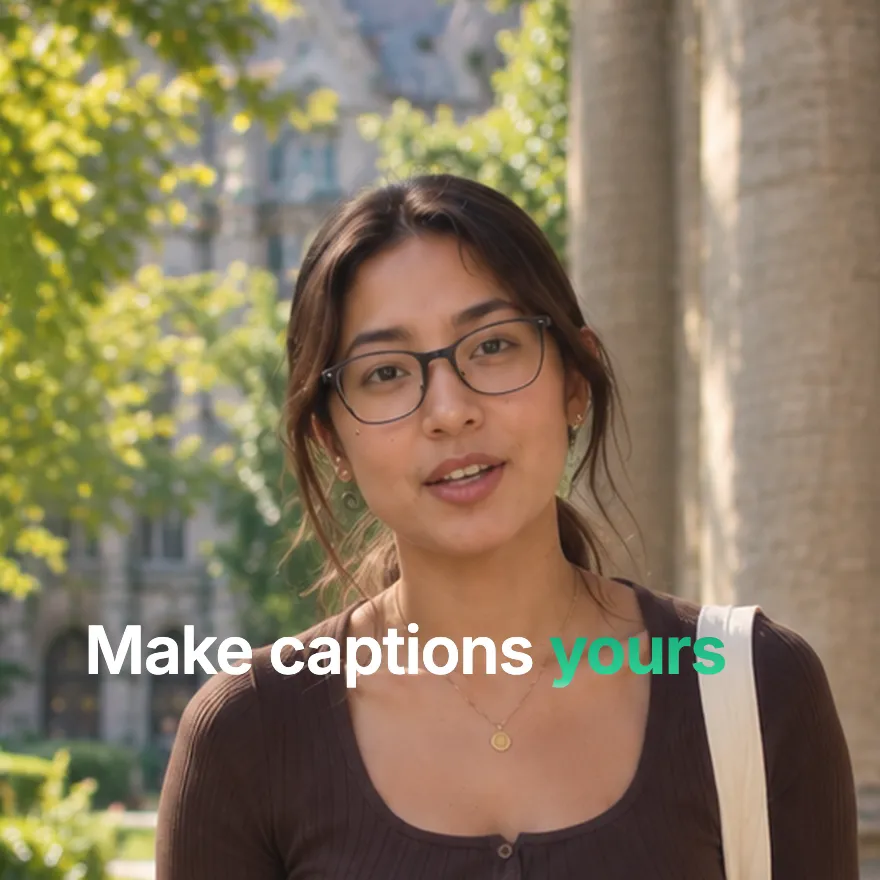
Used by 8,000+ creators
Rotating Text Animation
Keep one phrase fixed and let the last word cycle through your list, one smooth swap at a time. The word carousel for hooks and brand lines, free 1080p MP4.
Free, no sign-up
By Sumit DeyUpdated
What is the Rotating Text Animation?
A rotating text animation keeps part of a line still while one word cycles through several options. It says three or four things in the space of one line, which is why brands use it for taglines.
How it works
Your prefix stays in place while the rotating word swaps to the next one in your list with a smooth transition, holds, then swaps again. You set the prefix, the words, the text colour, the background, optional gradients and how long each word holds.
Made for
- Brand taglines and intros
- Hooks that list several benefits
- Product launches and feature lists
- Portfolio and about me videos
- Event and course promos
Rotating Text Animation in three steps
Step 01
Write the fixed phrase
Type the part of the line that stays still, such as Make captions or We help you.
Step 02
List the rotating words
Add three or four words that each complete the phrase, then pick colours and how long each one holds.
Step 03
Export the MP4
Pick 9:16, 16:9 or 1:1 and download a 1080p MP4 with no sign-up and no watermark.
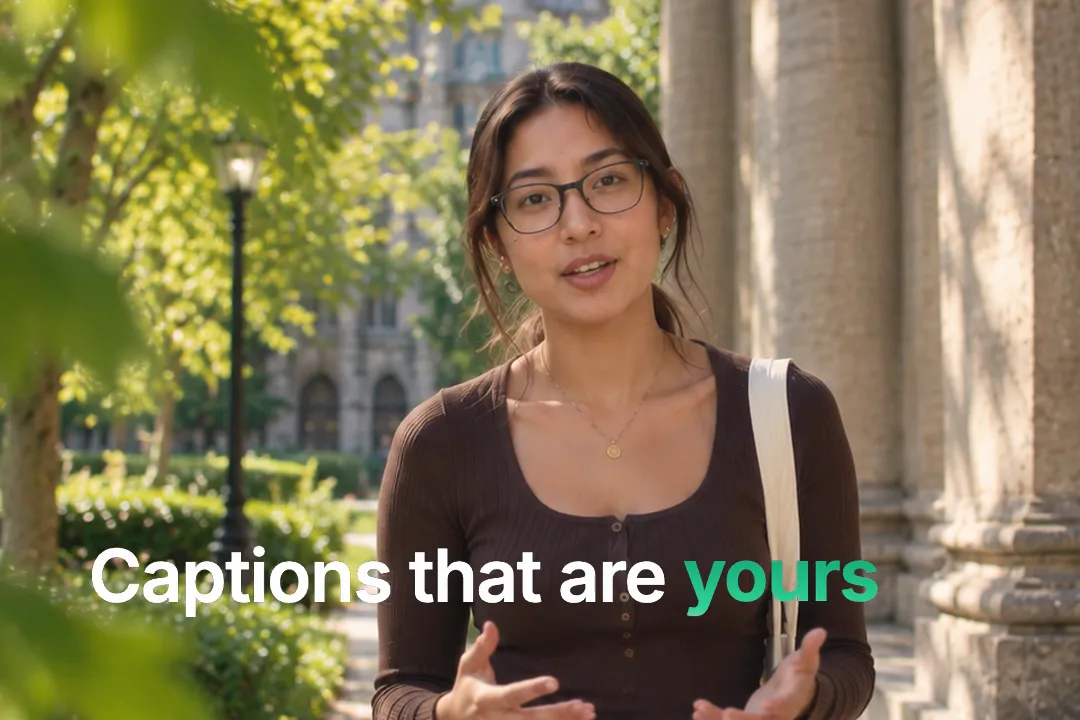
Why rotating words work in hooks
One line with a changing word says several things without making the viewer read several lines. That economy is the whole trick.
- 1
More meaning in the same space
A phrase that ends in fast, cheap and easy names three benefits in the time of one.
- 2
Motion keeps the eye
The swapping word moves while everything else stays still, so attention stays on the line.
- 3
It rewards a second look
Viewers wait to see the next word, which holds them for the length of the cycle.
- 4
It loops cleanly
After the last word the cycle starts again, so the line can sit under footage for as long as you need it.

Writing a phrase that rotates well
The fixed part and the rotating words have to fit together every time. A little care avoids awkward combinations.
- 1
Every word must complete the phrase
Read the line aloud with each word. If one sounds wrong, change it or change the fixed part.
- 2
Similar length words swap cleanly
Words of similar length keep the line from jumping in width as they change, so the swap looks smooth.
- 3
End on the strongest word
Order the list so the last word is the one you want remembered, since it lingers before the loop.
- 4
Keep the grammar consistent
Plural and singular words, or verbs and nouns, can break the sentence. Keep every rotating word the same part of speech.
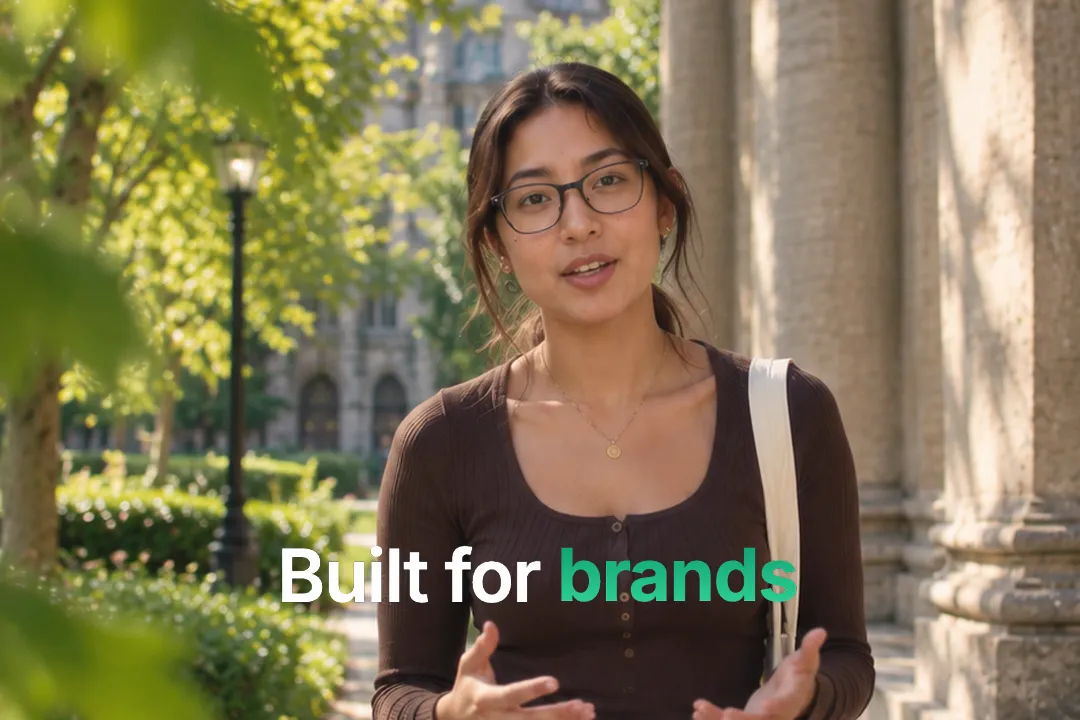
Styling the carousel
The look should match where the line sits in your video. Three settings cover most needs.
- 1
Colour and background
Set the text colour and the background so the line reads cleanly as a standalone card or on brand colours.
- 2
Gradients for energy
Add gradients for a more playful look in creator intros, or keep a single colour for corporate content.
- 3
Hold time sets the rhythm
A short hold feels punchy and suits music; a longer hold gives viewers time to read each word.
- 4
Size it for the frame
Large type suits a standalone card; smaller type works when the line sits over footage beside the speaker.
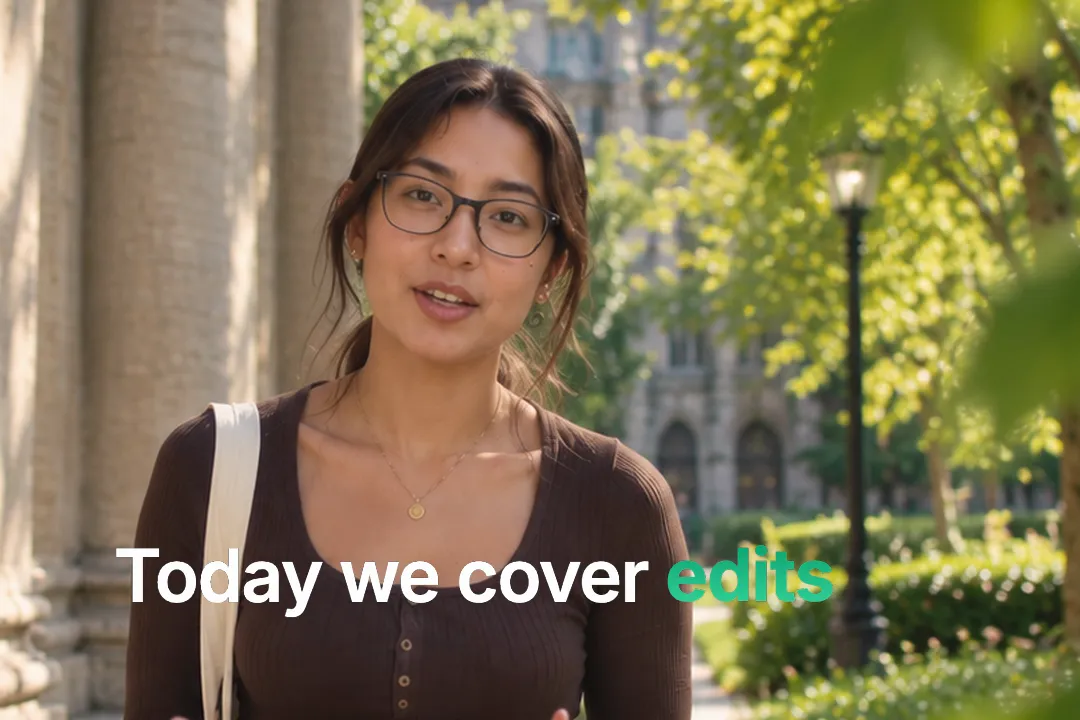
Where rotating text fits in a video
Rotating text is a statement, so it works best at a few specific moments in a video.
- 1
As the opening line
A rotating tagline before you speak tells viewers what the video is about in one glance.
- 2
As an end card
Close with your brand line rotating through what you offer, then cut to your logo or call to action.
- 3
Between sections of a video
Use it to announce a list of topics coming up, one word per section of the video.
- 4
In a product demo
Rotate through the jobs a product does, such as edit, caption and export, while the screen recording plays underneath.
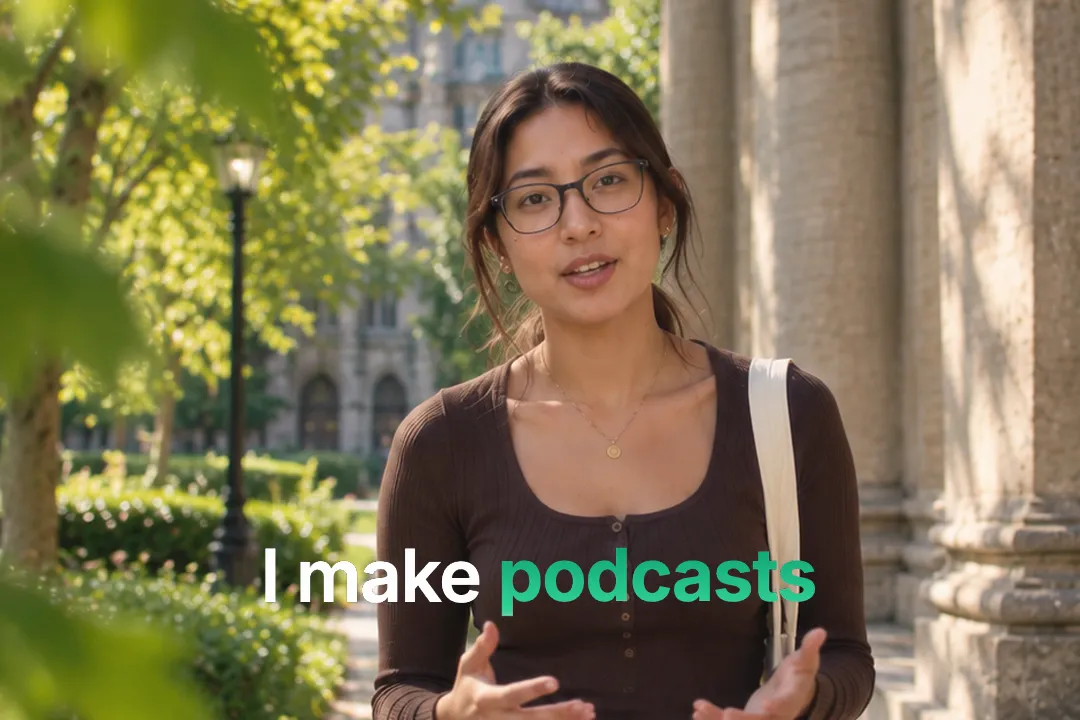
Best Platforms for Rotating Text Animation
- 1
YouTube
A rotating tagline makes a clean channel intro. It names what you do in one line without a voiceover.
- 2
LinkedIn
Professionals use rotating words for roles and skills, like I help founders write, ship and sell.
- 3
Instagram Reels
Benefit hooks land fast when the key word changes on the beat of the music.
Rotating Text Animation, answered
Is the rotating text animation free?
Yes. It runs in your browser and exports a 1080p MP4 with no sign-up and no watermark. Change the words and export as many versions as you need. No account is needed.
How many words can rotate?
You can add several, but three or four reads best. More words make the cycle long, and viewers forget the first word before the loop ends. Three is the sweet spot.
Can the fixed phrase be empty?
Yes. Leave the prefix empty and only the rotating words show, which works for a sequence of single bold words. Each word then fills the line on its own, which suits a list of bold single-word statements.
Can I control how long each word stays?
Yes. The hold setting controls how long each word stays before it swaps, so you can match the rhythm of your music or voiceover. A shorter hold feels punchy and a longer one reads calmer.
Can I use gradient text?
Yes. The element accepts gradients as well as a single text colour, so the rotating words can match a colourful brand style. Keep contrast high so the words stay readable on a phone screen.
What is the difference between rotating text and a text reveal?
A text reveal uncovers a whole line once. Rotating text keeps a line on screen and swaps one word repeatedly, which suits taglines and benefit lists. Use both in one video for variety.
More free motion elements
Caption styles, platforms and tools
From the blog
How Video Captions Increase Watch Time by 40% (2026 Data)
The data is clear: videos with captions get more views, higher watch time, and better algorithmic reach. Here is what the research shows, why it works, and how animated captions outperform static ones.
Animated Captions for Faceless Video: Styles That Hold Attention
On a faceless video the captions are not a subtitle track. They are the performance, the emphasis, and the only brand asset that appears in every single frame. Here is how to choose and apply them.
Faceless Reels and TikToks: A Format Guide That Actually Names the Caption Style
Short-form is where faceless content is won or lost, and it is also where the safe zones, the mute default, and the three-second judgement are least forgiving. Here is the format-by-format breakdown.
Create a Free Rotating Text Animation Motion Element
Free, no sign-up