Used by 8,000+ creators
Captions for UGC Videos
Your hook only lands if people can read it. Upload a UGC clip and get word-by-word captions that look designed from the first frame, ready for TikTok, Reels and Shorts.
No credit card required
By Sumit DeyUpdated
Who captions UGC videos
UGC creators building a portfolio, agencies turning out batches of creator ads, and DTC brands running paid UGC on TikTok, Instagram Reels and YouTube Shorts.
Best caption category: build
How to caption UGC videos
Step 01
Upload the raw take
Drop in the talking-to-camera clip as you shot it. Vertical 9:16 works best, and a free account captions videos up to two minutes long.
Step 02
Pick a style and let it caption
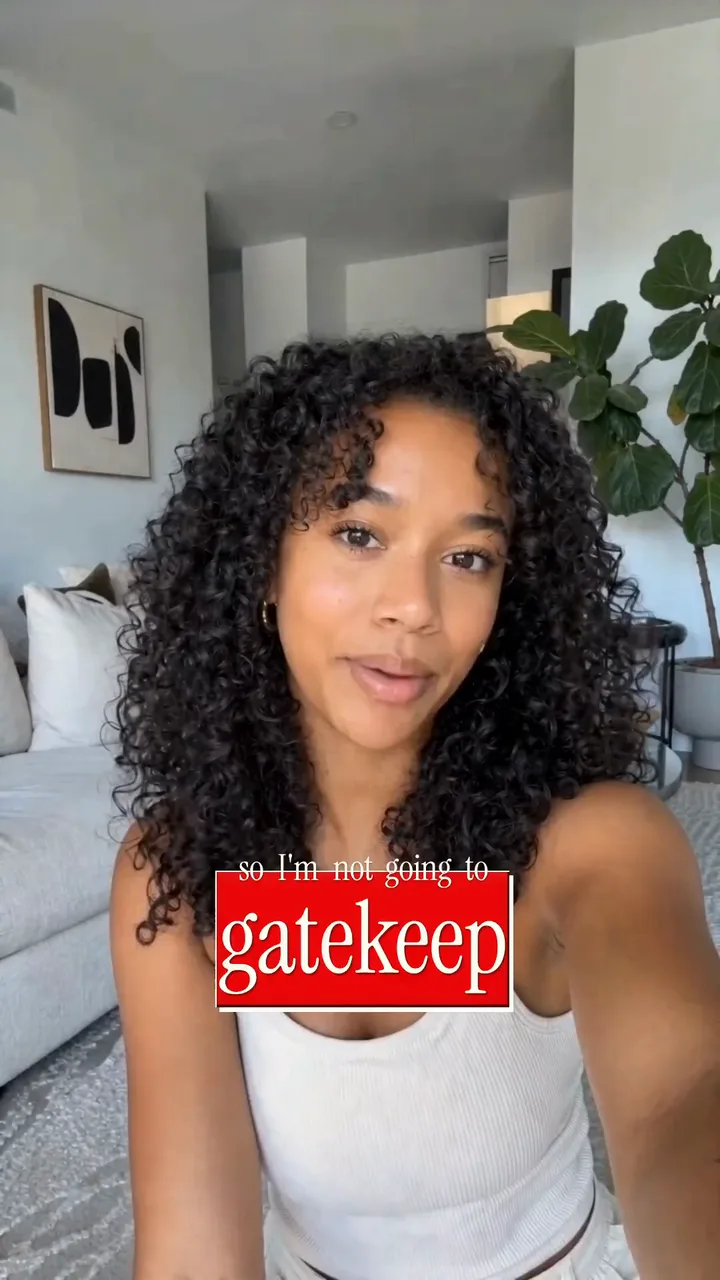
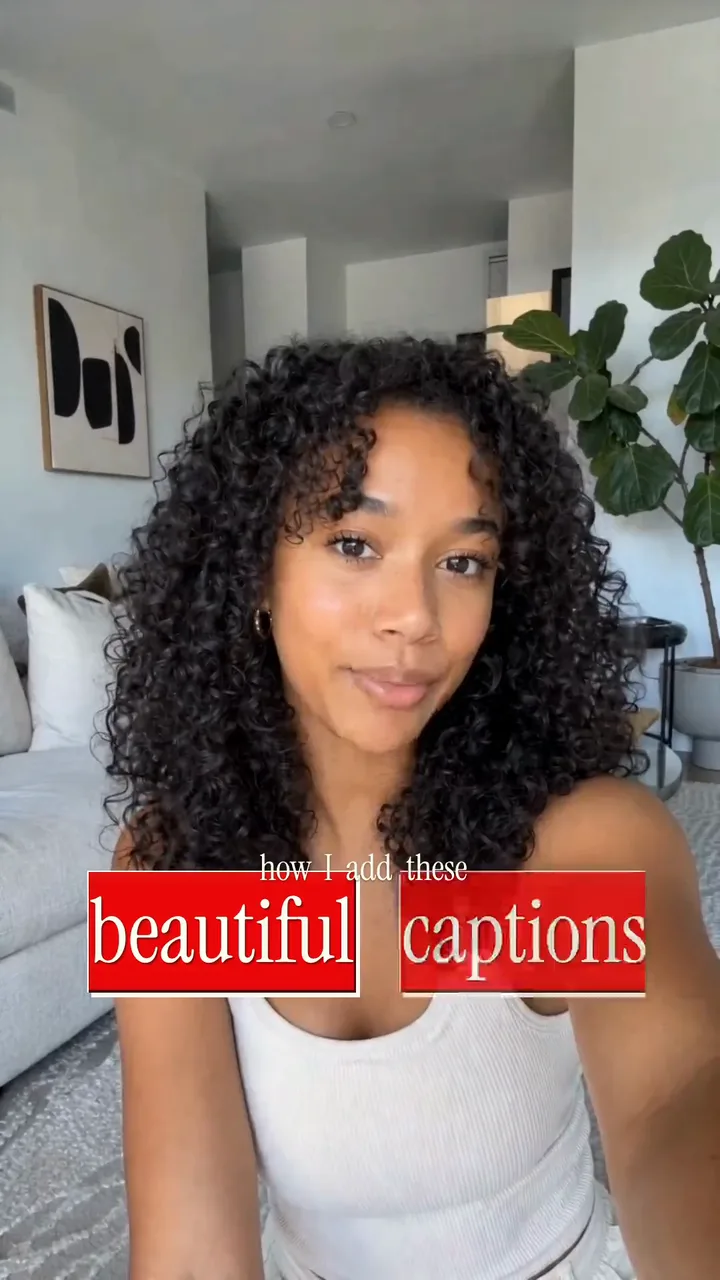
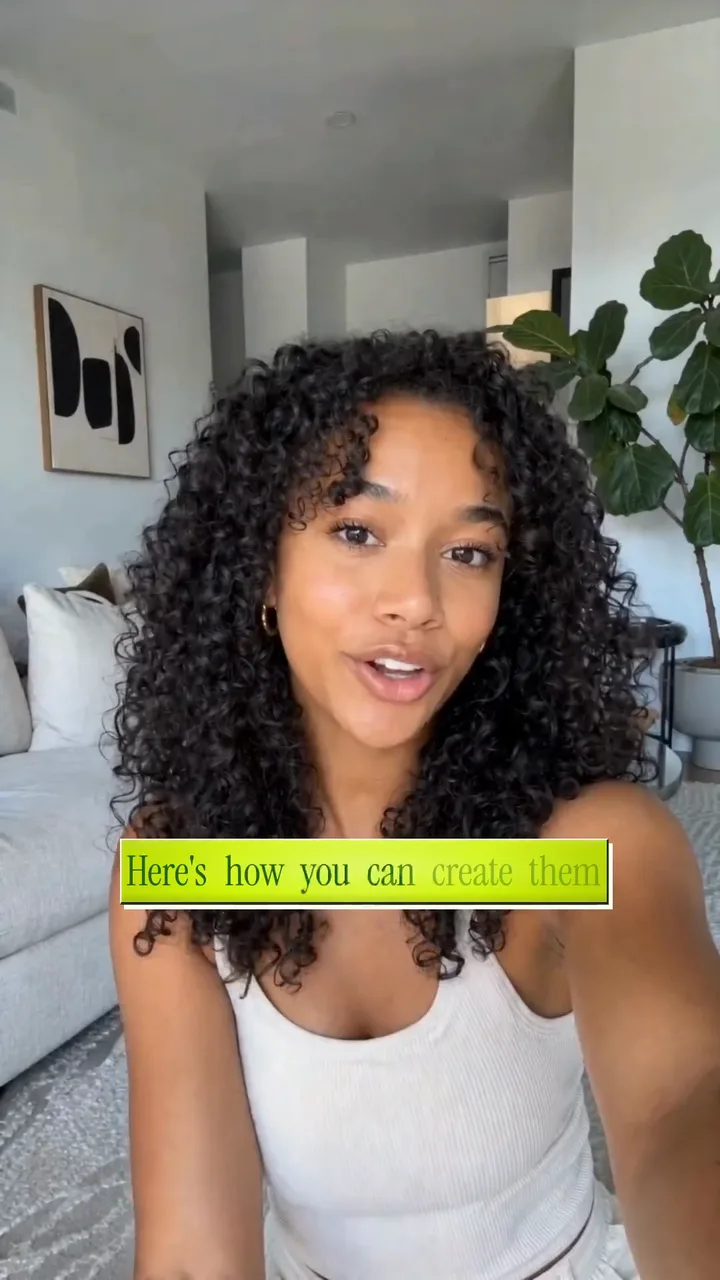
Every word gets its own timestamp. Choose a look, like the lime and red Breaking style in the clip above, and the lines that sell get the bigger treatment.
Step 03
Match the brand, then export
Swap in the brand's colors and font, fix any word the transcript got wrong, and export an MP4 you can upload or send straight to the client.
Why Captions Matter for UGC
Most people meet a UGC ad scrolling with the sound off. Without captions, the hook is a face talking to nobody.
- 1
Hold the scroll on mute
Viewers decide in a second or two whether to stay. Captions put the hook in front of them before they ever tap for sound.
- 2
Put the selling words first
In the clip above, 'asking', 'beautiful captions' and 'gatekeep' land in big red boxes. A skimming eye reads those three and gets the whole promise.
- 3
Keep the creator feel
UGC works because it looks like a person posted it. Captions in a creator's style keep that feel, while a flat subtitle bar along the bottom makes the same take read like a commercial.
The Native UGC Caption Style, Without the Template Look
A UGC caption style should look like the creator chose it. Start from a designed look, then make it the brand's own.
- 1
Start from a finished look
Every style ships with its fonts, colors and motion already matched, so the first export looks done. The Breaking style here pairs lime lines with red key words.
- 2
Bring in the brand colors
Set exact colors for text, boxes and highlights and pick the brand's font. The timing and motion stay, so the clip still moves like creator content.
- 3
One look across a batch
Agencies shipping ten hooks for one script can copy a style from clip to clip, so the whole campaign reads as one brand while the ads rotate.
From Raw Take to Captioned Ad in Minutes
Upload the take, pick a style and export. The captions arrive already timed, so most of the work is choosing the look.
- 1
Timed to every word
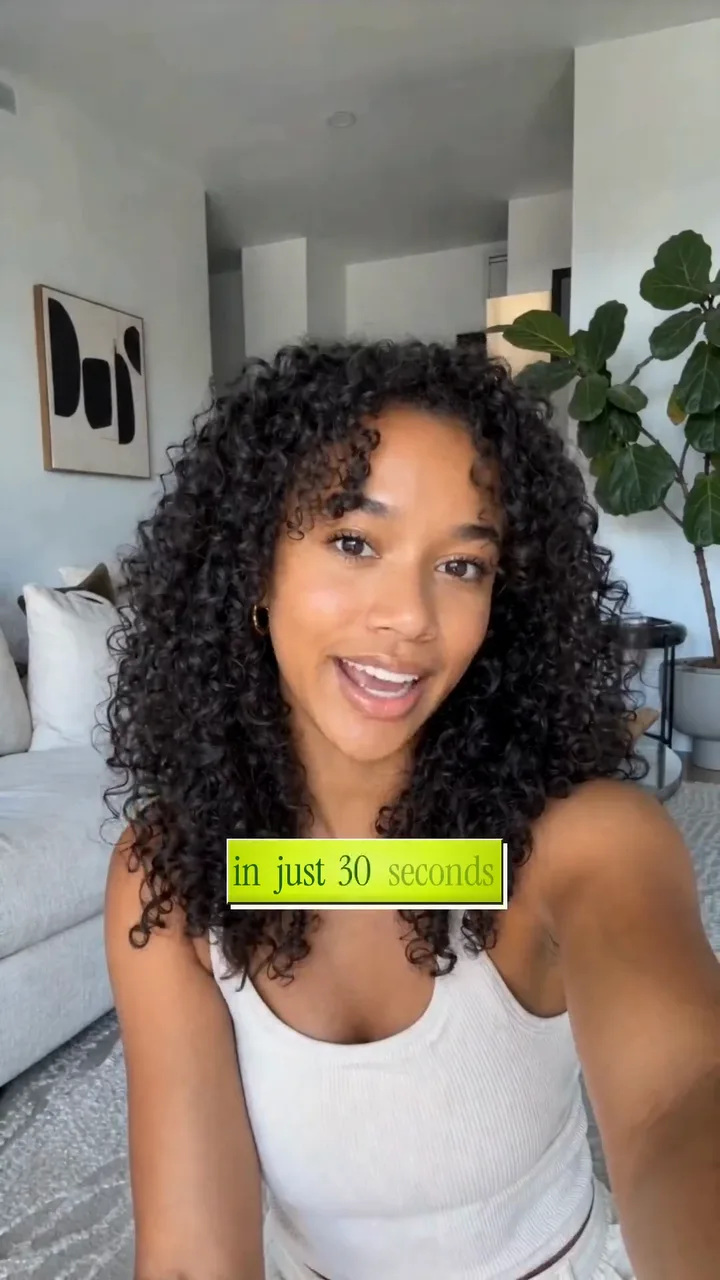
Each word gets its own timestamp, so a line writes itself in as it is spoken, like 'how I add these' above, and keeps pace with jump cuts.
- 2
Fix words without retyping
Brand names and product terms are where any transcript slips. Click the word, correct it, and its timing stays where it was.
- 3
Export for every placement
Free exports go up to 1080p and carry a small watermark. Creator exports in 2K and Studio in 4K, both clean, which is what paid placements and client handoffs need.
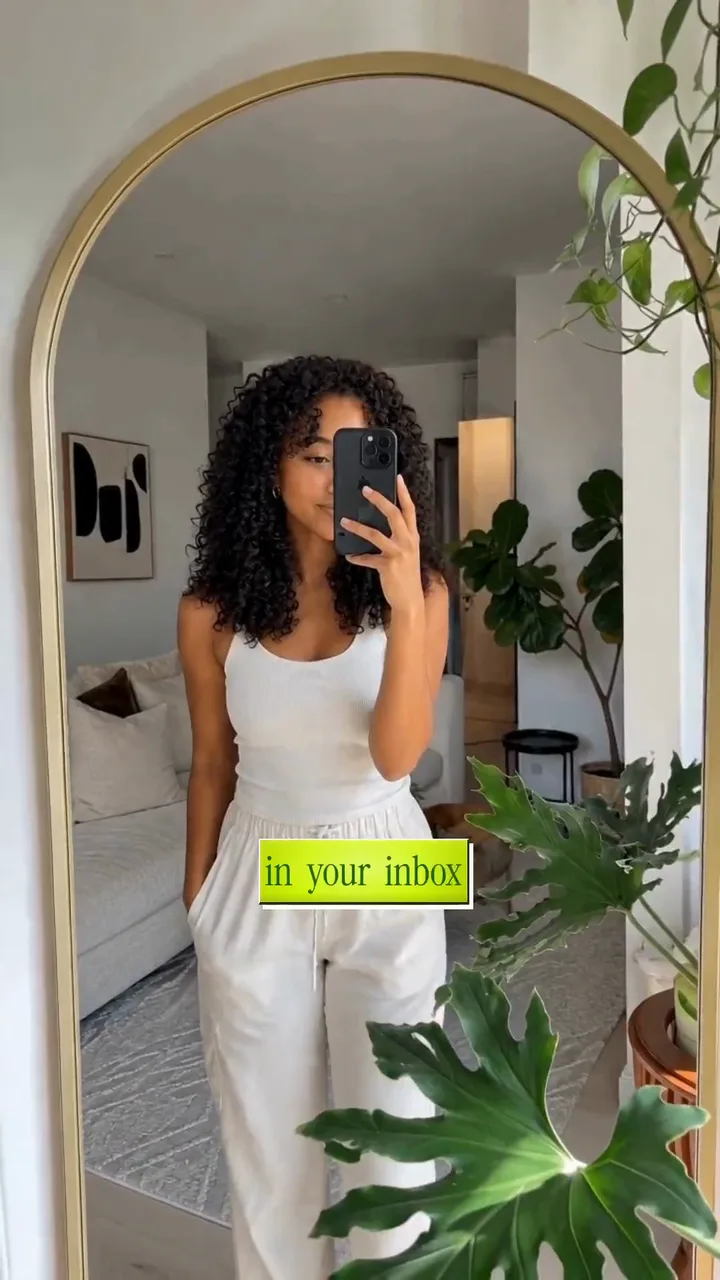
Captions That Carry the Call to Action
The last seconds of a UGC ad matter as much as the first. When the ask is spoken, put it on screen too.
- 1
Make the comment prompt readable
The clip above asks viewers to comment, then closes on 'and I'll send you the tool in your inbox'. On mute, the caption is the only way that ask gets seen.
- 2
Keep each line short
Two to five words per line read fastest on a phone. Split a long call to action across lines, the way the closing shots above do.
- 3
Give the offer the big box
A price, a discount code or the product name deserves the standout treatment. Mark that word as a spotlight and it gets the same weight the hook got.
Captions for UGC videos, answered
What caption style works best for UGC videos?
Word-by-word captions in a style that looks like a creator picked it. Bold key words in a contrasting box, like the red words in the Breaking style, pull the eye to the hook and the offer. Keep two to five words on screen at a time.
Do UGC exports have a watermark?
Free exports carry a small moving videocaptions.ai watermark. Creator and Studio exports have none, which is what you want for paid ads or work you deliver to a brand. Every new account starts with 225 welcome credits.
Can I keep captions on-brand across a batch of UGC ads?
Yes. Set the brand's colors and font on one clip, then copy that style onto the next. A campaign with several hooks or several creators keeps one look, and you only design it once.
How long can a UGC video be?
A free account captions videos up to two minutes, which covers most UGC ads and organic posts. Creator raises that to five minutes and Studio to ten, for longer reviews, tutorials and unboxings.
Is my footage uploaded anywhere?
Your footage is uploaded to private storage in your account, so you can reopen the project later. It is never public and never used for training, and only the audio track is sent to AI for transcription.
Caption styles for UGC videos
More use cases
Tools and guides
From the blog
How Video Captions Increase Watch Time by 40% (2026 Data)
The data is clear: videos with captions get more views, higher watch time, and better algorithmic reach. Here is what the research shows, why it works, and how animated captions outperform static ones.
Animated Captions for Faceless Video: Styles That Hold Attention
On a faceless video the captions are not a subtitle track. They are the performance, the emphasis, and the only brand asset that appears in every single frame. Here is how to choose and apply them.
Faceless Reels and TikToks: A Format Guide That Actually Names the Caption Style
Short-form is where faceless content is won or lost, and it is also where the safe zones, the mute default, and the three-second judgement are least forgiving. Here is the format-by-format breakdown.
Start captioning UGC videos
No credit card required