Used by 8,000+ creators
Captions for Personal Vlogs
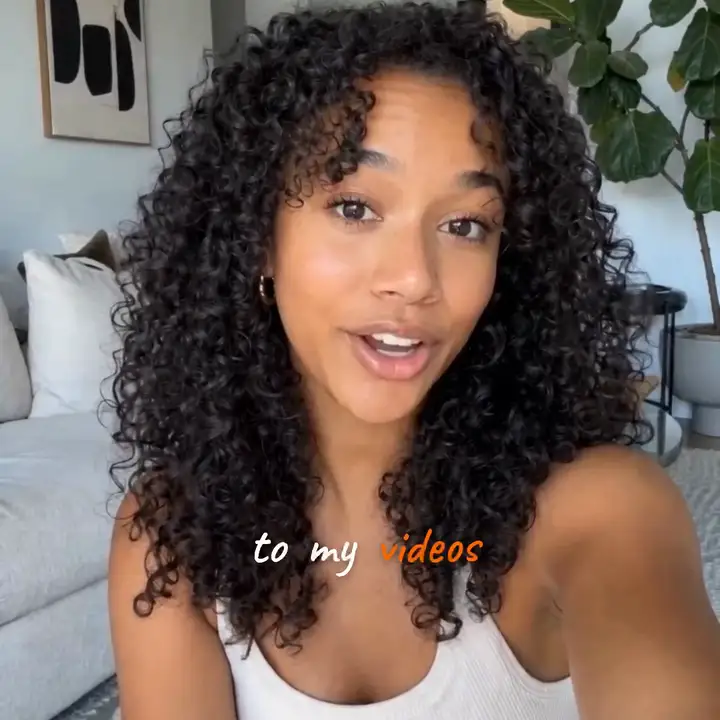
Talk to the camera, upload your personal vlog, and get captions that look like you chose them. Timed to every word and styled before you touch a setting.
No credit card required
By Sumit DeyUpdated
Who captions personal vlogs
Personal vloggers filming day-in-my-life, get-ready-with-me and talking-to-camera videos for YouTube, Instagram Reels and TikTok, and anyone turning a selfie video into something people will watch on mute.
Best caption category: build
How to caption personal vlogs
Step 01
Upload the vlog as you filmed it
A selfie take, a long ramble or a cut you already edited all work. A free account captions videos up to two minutes long.
Step 02
Choose a style that sounds like you
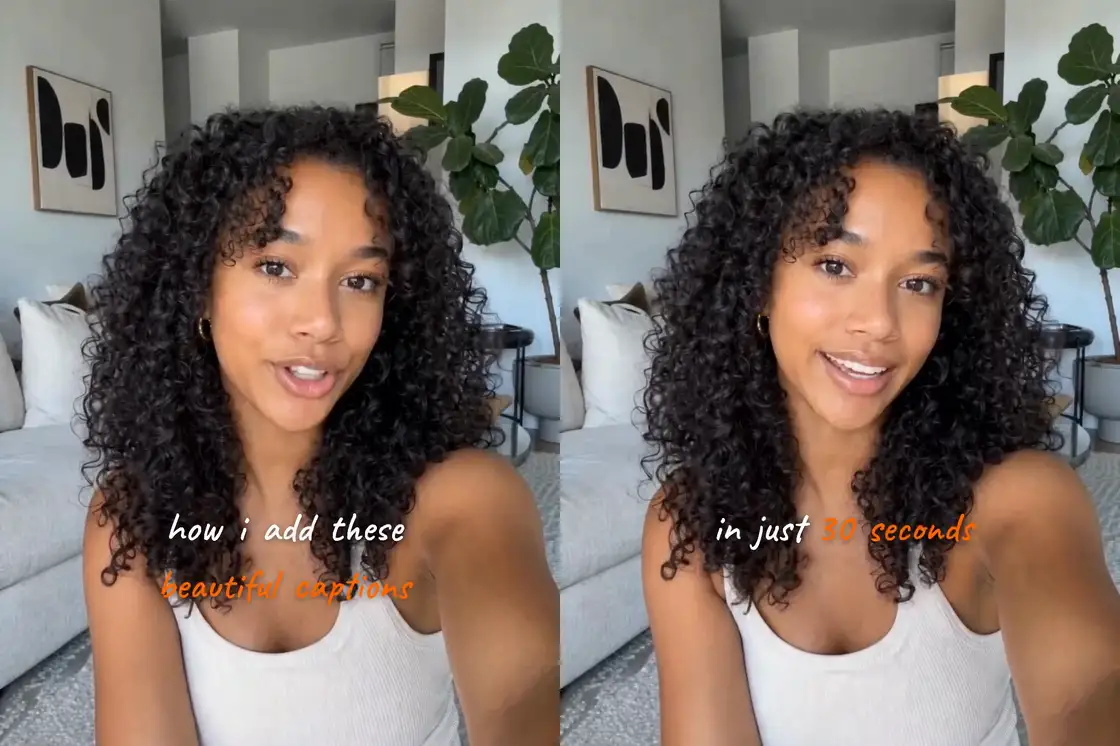
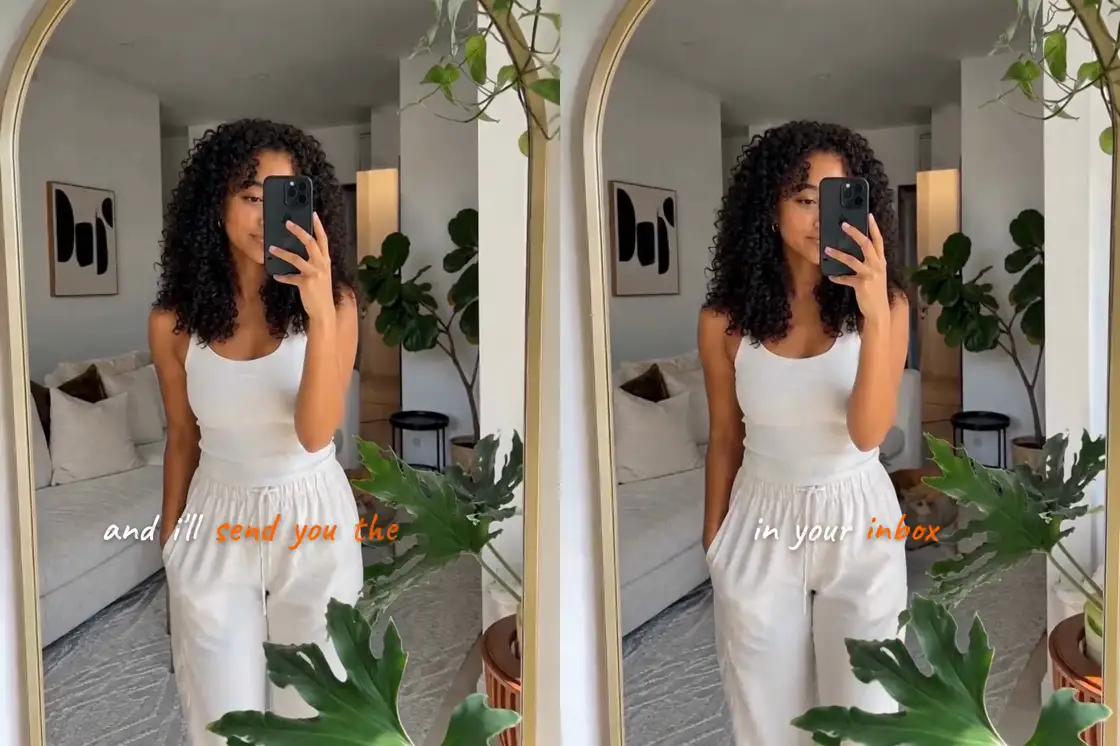
Pick a look, like the handwritten Jotted style in the clip above, and the captions arrive timed to every word you say.
Step 03
Tweak, export and post
Fix any word the transcript misheard, move the captions off your face if they cover it, and export the MP4 for your channel.
Why Personal Vlogs Need On-Screen Captions
Vlogs autoplay on mute in almost every feed. Captions let people follow your story before they decide to turn the sound on.
- 1
Keep viewers past the intro
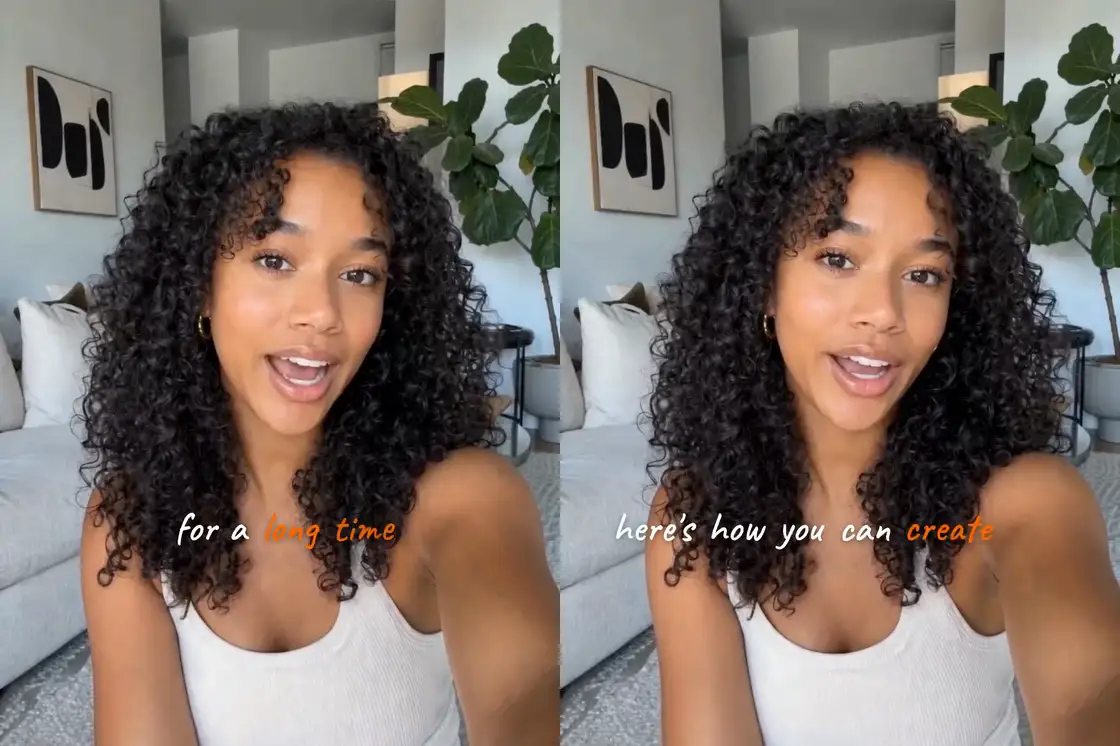
The opening lines are usually the reason to keep watching. With captions, a muted viewer still reads 'here's how you can create them in just 30 seconds' and stays.
- 2
Watchable without headphones
People watch vlogs on the bus or in bed next to someone asleep. Captions let them finish yours without reaching for earbuds.
- 3
Easier to follow fast talk
Accents, slang and quick asides are easier to catch when the words are on screen as well, which also helps viewers who speak English as a second language.
A Caption Style That Feels Like Your Vlog
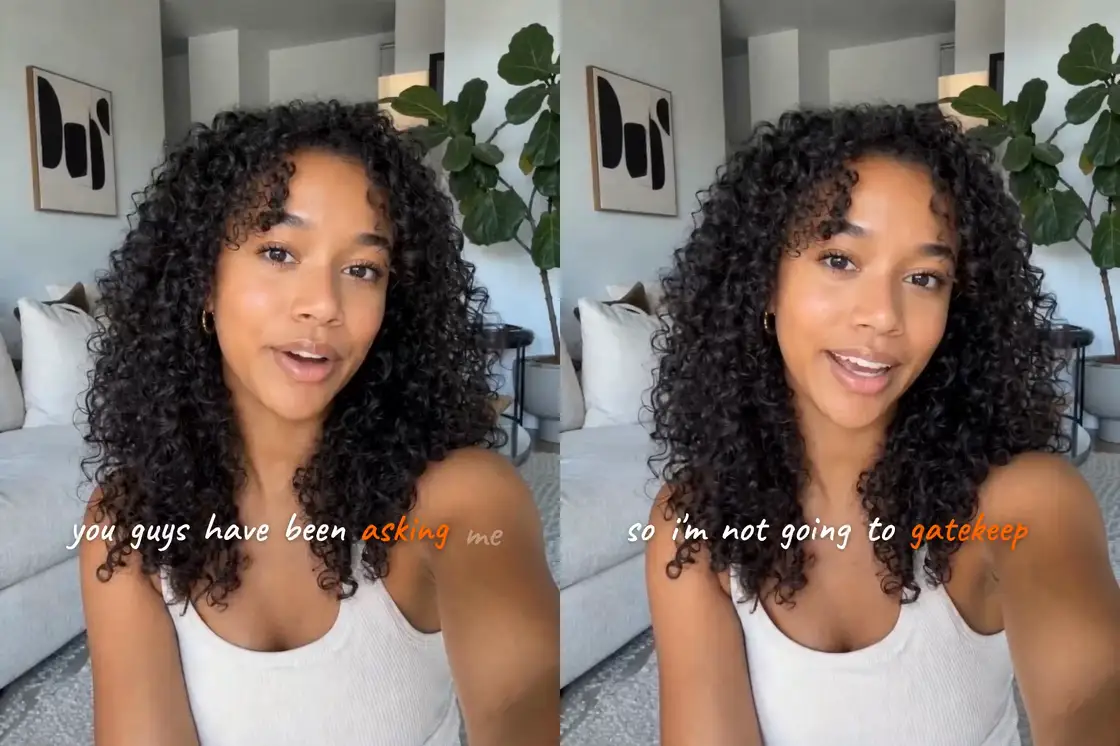
A vlog is personal, so the captions should look like part of your video, the way your handwriting looks like you.
- 1
Handwriting for talking to camera
The Jotted style in this clip writes each word in white handwriting and drops the key words in soft gold. It suits a room tour or a chatty update.
- 2
Bolder looks for fast edits
Challenges and fast-cut vlogs suit louder styles that show one word at a time and hit hard on the line that matters.
- 3
Keep captions clear of your face
Selfie framing puts your face in the middle of the shot. Drag the captions down to the lower third, or to any part of the frame that is empty.
Caption a Vlog in a Few Minutes
Open the site, upload your vlog and pick a look. The captions come back already timed, so most of your time goes into choosing a style.
- 1
Timed to every word
The transcript comes back with a timestamp on every word, so captions keep up with the jump cuts and quick asides vlogs are full of.
- 2
Edit the text, keep the timing
Names, places and slang are where any transcript slips. Click the word, fix it, and the timing stays put.
- 3
Export for every platform
Export vertical for Reels, TikTok and Shorts, or square and landscape for everything else. Free exports go up to 1080p with a small watermark.
Vlog Caption Ideas for the Post
On-screen captions cover the video. When you share it, the post needs a caption of its own. Here are starting points to rewrite in your voice.
- 1
Day in my life
'Come spend a slow Sunday with me.' 'Mostly coffee and errands today, and I filmed all of it.' Short, first person, and honest about how ordinary the day was.
- 2
Get ready with me
'GRWM for a dinner I almost cancelled.' 'Same routine, new playlist.' Name the occasion and add one small detail people can reply to.
- 3
Answering your comments
'You asked how I caption my videos, so here it is.' Lead with the question your audience sent you, then let the video answer it.
- 4
Posts from travel days
'Packed in twenty minutes and regretted it for three days.' 'Notes from my first morning in Lisbon.' A place and one feeling beat a wall of hashtags.
Captions for personal vlogs, answered
How do I add captions to a vlog?
Open videocaptions.ai in your browser and upload the video. The AI transcribes it with a timestamp on every word, you pick a style and fix anything it misheard, then export the MP4. There is nothing to install.
What is the best caption style for personal vlogs?
For talking-to-camera vlogs, a soft or handwritten style that writes words in as you speak, like Jotted, feels personal. For fast, high-energy edits, a bold one-word-at-a-time style keeps up with the cuts.
Are vlog captions the same as the caption on my post?
No. On-screen captions are the words shown in the video, timed to your speech. The post caption is the text under the video on Instagram or TikTok. The editor makes the first kind, and the ideas above help with the second.
Can I caption a vlog for free?
Yes. New accounts get 250 welcome credits, and free exports go up to 1080p with a small moving watermark. Creator and Studio plans remove the watermark and export in 2K and 4K.
Will captions cover my face in a selfie video?
Only if you leave them there. Drag the captions anywhere in the frame and resize them, so they sit below your chin or in the empty space beside you, and they stay readable on a phone.
Caption styles for personal vlogs
More use cases
Tools and guides
From the blog
How Video Captions Increase Watch Time by 40% (2026 Data)
The data is clear: videos with captions get more views, higher watch time, and better algorithmic reach. Here is what the research shows, why it works, and how animated captions outperform static ones.
Animated Captions for Faceless Video: Styles That Hold Attention
On a faceless video the captions are not a subtitle track. They are the performance, the emphasis, and the only brand asset that appears in every single frame. Here is how to choose and apply them.
Faceless Reels and TikToks: A Format Guide That Actually Names the Caption Style
Short-form is where faceless content is won or lost, and it is also where the safe zones, the mute default, and the three-second judgement are least forgiving. Here is the format-by-format breakdown.
Start captioning personal vlogs
No credit card required