Used by 8,000+ creators
Lyric Video Maker: Lyrics Synced to Every Word You Sing
Upload your song or music video and the lyrics appear line by line, timed to the singing. Pick a karaoke or word-by-word style, fix any word, and export a lyrics video for Reels, Shorts or YouTube.
No credit card required
By Sumit DeyUpdated
- Languages
- 99+
- Timing
- Per word
- Lines per caption
- 1 sung line
- Export quality
- Up to 4K
Your video, ready in three steps
Step 01
Upload the song or music video
Drop in your music video, a performance clip or a song file. Pick the language it is sung in, from 99+ languages including Hindi, Punjabi and Spanish.
Step 02
Get lyrics split by sung line
AI writes the lyrics word by word and breaks them where the singer breathes, so each caption is one full line of the song.
Step 03
Pick a style and export
Choose karaoke highlights or word-by-word pops, correct any misheard word, and export an MP4 sized for Reels, Shorts, TikTok or YouTube.
Lyrics that follow the song, not the clock
Most tools cut lyrics every few seconds, which splits a line in the middle of a breath. This lyric video maker listens for where the singer pauses and keeps each sung line together, so the words on screen read like the lyric sheet.
Every word still carries its own timing. Karaoke styles light each word as it is sung, word-by-word styles pop it in on the beat, and a repeated chorus gets its own caption each time it comes back.
Why creators pick this lyric video maker
Beautiful by default
Curated styles with fonts, colors, and motion designed to work together. The first export already looks finished.
Word-level timing
AI transcription timestamps every word, so text appears exactly when it is spoken. Karaoke and pop styles depend on it.
99+ languages
English, Spanish, Hindi, Hinglish, Arabic, and 95 more, with right-to-left scripts rendered correctly.
Built for vertical
9:16 native for Shorts, Reels, and TikTok, with text kept inside each platform's safe area.
Private by design
Only the audio goes to speech recognition. Your video sits in private storage in your account, never public.
Clean exports
MP4 in 1080p on the free plan, up to 4K on Studio. No watermark on paid plans.
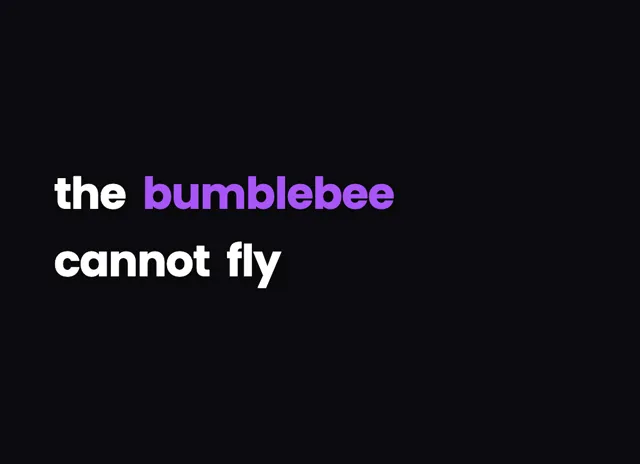
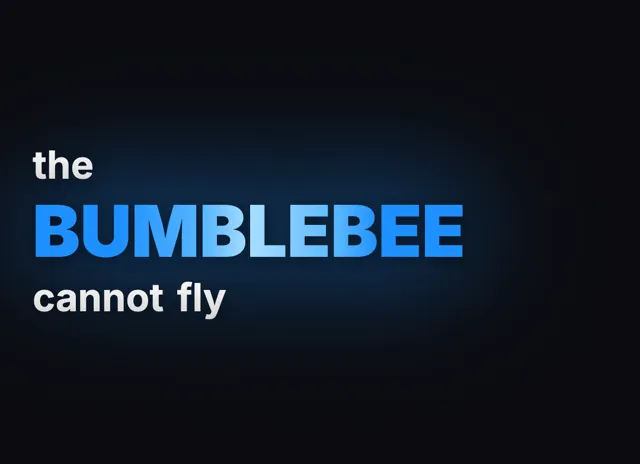
Lyric Video Maker styles that look designed

Lyrics timed to the singing
Song lyrics are harder than speech: music sits under the voice, words stretch and lines repeat. The lyric video maker is built for that.
- 1
One sung line per caption
Captions break at the singer's breaths and rhymes instead of every few seconds, up to about twelve words, so a line is never cut in half mid-phrase.
- 2
Every word on the beat
Each word gets its own start and end time, which is what lets a karaoke highlight move across the line exactly as the word is sung.
- 3
Choruses handled properly
A refrain that comes back gets its own caption every time, so the chorus never merges into the verse before or after it.
- 4
Fix a word in one click
Singing is messier than talking, so some words will be misheard. Click a word to correct it; its timing stays locked to the song.
Lyric videos in two languages
A song in Punjabi, Hindi or Spanish can show what each line means right under it, for listeners who do not speak the language.
- 1
Original lyrics on top
Pick the language the song is sung in and the lyrics stay in their own script, Gurmukhi for Punjabi and Devanagari for Hindi, exactly as sung.
- 2
Translated line underneath
Turn on Bilingual captions and every lyric line gets its meaning in English, Hindi, Spanish or five other languages, timed with the line above it.
- 3
Styled to match
Set the translated line's color, size and spacing so it sits quietly under the lyric. Bilingual captions come with the Creator and Studio plans.
Styles for every genre
Lyric videos look best when the type fits the music. Every style here starts designed, so you can export straight away or tweak it.
- 1
Karaoke for sing-alongs
The whole line shows at once and each word lights up as it is sung, the classic look for covers, sing-along clips and lyric uploads.
- 2
Word-by-word for rap and fast songs
Words pop in one at a time on the beat, which keeps fast verses readable on a phone and suits hip-hop, drill and EDM edits.
- 3
A few words at a time
Show two to four words on screen and let each line play through in chunks, the format most short music edits on Reels and TikTok use.
- 4
Any ratio, any platform
Export vertical for Reels, Shorts and TikTok, square for feed posts or widescreen for a full YouTube lyric upload, with captions kept inside the safe area.
Lyric Video Maker, answered
Is this lyric video maker free?
You can make lyric videos on the free plan with your welcome credits, using every caption style and the full editor. Paid plans add longer videos, higher resolution exports, song files without video, and Bilingual captions.
Can AI get song lyrics right?
Clearly sung vocals come out well, but music and stylised singing cause more misheard words than speech does. Plan to read the lyrics once and fix a few words; each fix keeps its timing to the song.
Can I make a lyric video from just a song file?
Yes, on the Creator and Studio plans you can upload an MP3 or WAV and the lyrics play over a plain background. On the free plan, upload the music video or a performance clip instead.
How are the lyric lines split?
The lyrics are broken where the singer pauses for breath, at rhymes, and where a chorus starts again, keeping each sung line together up to about twelve words. You can still split or join any caption yourself.
Can I show the English meaning under Hindi or Punjabi lyrics?
Yes. Turn on Bilingual captions and every lyric line gets a translated line under it, in English or seven other languages. It moves and fades with the lyric and is available on Creator and Studio.
Which aspect ratio should a lyric video use?
Use 9:16 for Reels, Shorts and TikTok, 1:1 for feed posts and 16:9 for a full lyric video on YouTube. You can switch ratio at any time and the captions reposition to fit.
Same tool, other vocabulary
Platforms, styles and languages
Try the lyric video maker on your next video
No credit card required