Used by 8,000+ creators
YouTube Caption Generator for Shorts and Videos
Upload your video or Short and AI generates word-timed captions in styles that look designed by default. Export a clean MP4 with the captions burned in, ready to upload.
No credit card required
By Sumit DeyUpdated
- Formats
- 9:16 and 16:9
- Timing
- Word-level
- Export
- Up to 4K
- Languages
- 99+
Your video, ready in three steps
Step 01
Upload your video or Short
Vertical Shorts and landscape videos both work. Speech recognition works from the audio alone, and the file stays private to your account.
Step 02
AI generates the captions
Speech recognition transcribes every word with exact timestamps in 99+ languages, then applies a caption style suited to your format.
Step 03
Export and upload to YouTube
Export a clean MP4 with the captions burned in, up to 4K. Upload to YouTube as normal; the captions display on every device.
Burned-in captions vs YouTube's CC button
YouTube already auto-generates closed captions, so the real question is when to burn captions into the video instead. For Shorts, the answer is almost always: the Shorts feed is watched like TikTok, fast and frequently muted, and YouTube's plain CC text competes poorly with styled, animated captions for attention in the first two seconds.
For long-form videos, burned-in captions shine on key moments and clips: intros, quotes, and highlights that get reused on other platforms. Many creators caption their Shorts and clips fully while leaving long-form to YouTube's CC, and this tool fits that workflow exactly.
Styling is the other differentiator. YouTube CC is functional but anonymous; a consistent caption style across your Shorts becomes part of your channel's identity, and word-level timing keeps the energy up in a way block subtitles cannot.
Why creators pick this youtube caption generator
Beautiful by default
Curated styles with fonts, colors, and motion designed to work together. The first export already looks finished.
Word-level timing
AI transcription timestamps every word, so text appears exactly when it is spoken. Karaoke and pop styles depend on it.
99+ languages
English, Spanish, Hindi, Hinglish, Arabic, and 95 more, with right-to-left scripts rendered correctly.
Built for vertical
9:16 native for Shorts, Reels, and TikTok, with text kept inside each platform's safe area.
Private by design
Only the audio goes to speech recognition. Your video sits in private storage in your account, never public.
Clean exports
MP4 in 1080p on the free plan, up to 4K on Studio. No watermark on paid plans.
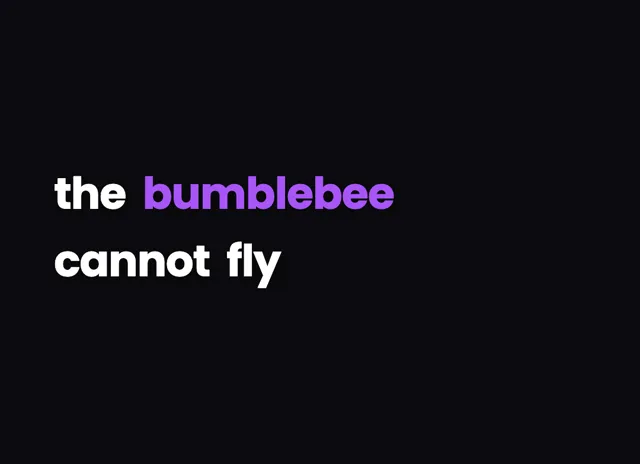
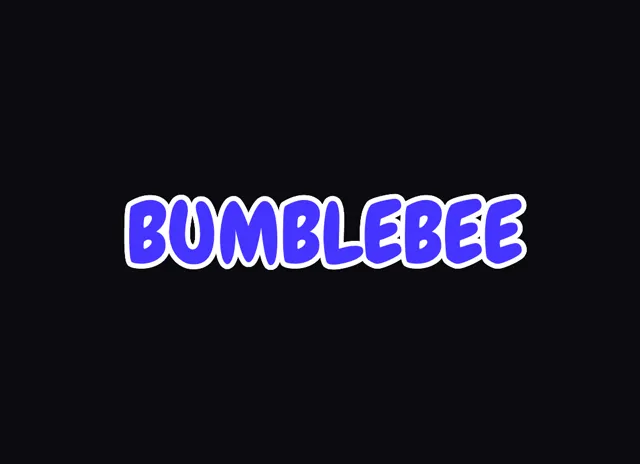
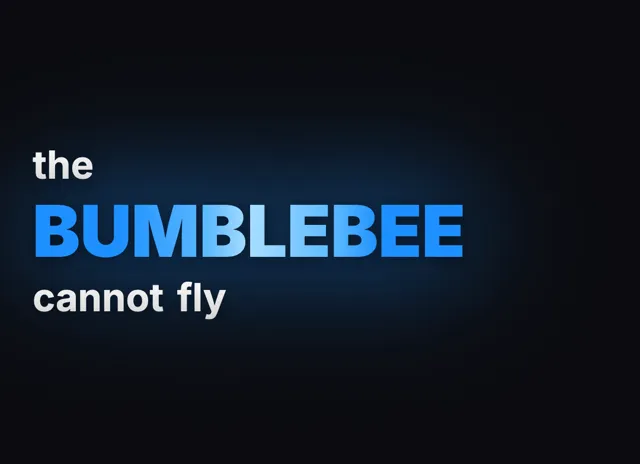
YouTube Caption styles that look designed
Captions for YouTube Shorts
Shorts are where burned-in captions earn their keep. The feed autoplays with sound off more often than not, viewers decide in a second or two whether to stay, and styled captions are the strongest silent hook available. The styles here are built for the 9:16 frame: large type, a few words at a time, karaoke or pop-in motion on the active word, and placement that stays clear of the Shorts UI, including the subscribe overlay and the right-hand engagement rail. Because word timings come from the AI transcription, the captions track the speaker exactly, which reads as polish even when viewers cannot articulate why. Export at 1080x1920 and upload; the captions are part of the video, so they display identically in the feed, in search results, and on TV screens.
Long-form videos and clips
For full-length videos, YouTube's own closed captions remain useful for accessibility and search indexing, and there is no need to replace them wholesale. The smart move is selective burning: caption your cold open where retention is decided, caption quotes and punchlines you want to emphasize, and caption any clip you cut for Shorts, TikTok, or Reels so the text travels with the file. This tool handles 16:9 exports up to 4K for those segments, and the same project can produce differently formatted exports as you repurpose content. Creators running multi-platform pipelines get one consistent caption look everywhere from a single edit.
Accuracy, languages, and fixing the AI
Cloud speech recognition handles clear speech, accents, and 99+ languages with high accuracy, and every word carries its own timestamp, which is what keeps the captions locked to the speaker through cuts and pauses. When the AI does miss, it is usually on channel names, niche terminology, or heavily produced audio with loud music beds, and the editor makes those one-click fixes: click the word, retype it, and the timing stays locked to the audio. Filler-word cleanup is available too, so the burned-in text reads tighter than the raw speech. For non-English channels, captions render with fonts that actually support the script, including Devanagari and Arabic, and Hinglish creators get automatic Roman-script transliteration, the format Indian YouTube audiences expect on Shorts.
YouTube Caption Generator, answered
Is the YouTube caption generator free?
Yes. A free account includes welcome credits covering real transcription time, every caption style, and clean MP4 export with no watermark on any plan. Paid plans exist for longer videos and higher monthly volumes, not to unlock the basics of the tool.
Should I burn in captions or use YouTube's CC?
For Shorts and clips, burned-in styled captions perform better because the feed is watched on mute and the styling grabs attention. For long-form, keep YouTube CC for accessibility and burn in captions selectively on intros, quotes, and highlights.
Does it work for both Shorts and regular videos?
Yes. Vertical 9:16 Shorts and landscape 16:9 videos are both supported, with caption styles and safe-area placement tuned for each format. Exports go up to 4K, so captions stay sharp on large screens as well as phones.
Will burned-in captions hurt my video quality?
No. Captions are composited at render time on top of your original footage, and the video exports at your chosen resolution up to 4K. There is no double-compression trick involved, so the underlying footage is not degraded beyond normal encoding.
Can I still add an SRT to YouTube as well?
Yes, and it is good practice: burned-in captions handle the visual experience while an uploaded caption file keeps YouTube search indexing and the CC toggle working for viewers who want it.
Same tool, other vocabulary
Platforms, styles and languages
Try the youtube caption generator on your next video
No credit card required